Switching & migrating
Move over in an afternoon, not a quarter
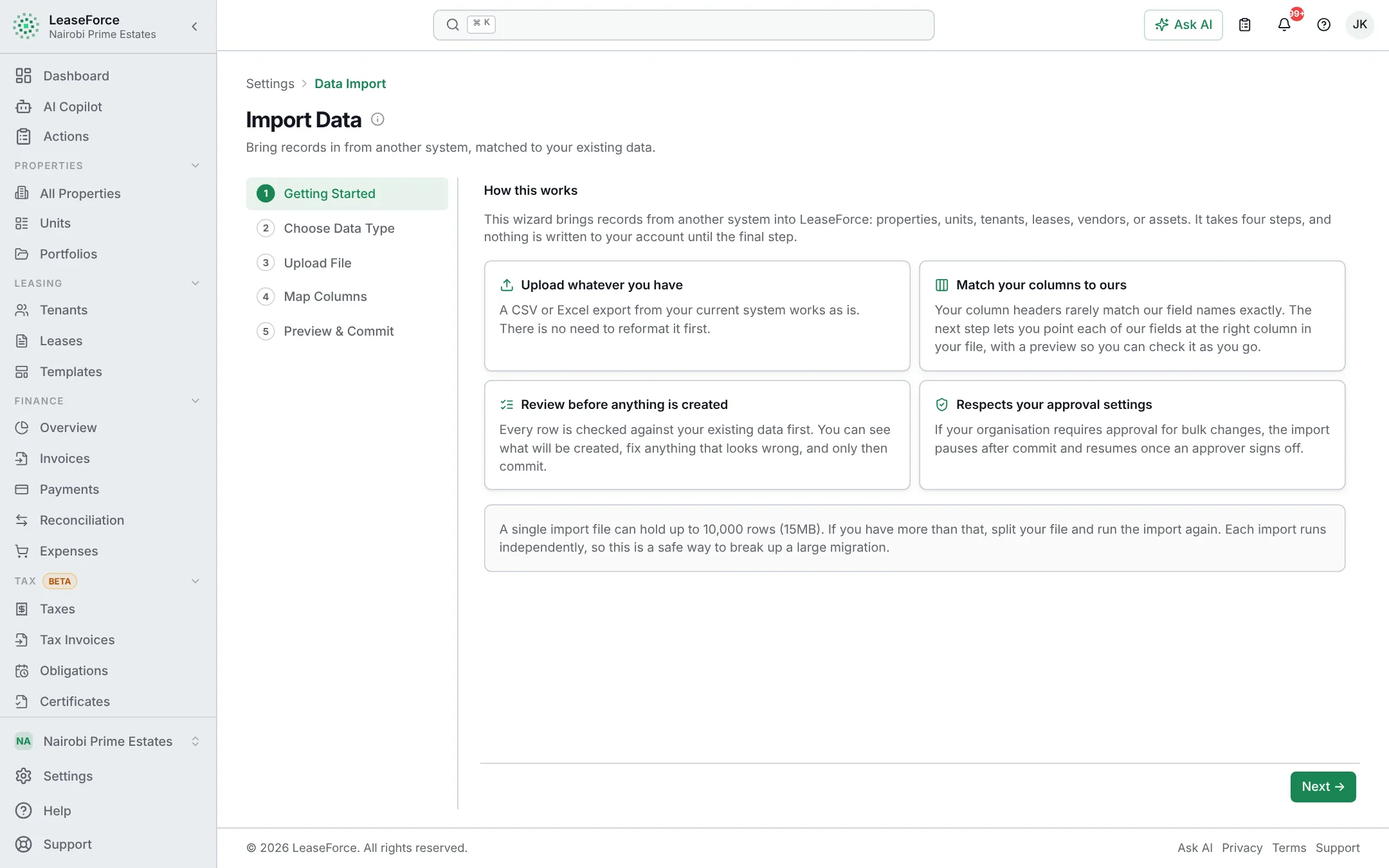
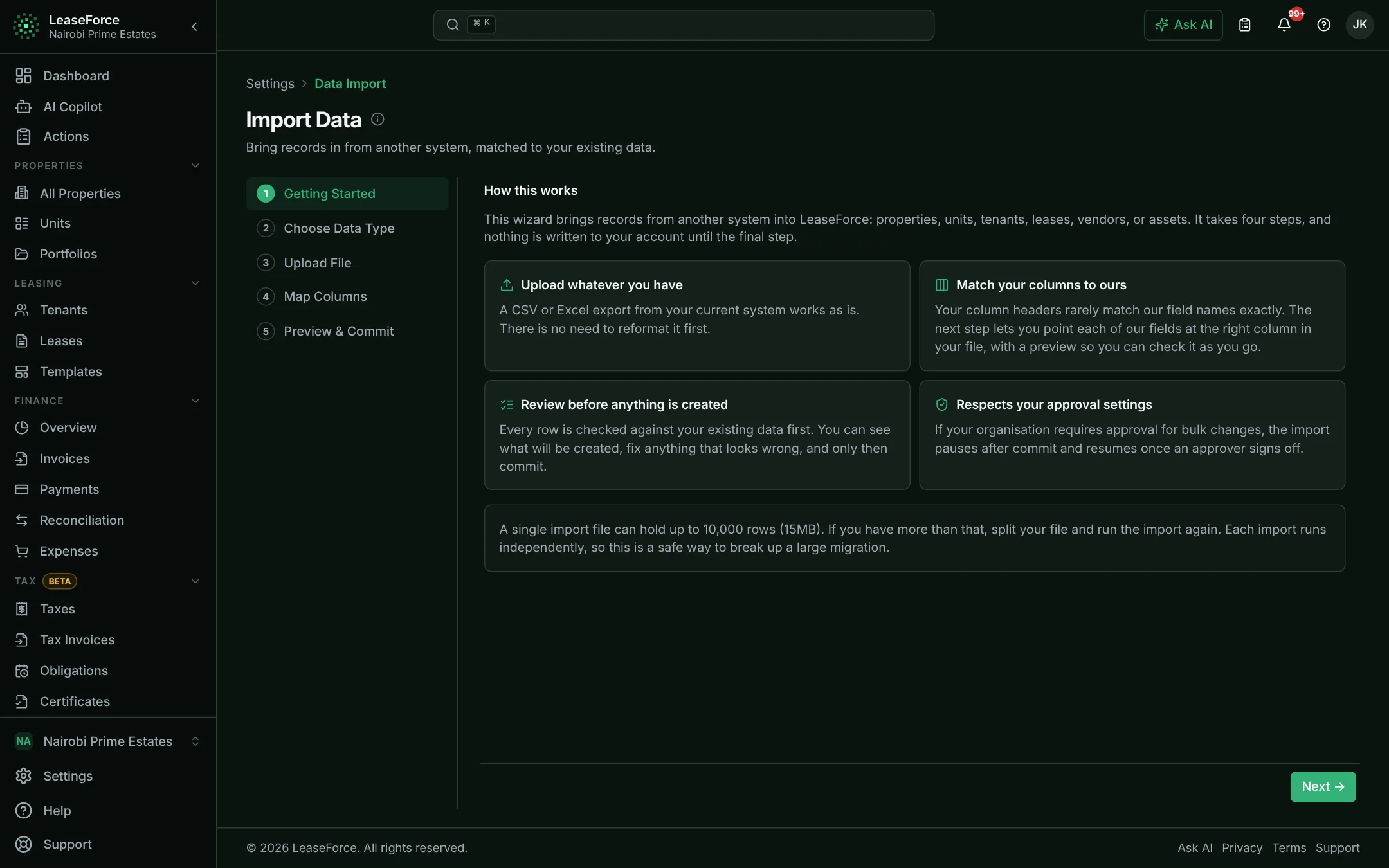
Bring your spreadsheet or an export from your current system. Every row is checked before anything is saved, and we help if you get stuck.
Four steps
From sign-up to matched payments
- 01
Create your account
Two minutes. Name and currency.
- 02
Bring your data
Upload a spreadsheet or old-system export. Every row is checked first.
- 03
Connect your payments
Link M-Pesa and your bank. Payments start matching straight away.
- 04
Invite your team and tenants
Each person gets the right role. Tenants get their portal.
Where from
Wherever your records live today
Excel or Google Sheets
Download as Excel or CSV and import it directly.
Another property system
Export your properties, tenants and leases to CSV or Excel and bring them across.
Paper and notebooks
Start with a simple template and fill it in, or add properties one by one in the app.
What comes with you
- Properties
- Units
- Tenants
- Leases
- Vendors
- Assets
Help when you need it
Step-by-step help docs for everyone, and hands-on help on larger plans.
- Help docs for every step, on every plan
- A guided onboarding call on Agency and above
- Help importing your data on Portfolio and Enterprise
Questions
About switching
Can I import from Excel or my current system?
Yes. Import properties, units, tenants, leases, vendors and assets from Excel or CSV. Every row is checked before it is saved.
Will you help me move?
The help docs take you through every step. Agency plans include a guided onboarding call, and Portfolio and Enterprise include help importing your data.
See your rent reconcile itself.
Set up in an afternoon, on any device. Free for up to 5 units.