28 features, one platform
Rent billed, payments matched and books kept, automatically
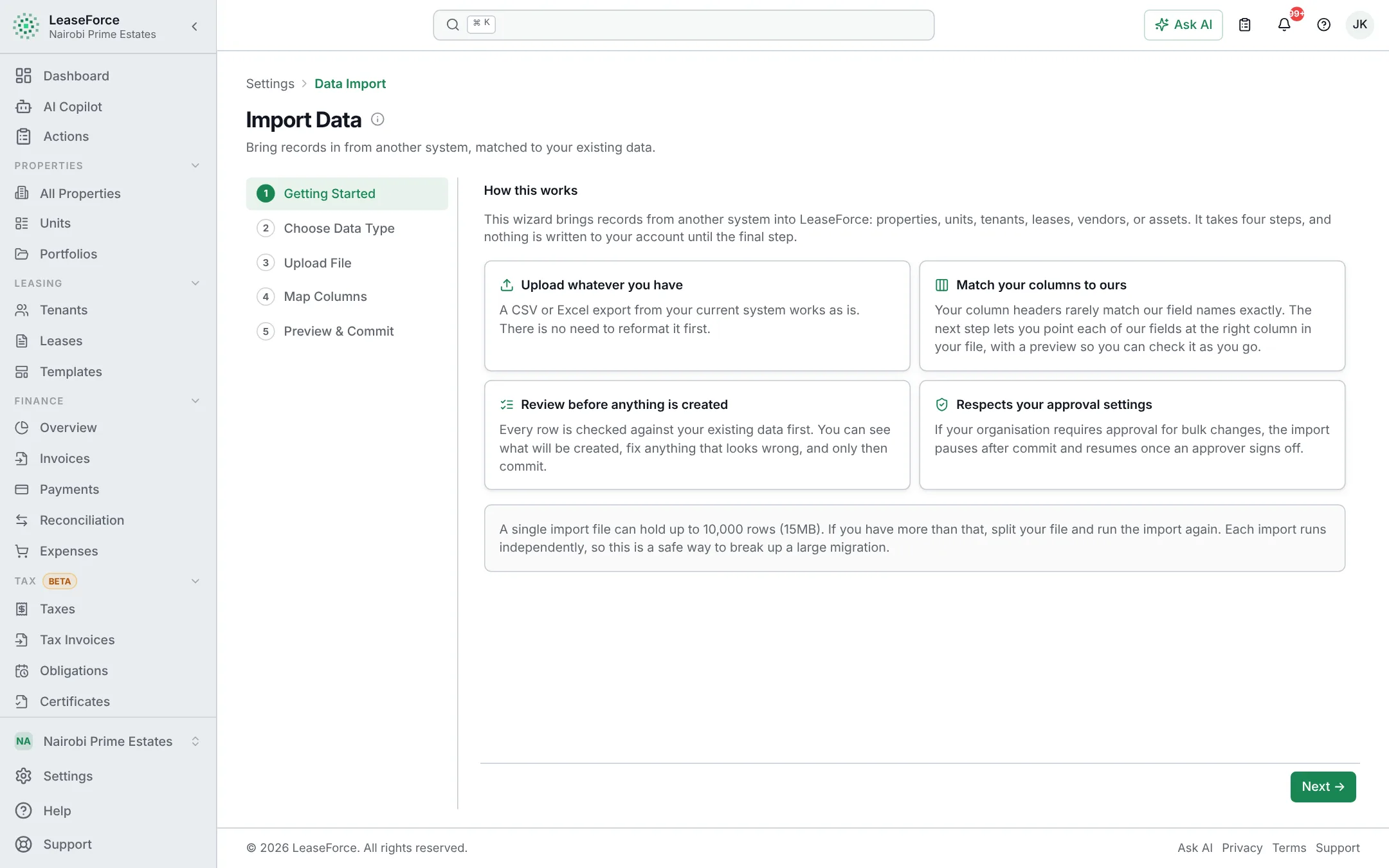
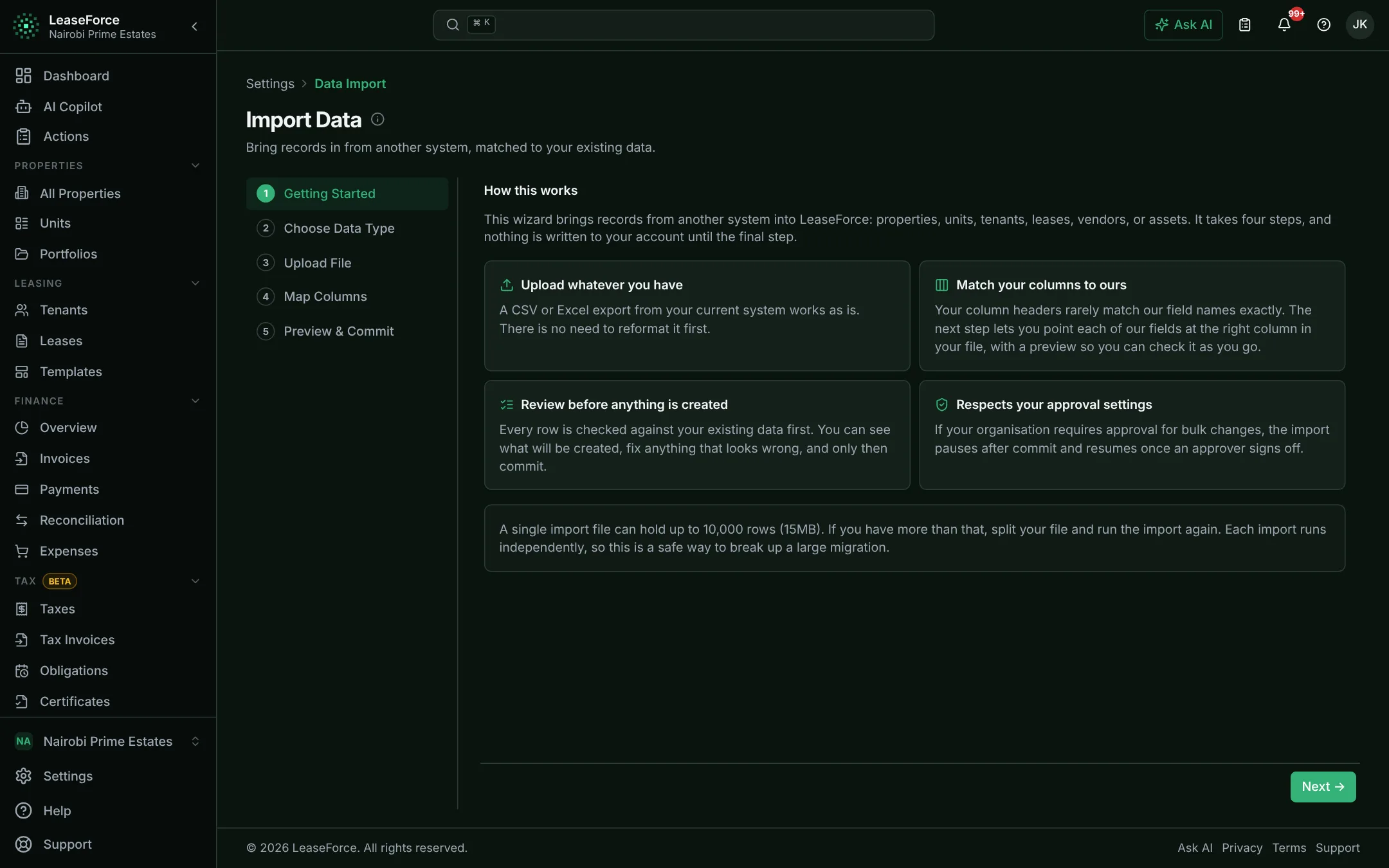
Everything it does, with real screens from the app. Pick a group, then click through.
01 / 11
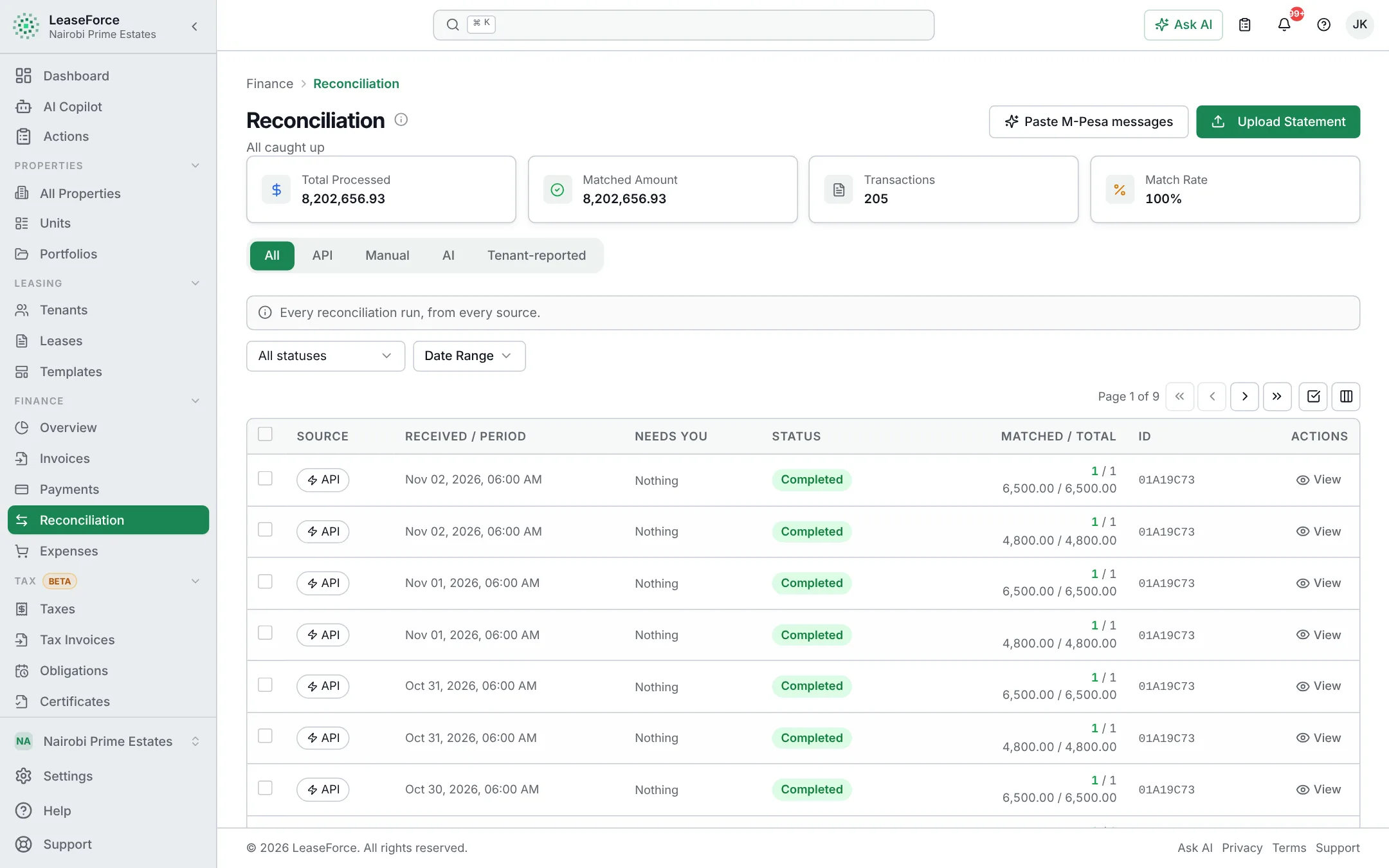
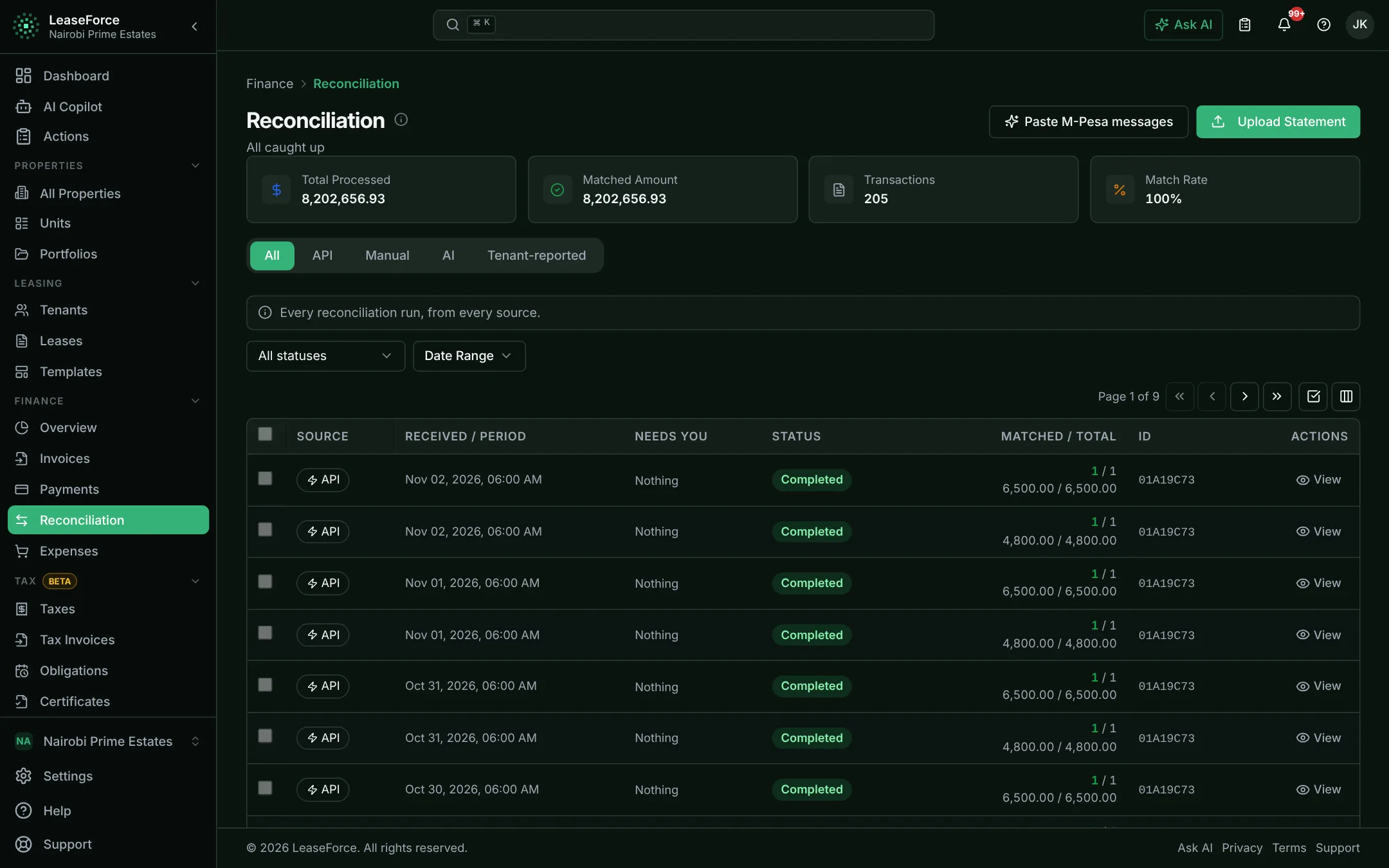
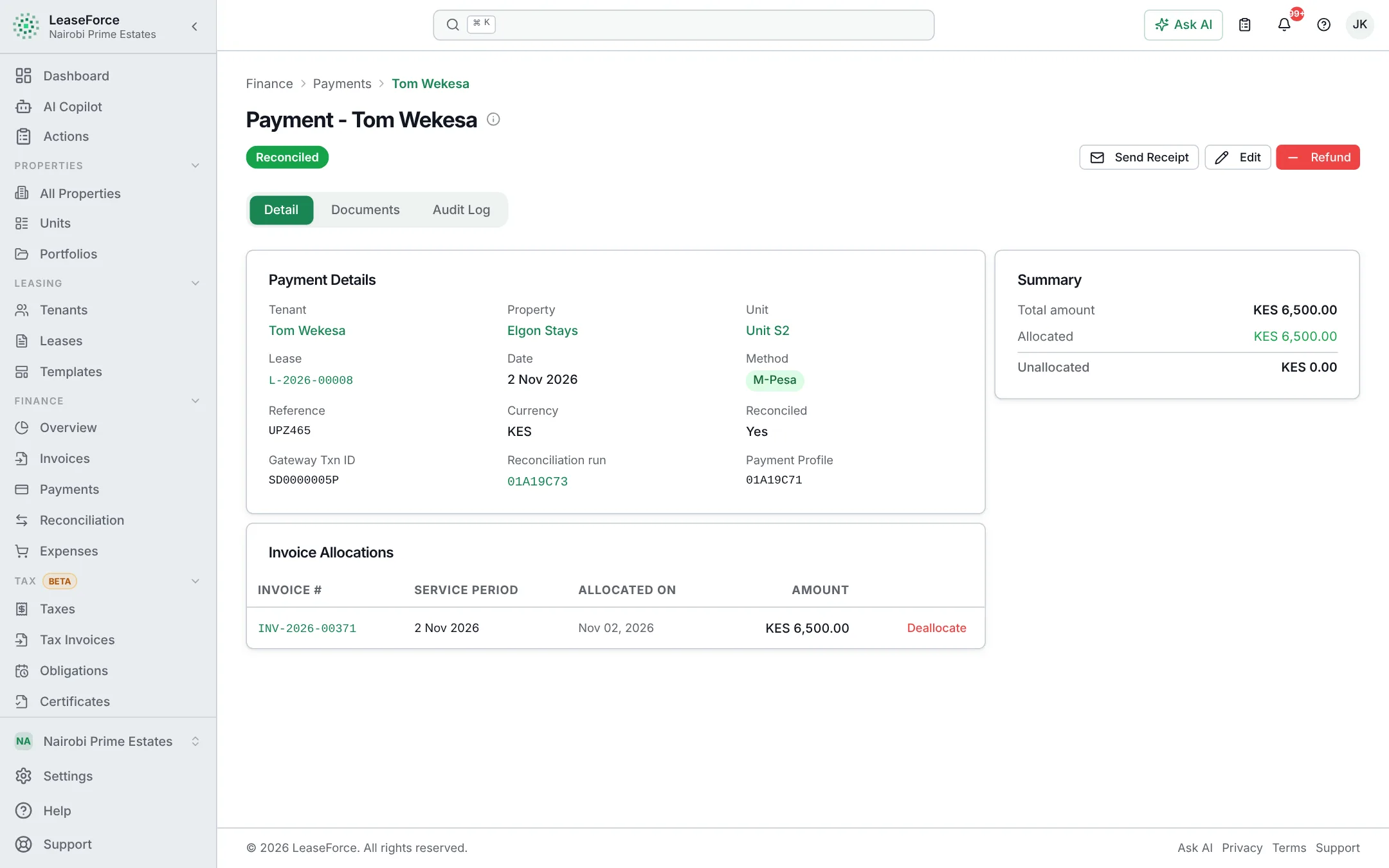
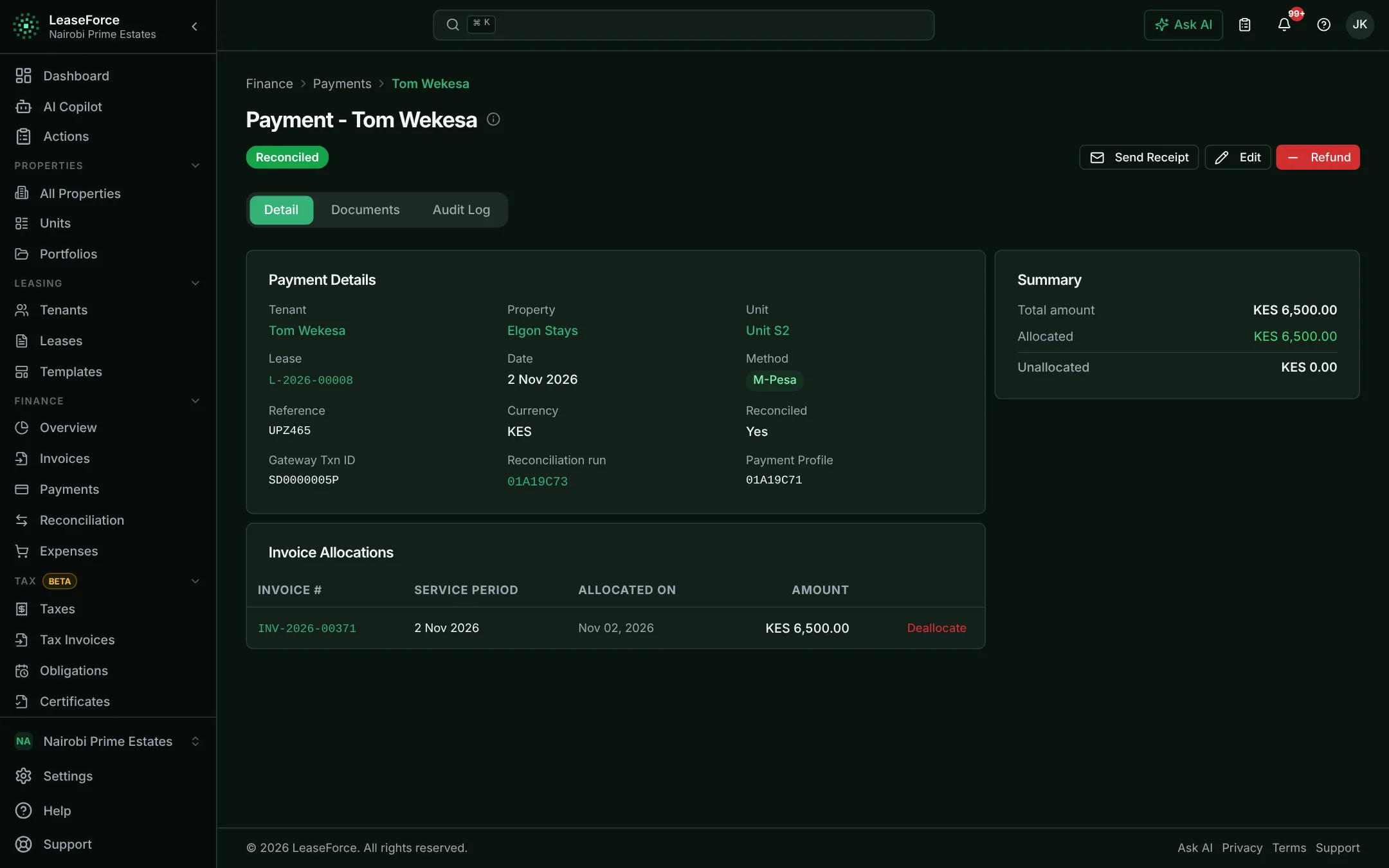
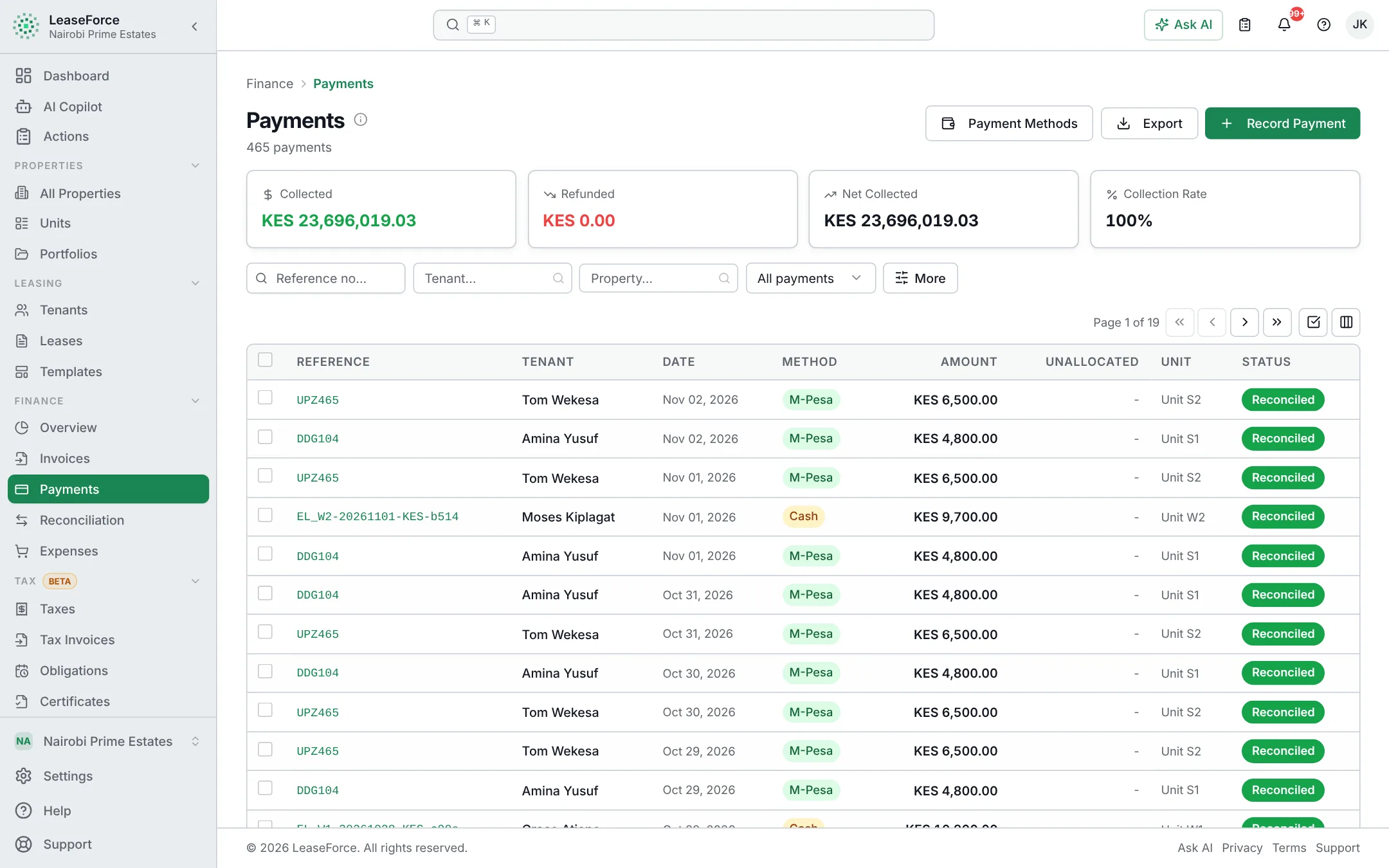
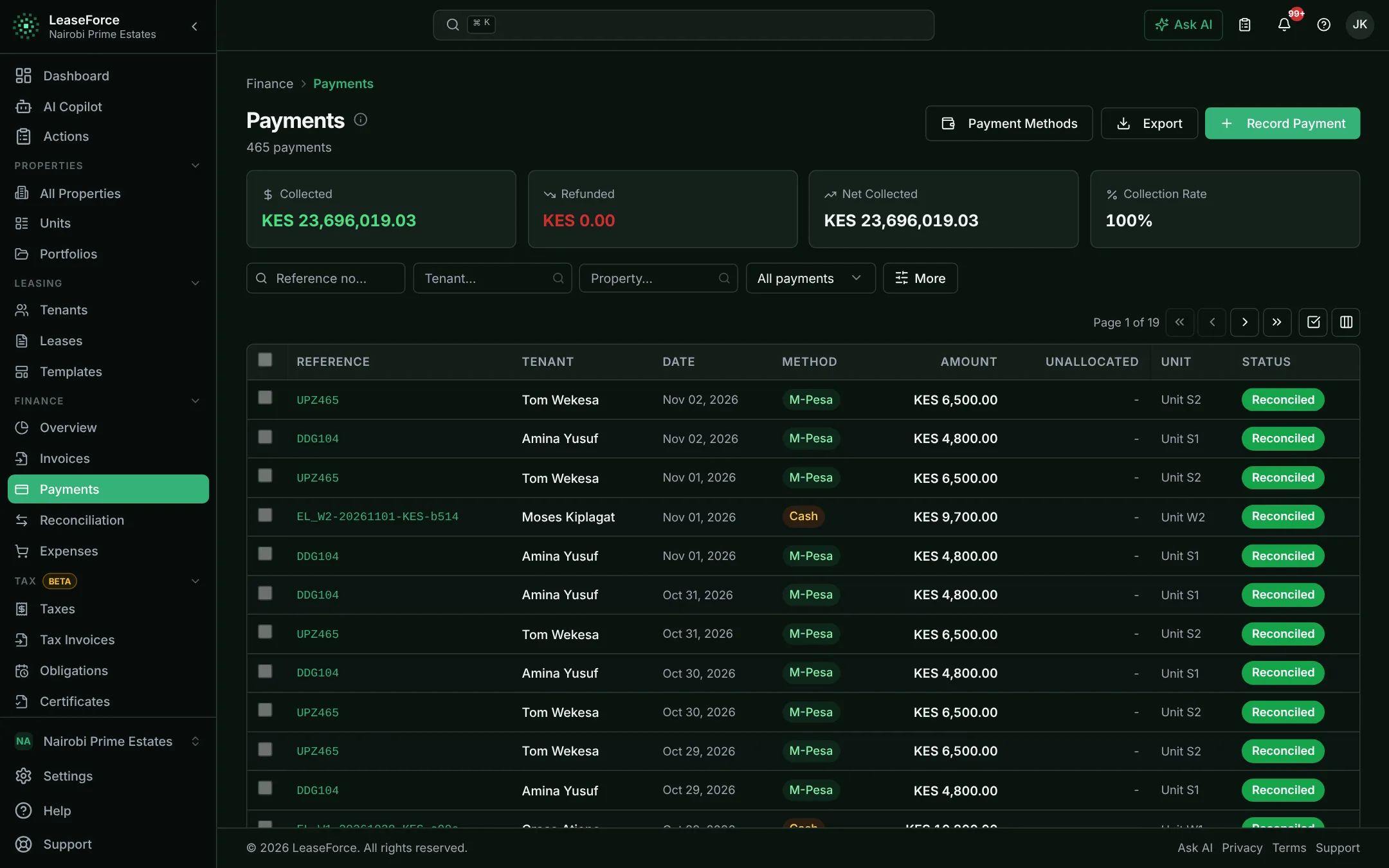
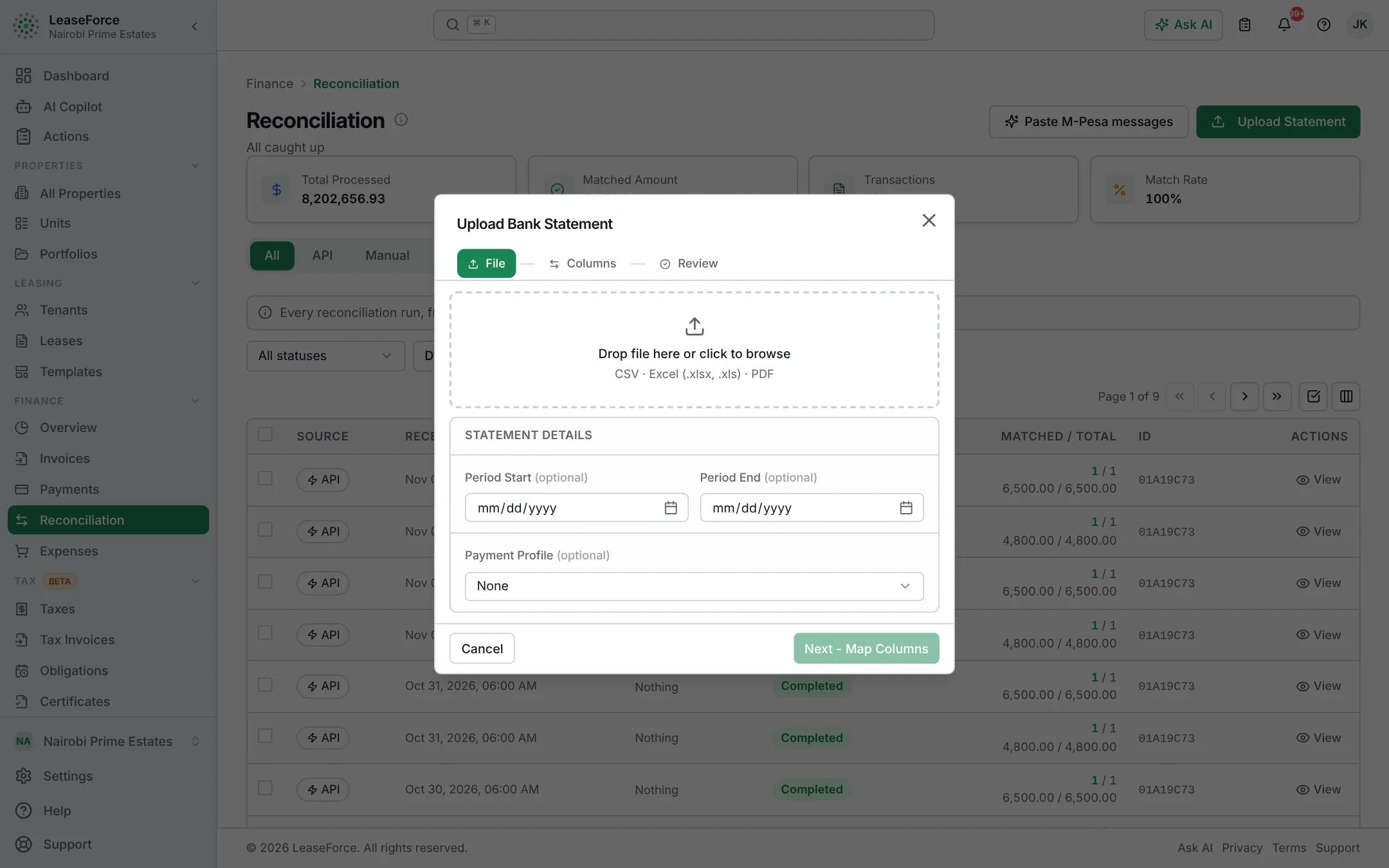
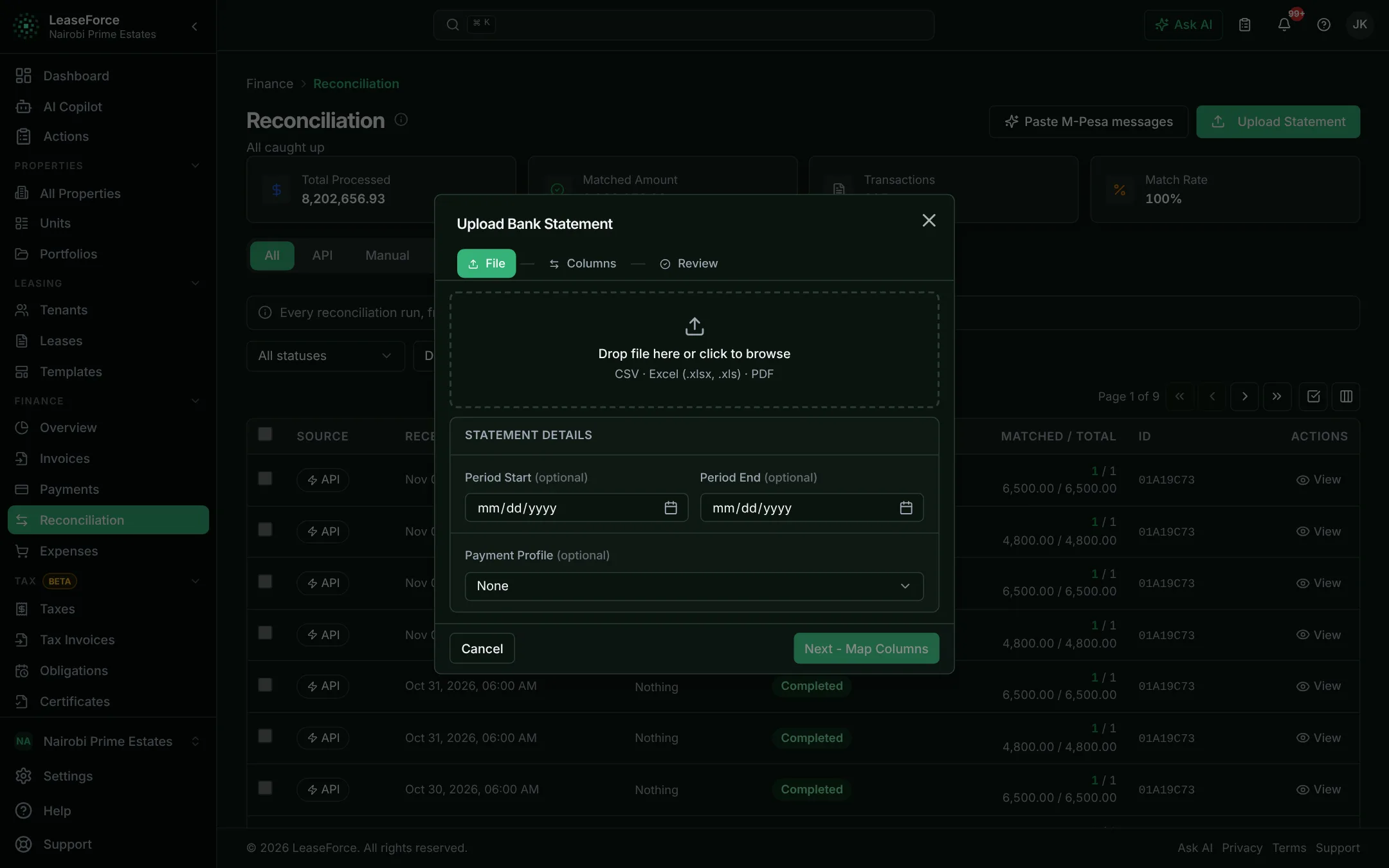
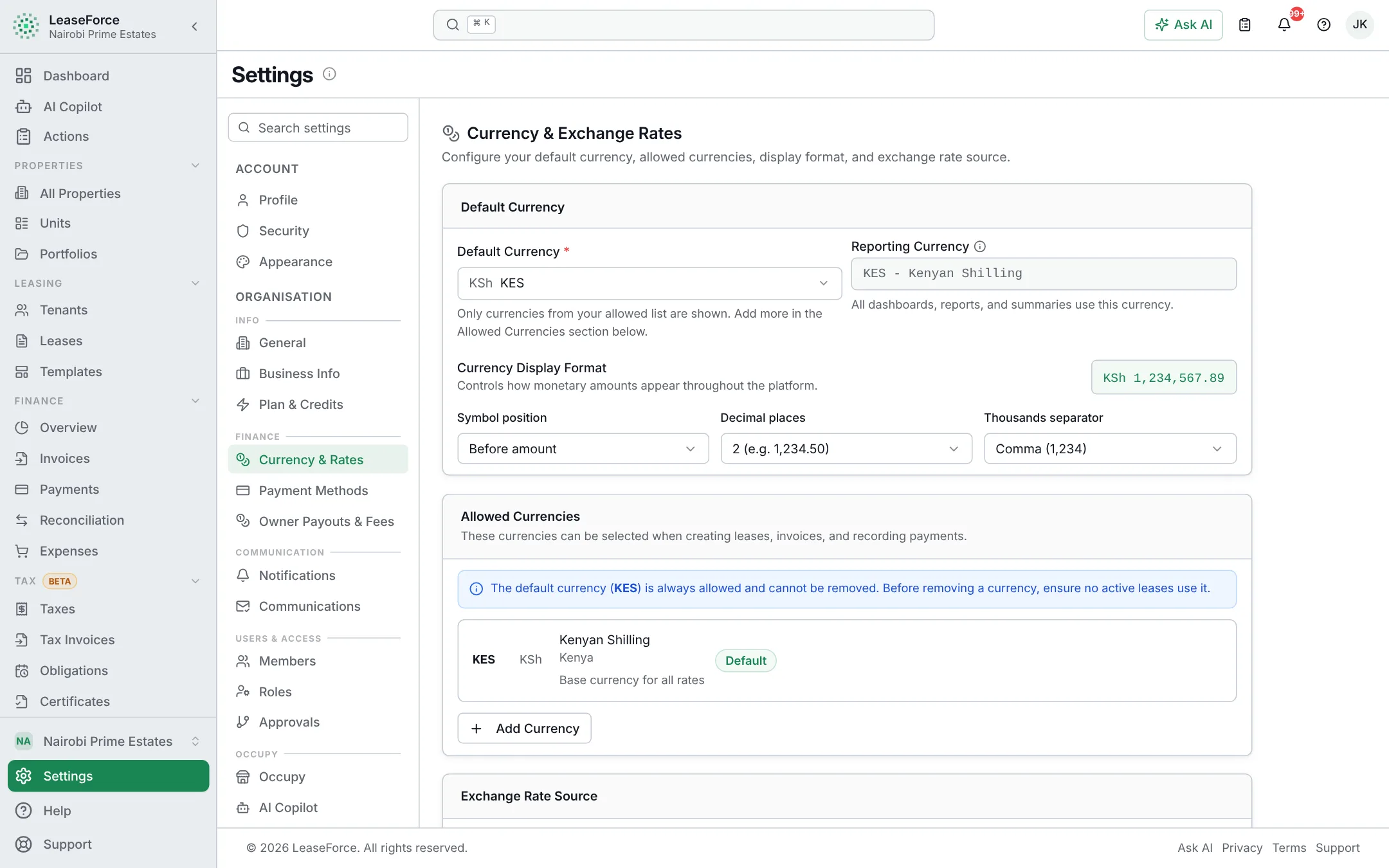
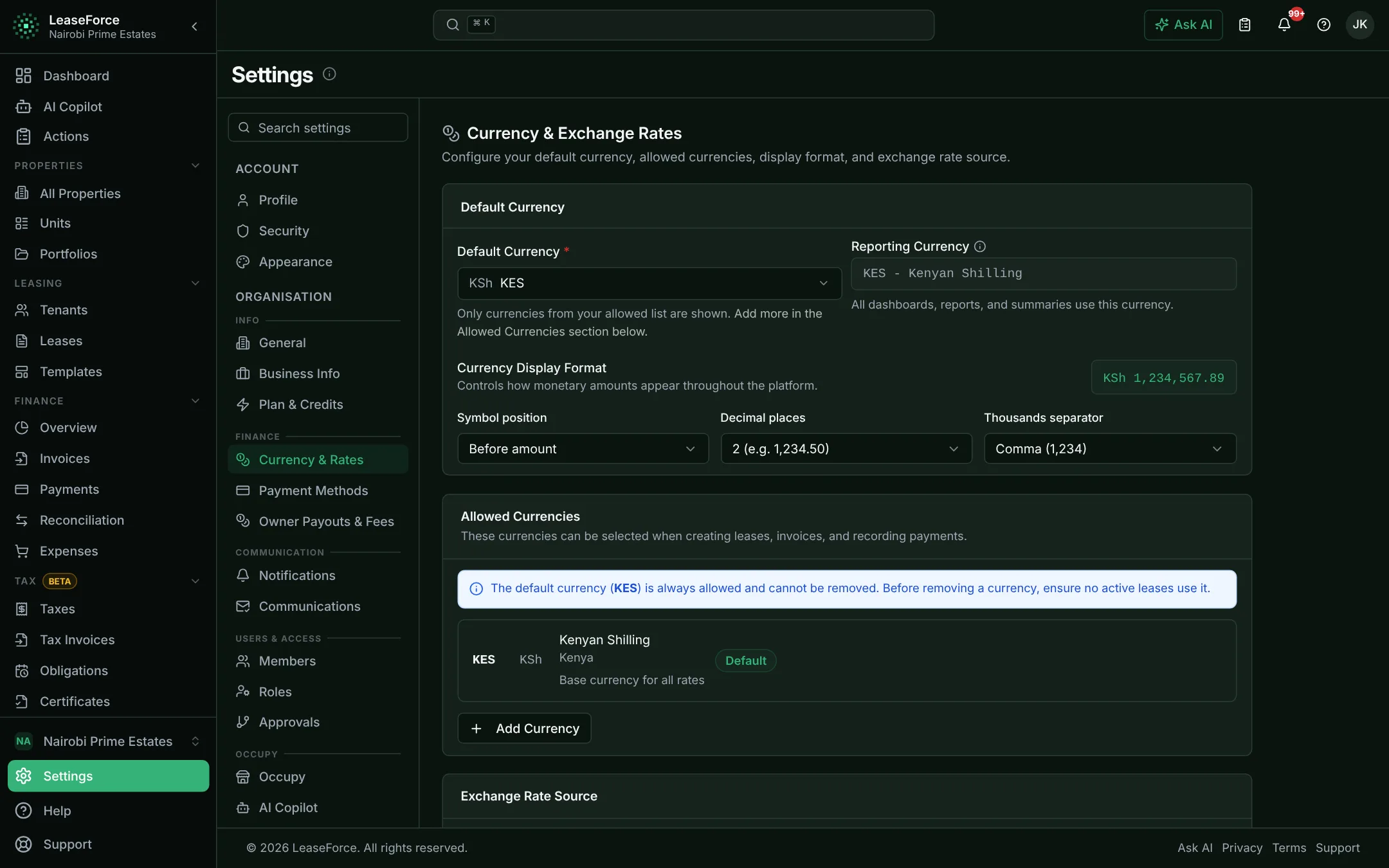
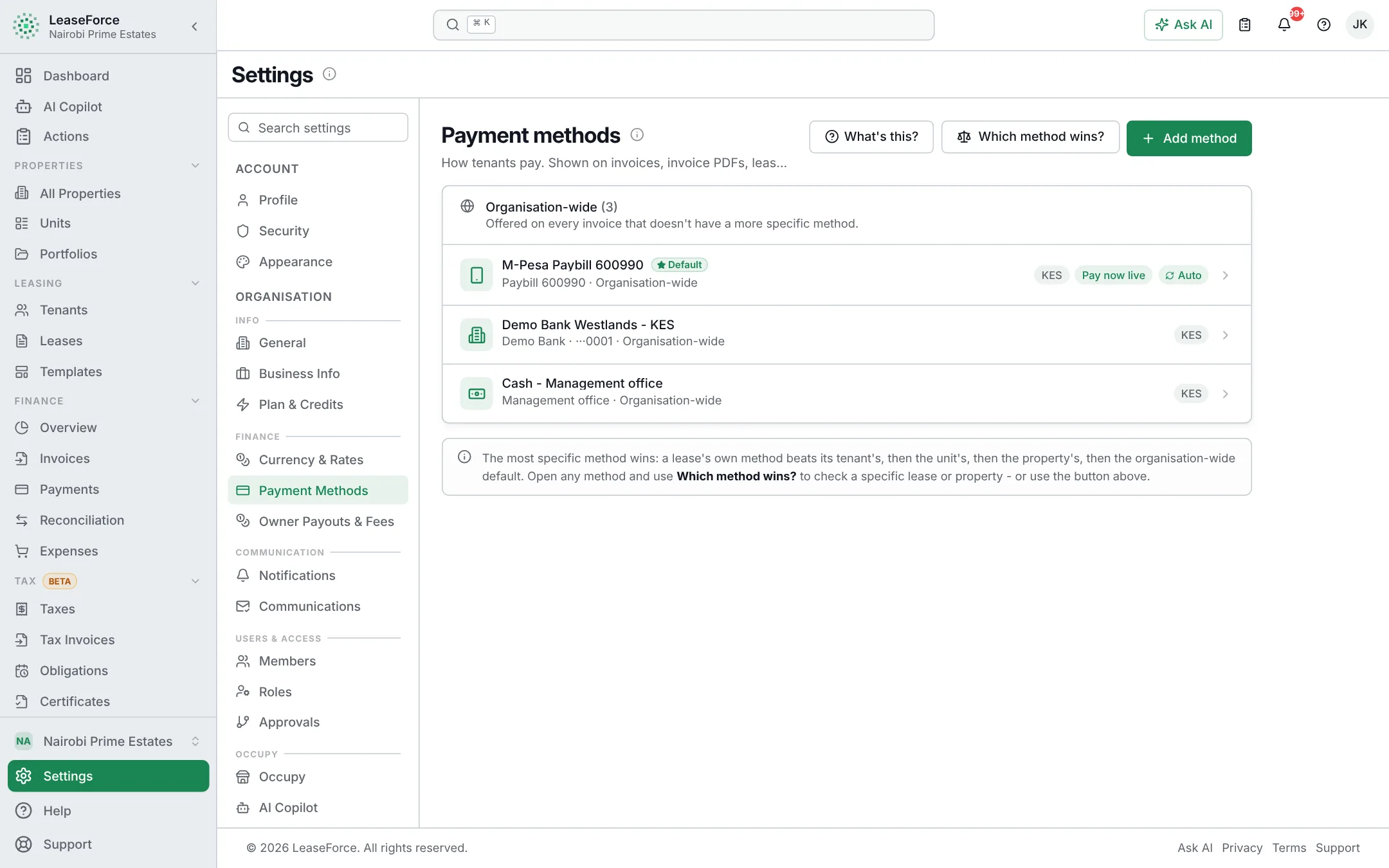
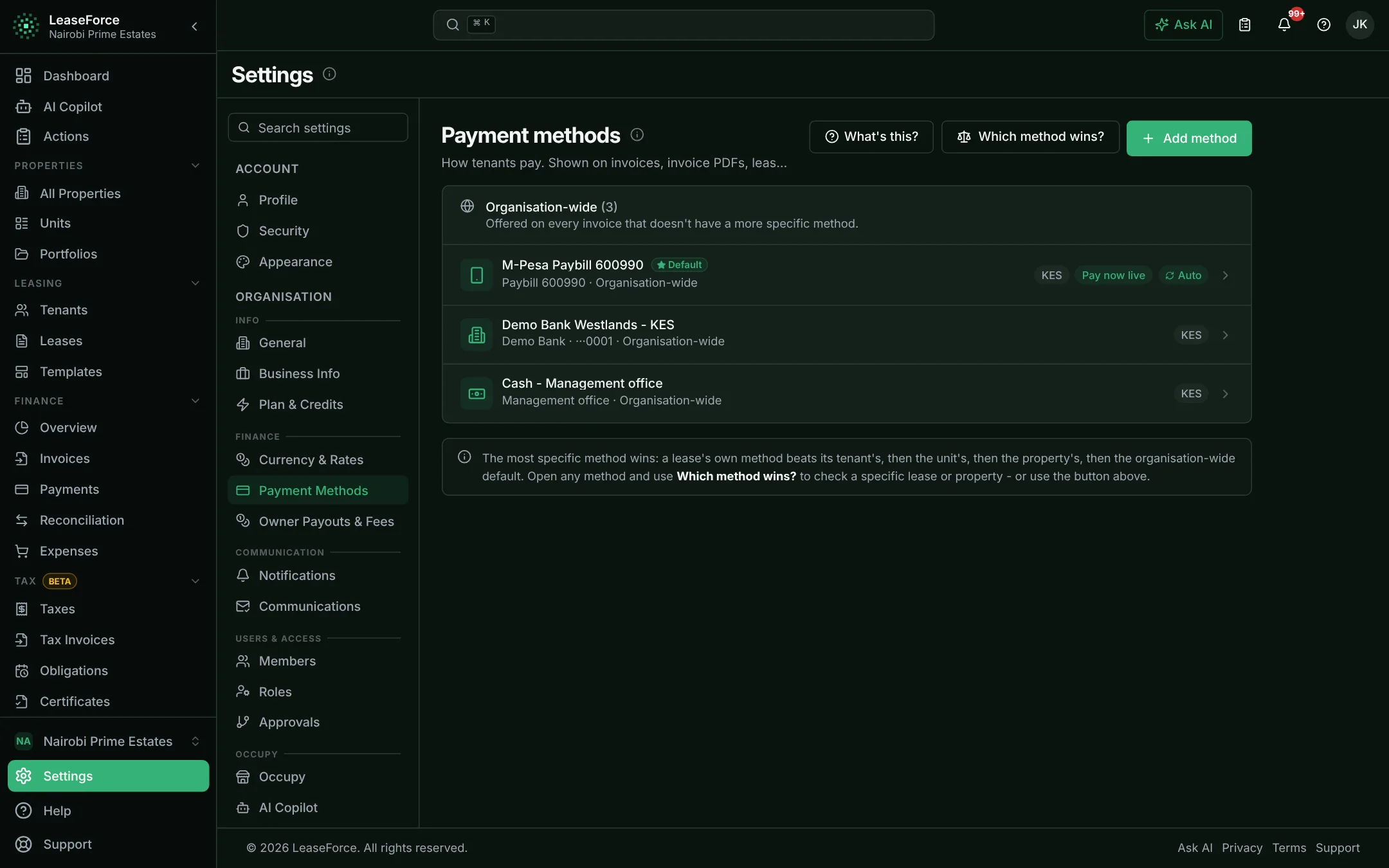
Payments & reconciliation
Every payment, from M-Pesa, the bank or a card, is matched to the right tenant and invoice as it arrives. Nobody types it in or matches it at month end.
Every payment matched to the right tenant and invoice, as it arrives.
- Matched by payment code or invoice number
- Phone-number matches suggested for one-click confirmation
- Receipts sent automatically
02 / 11
AI
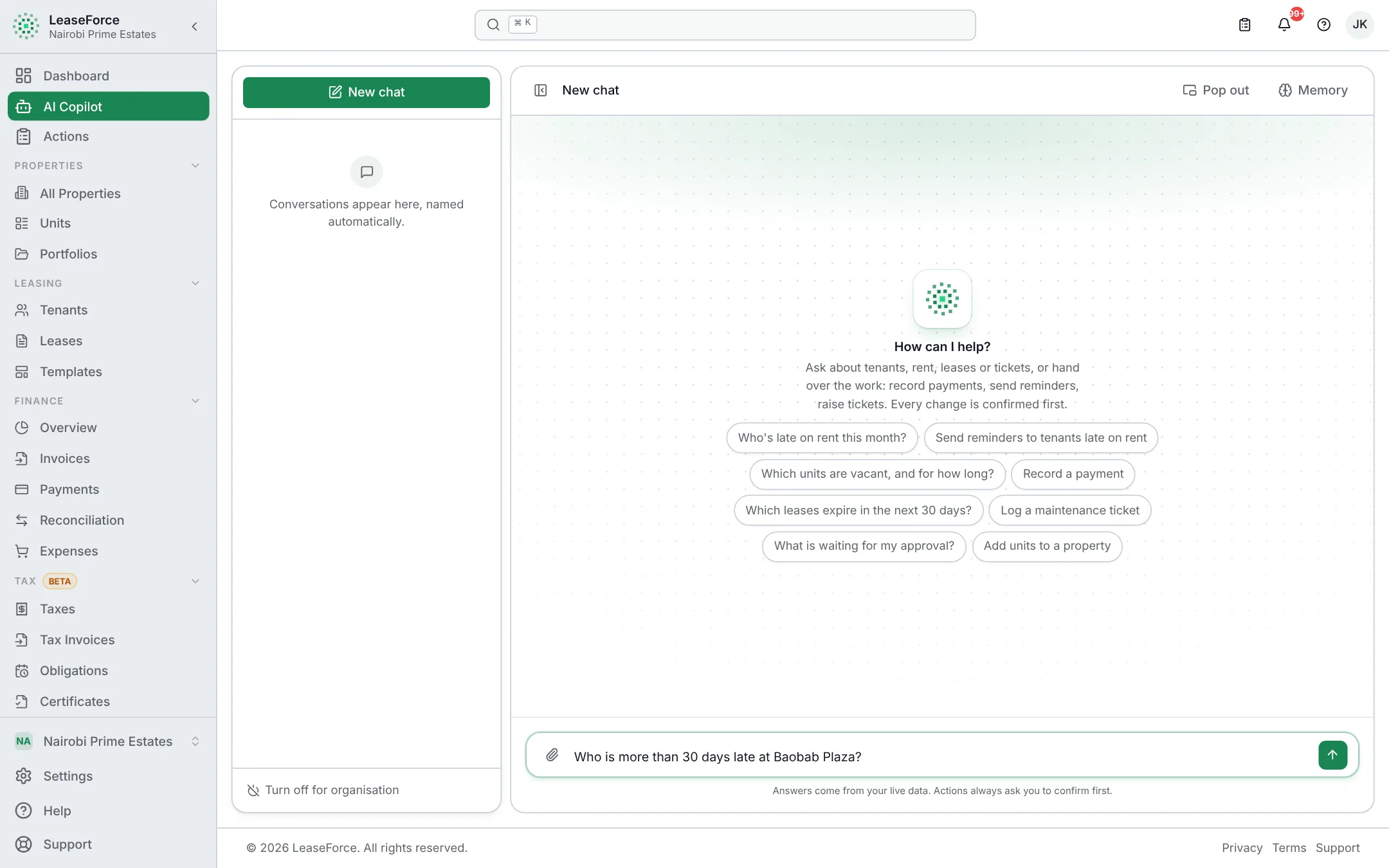
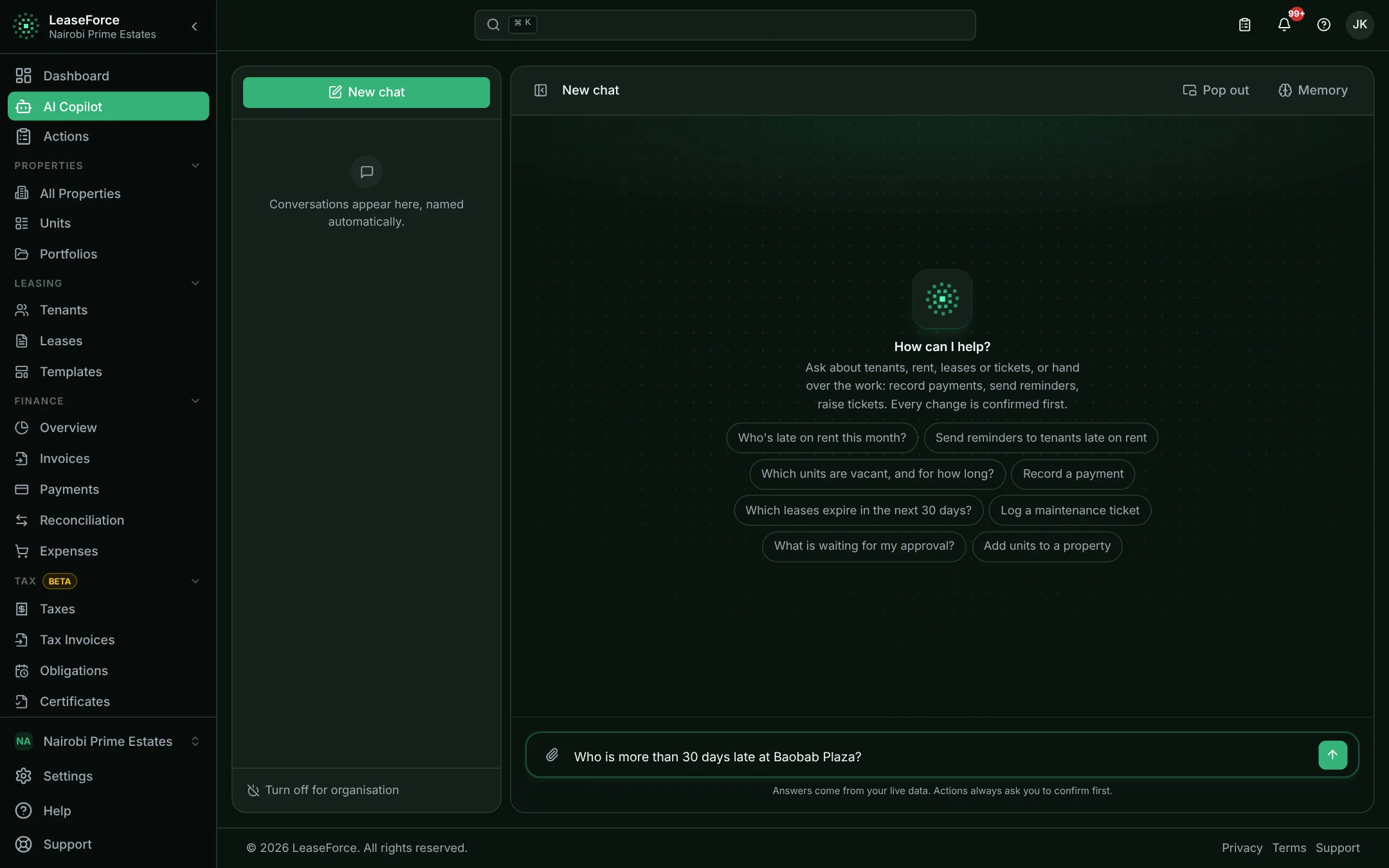
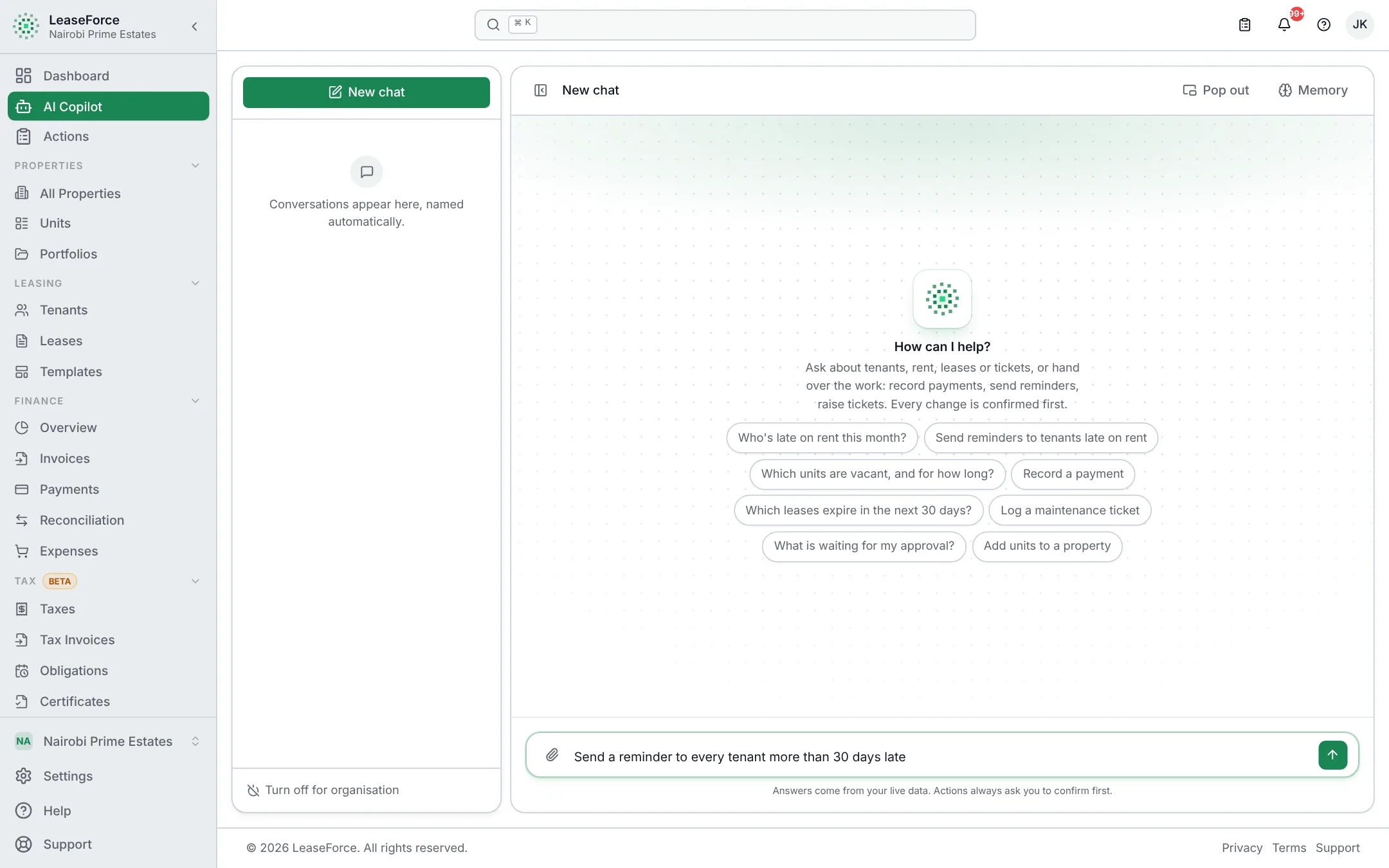
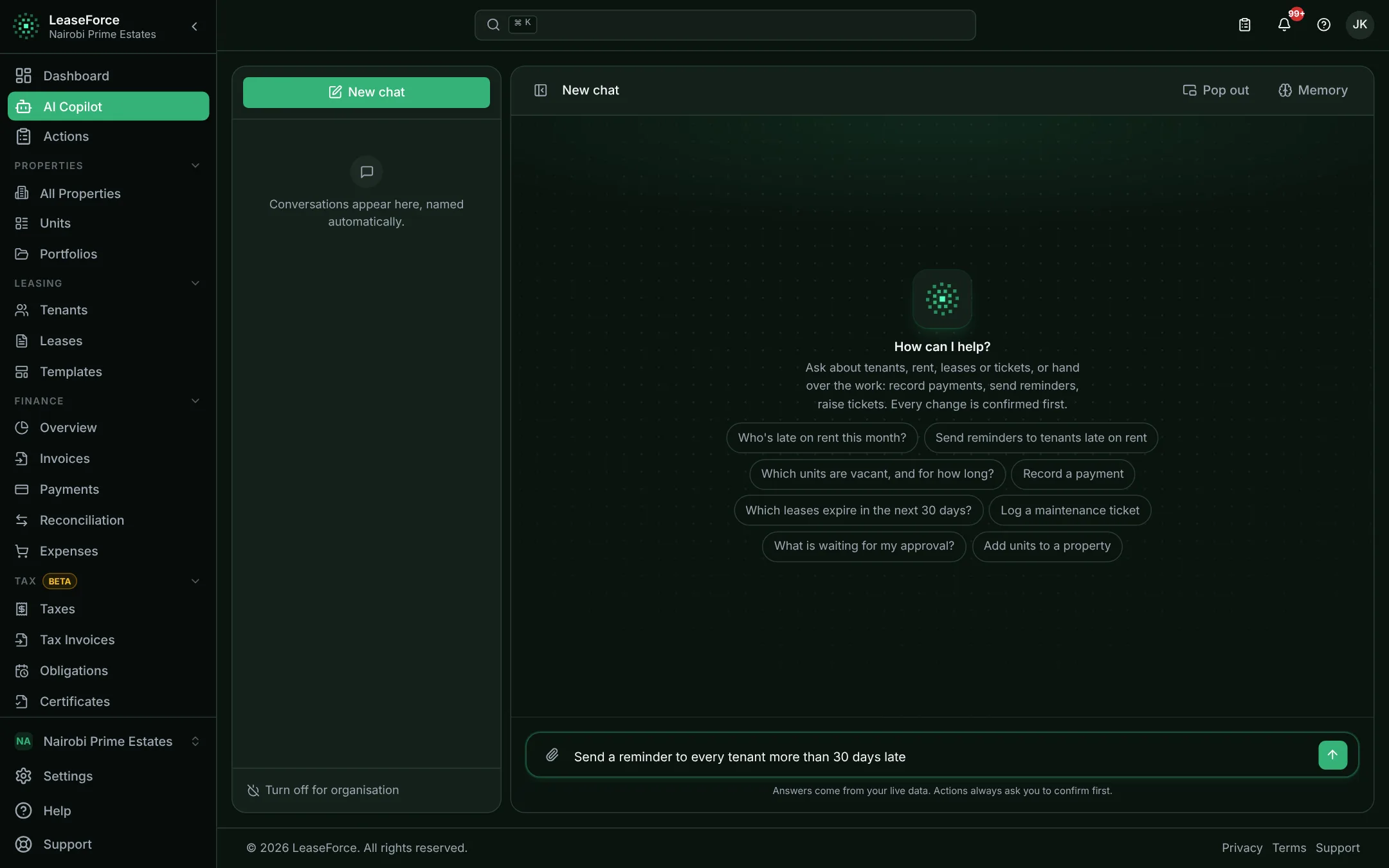
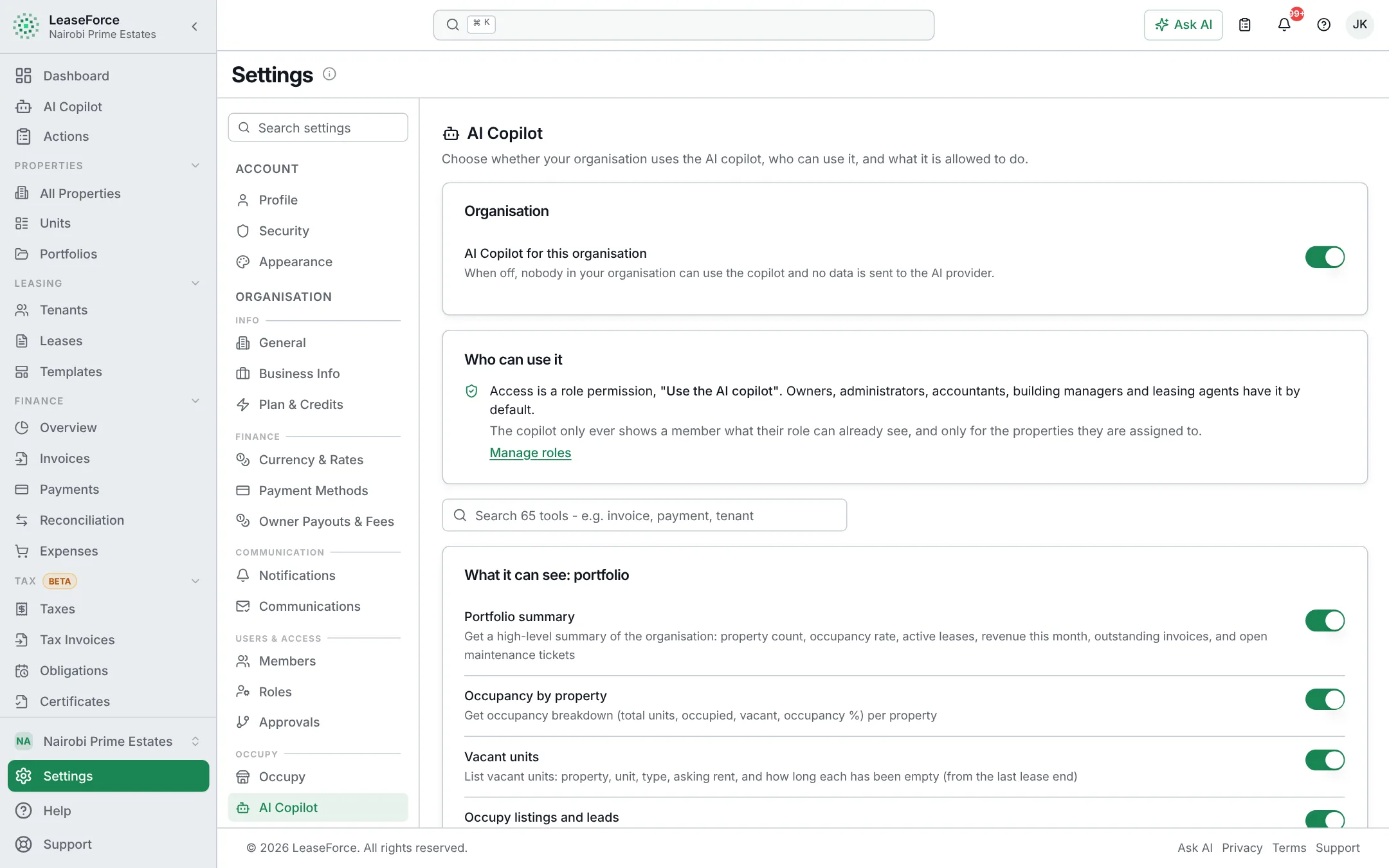
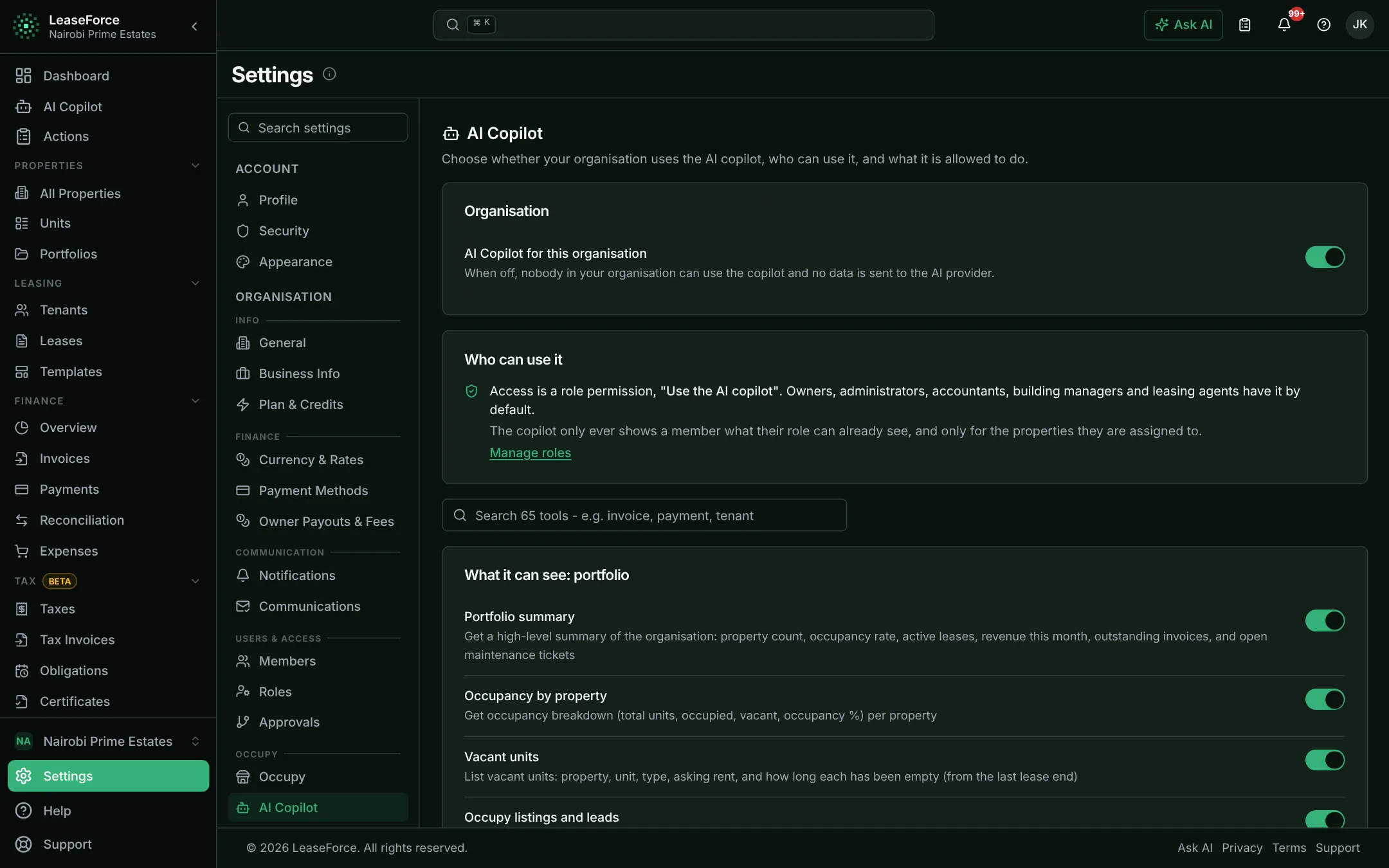
AI that reads statements, answers questions from your records and prepares the everyday work for you to confirm.
Ask a question in plain words, get the answer from your records.
- Arrears, vacancies, payments, tax, owners and more
- Sees only what the person asking may see
- Included in every plan
03 / 11
Tax & compliance
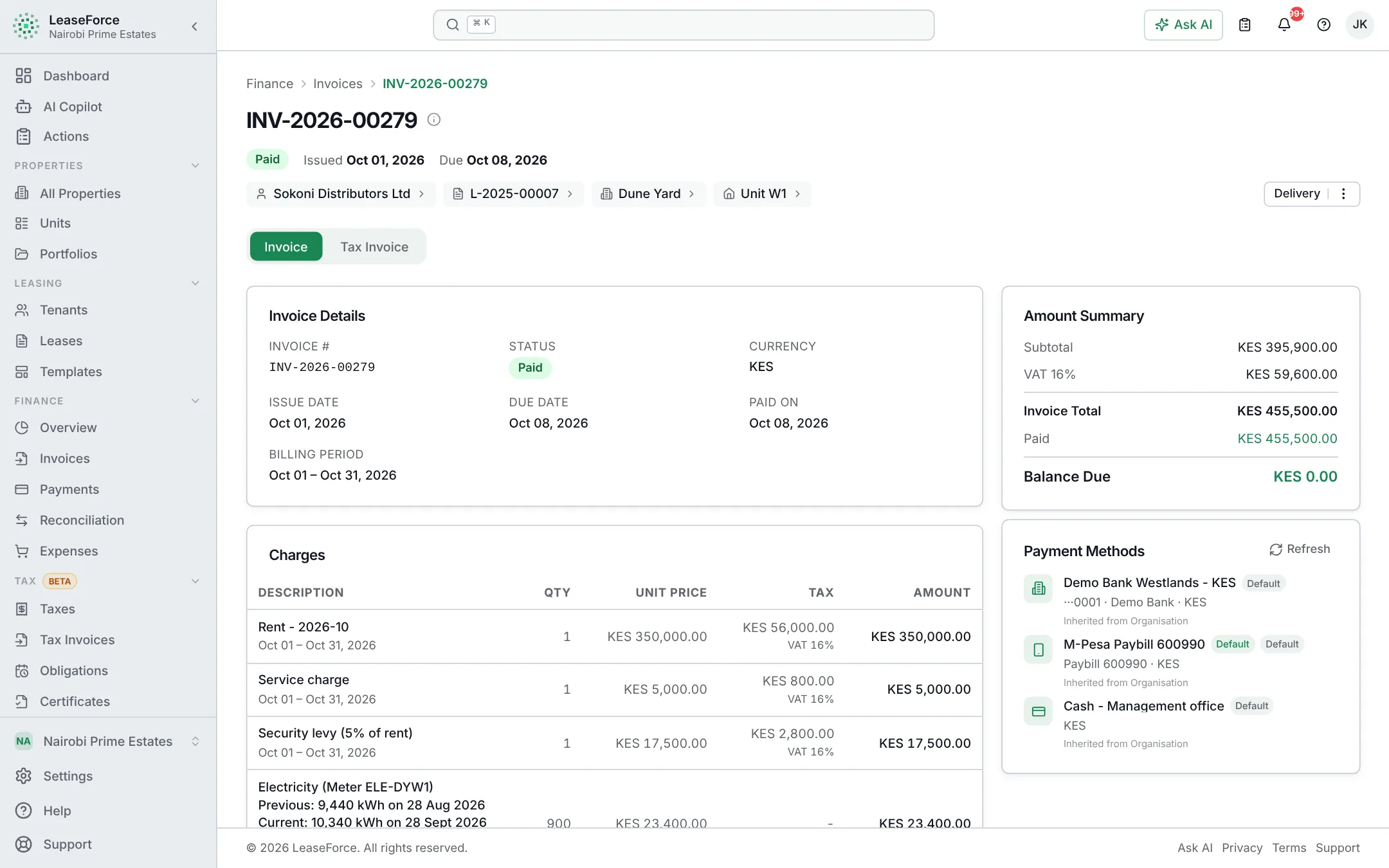
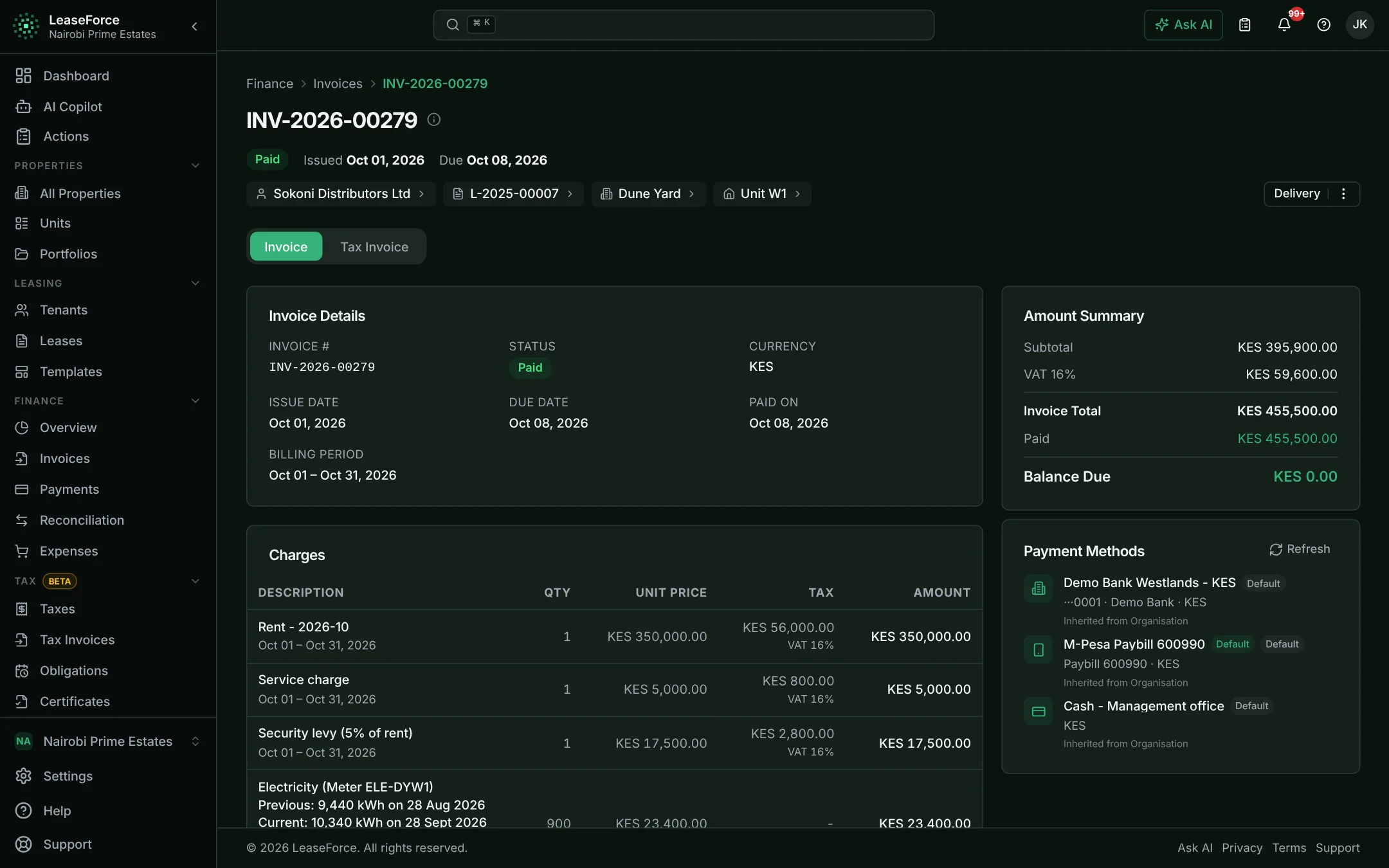
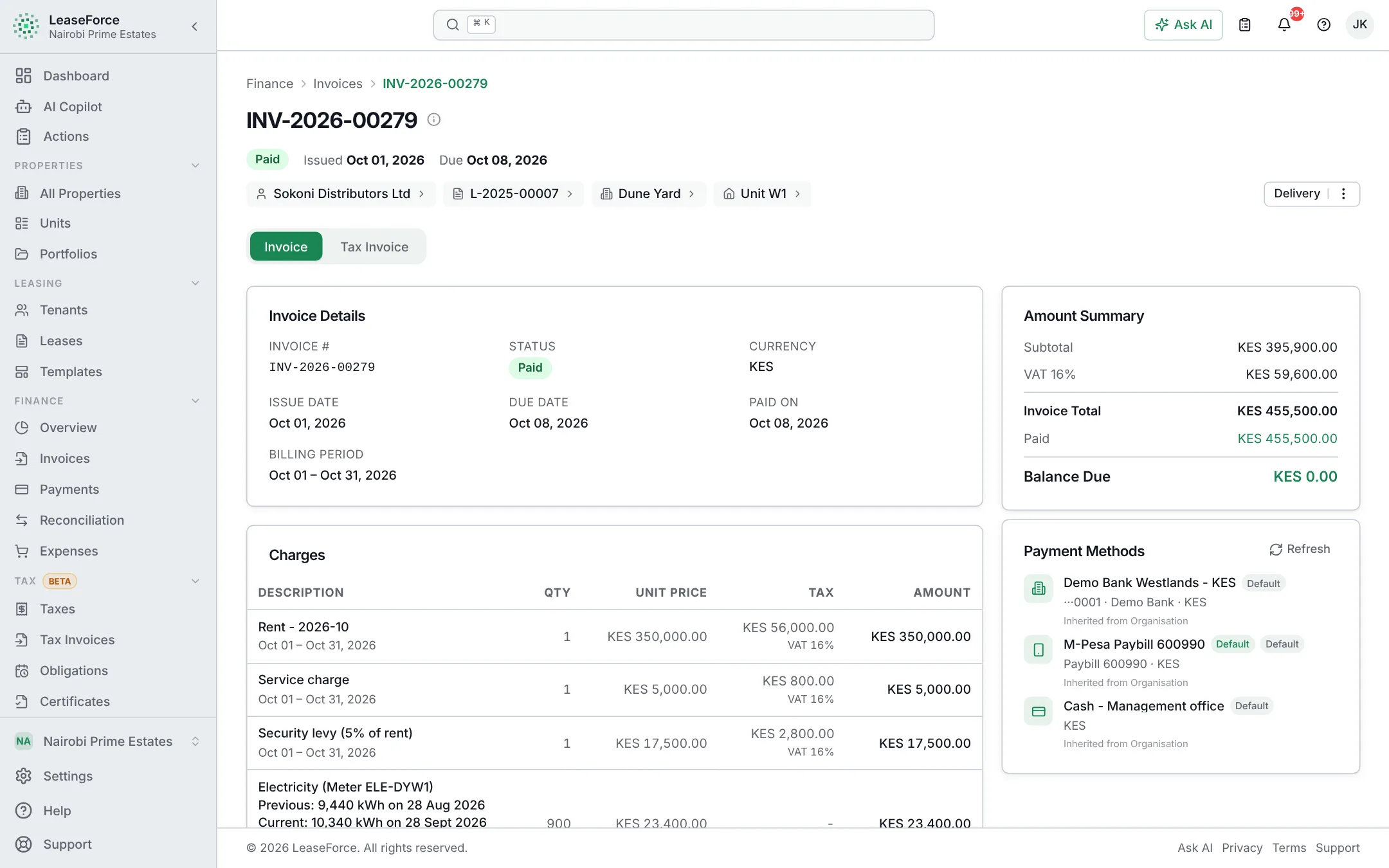
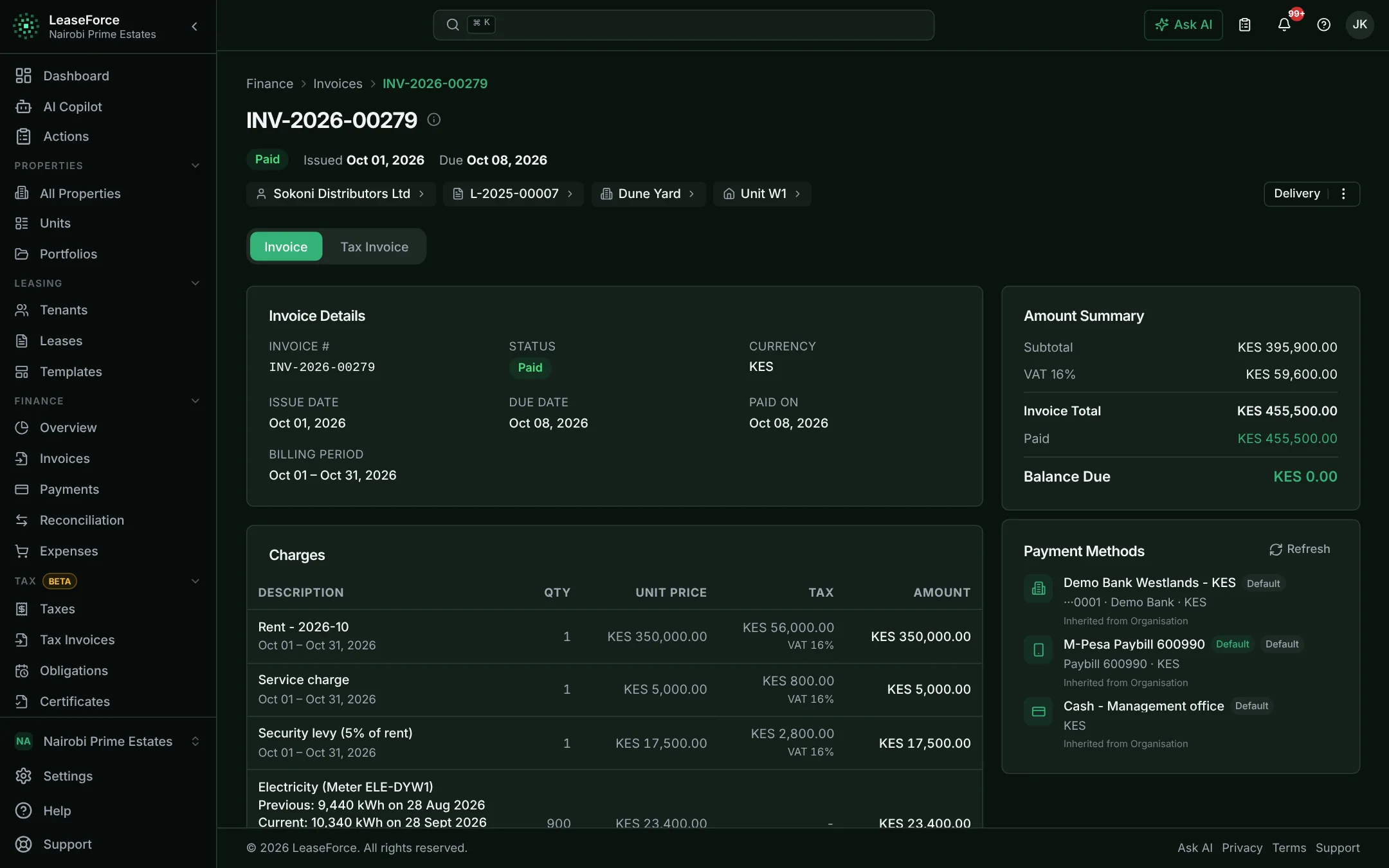
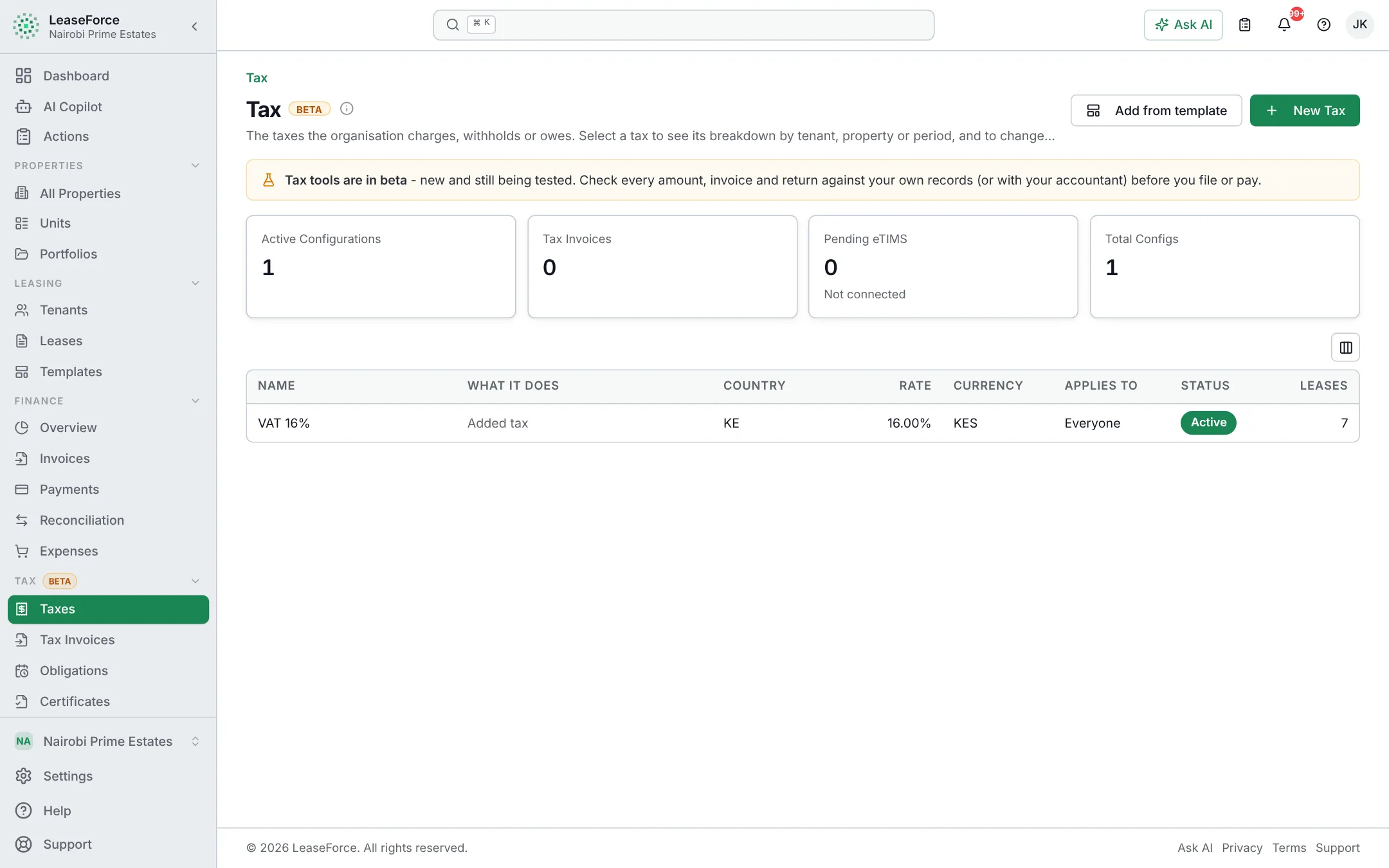
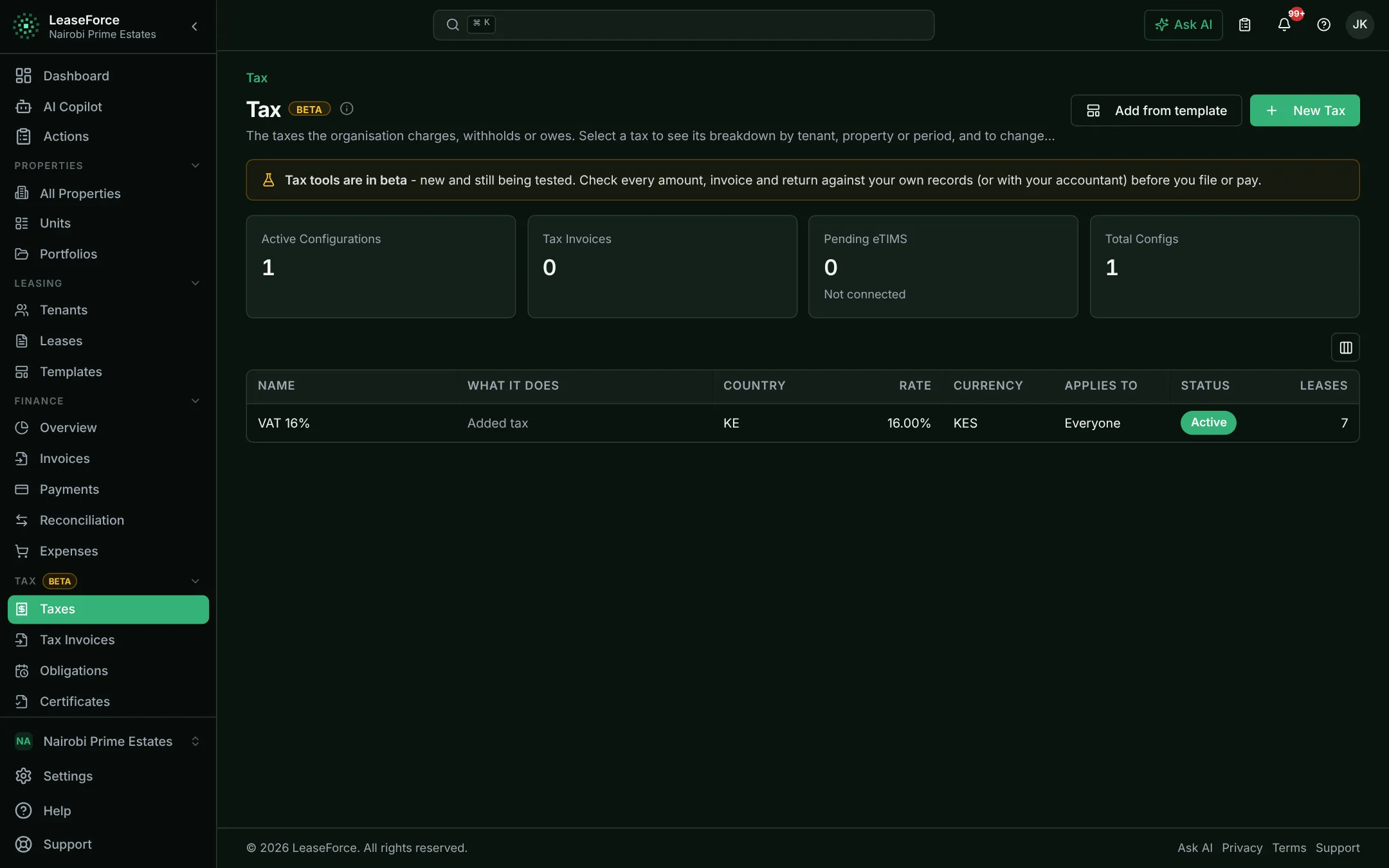
Tax is worked out on every invoice, expense and payout, and each return is ready when it is due.
VAT, withholding tax, rental income tax and levies, worked out for you.
- VAT, withholding, rental income tax and levies
- Withholding both ways, with certificates
- Country presets you can change
04 / 11
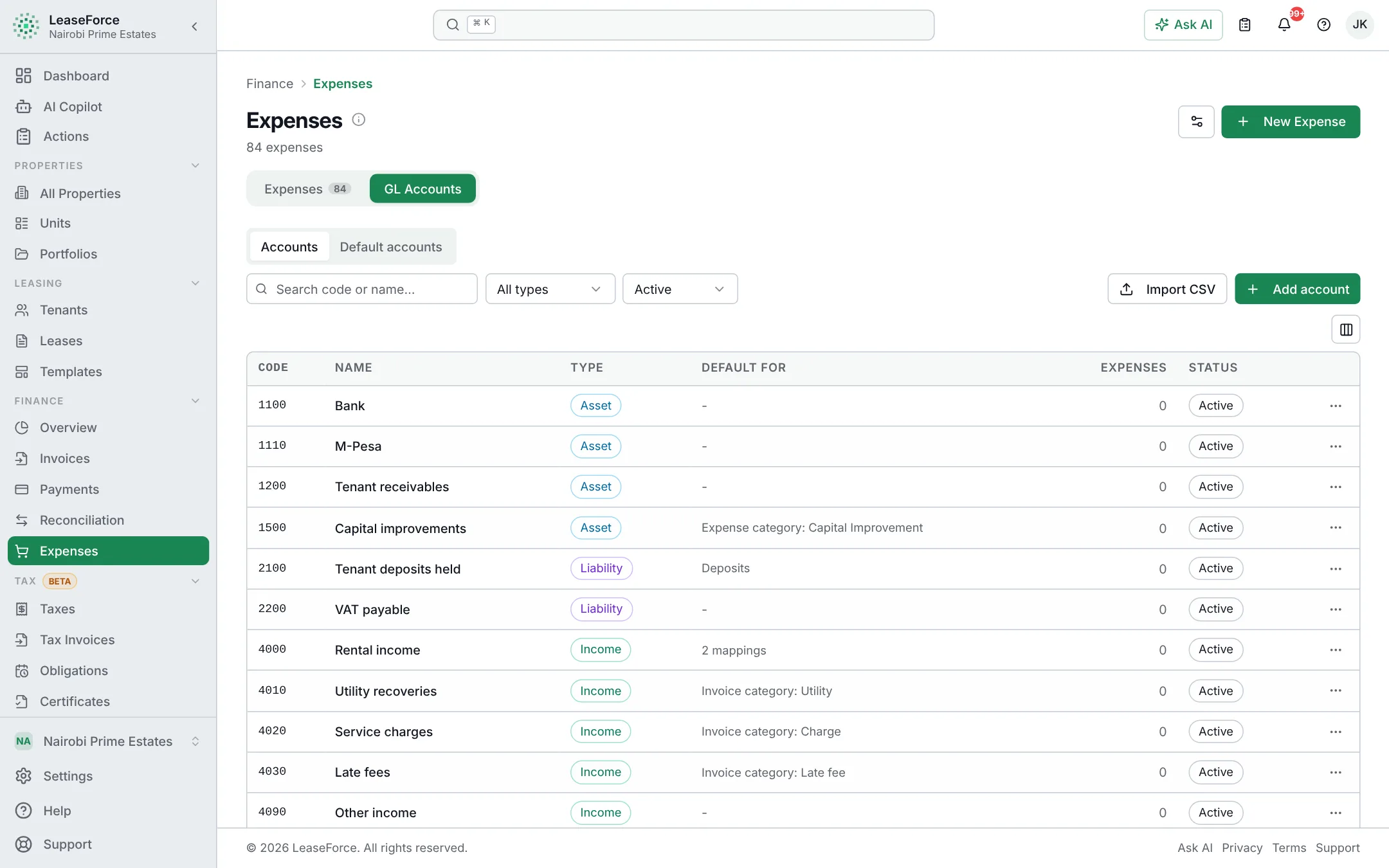
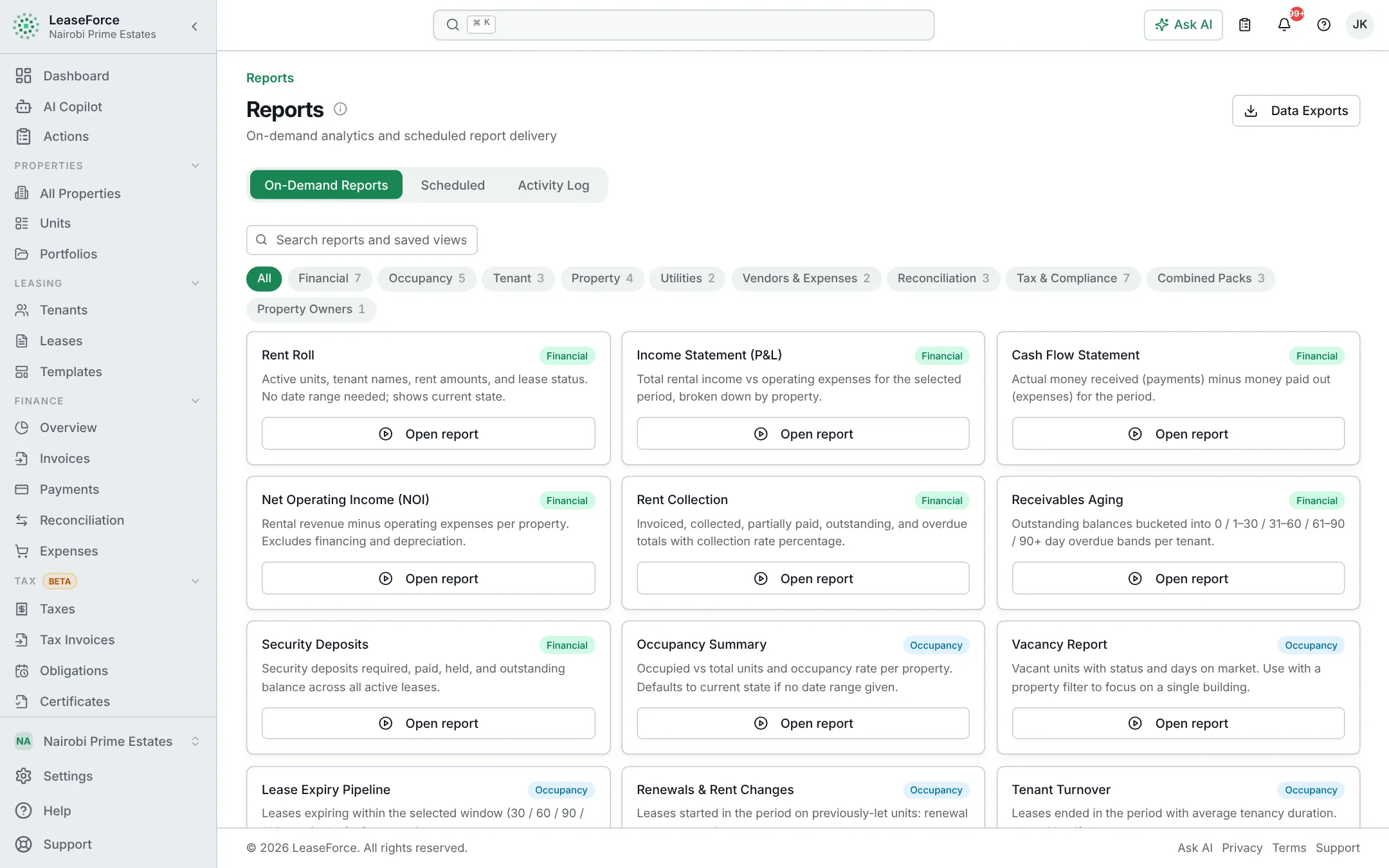
Accounting & reports
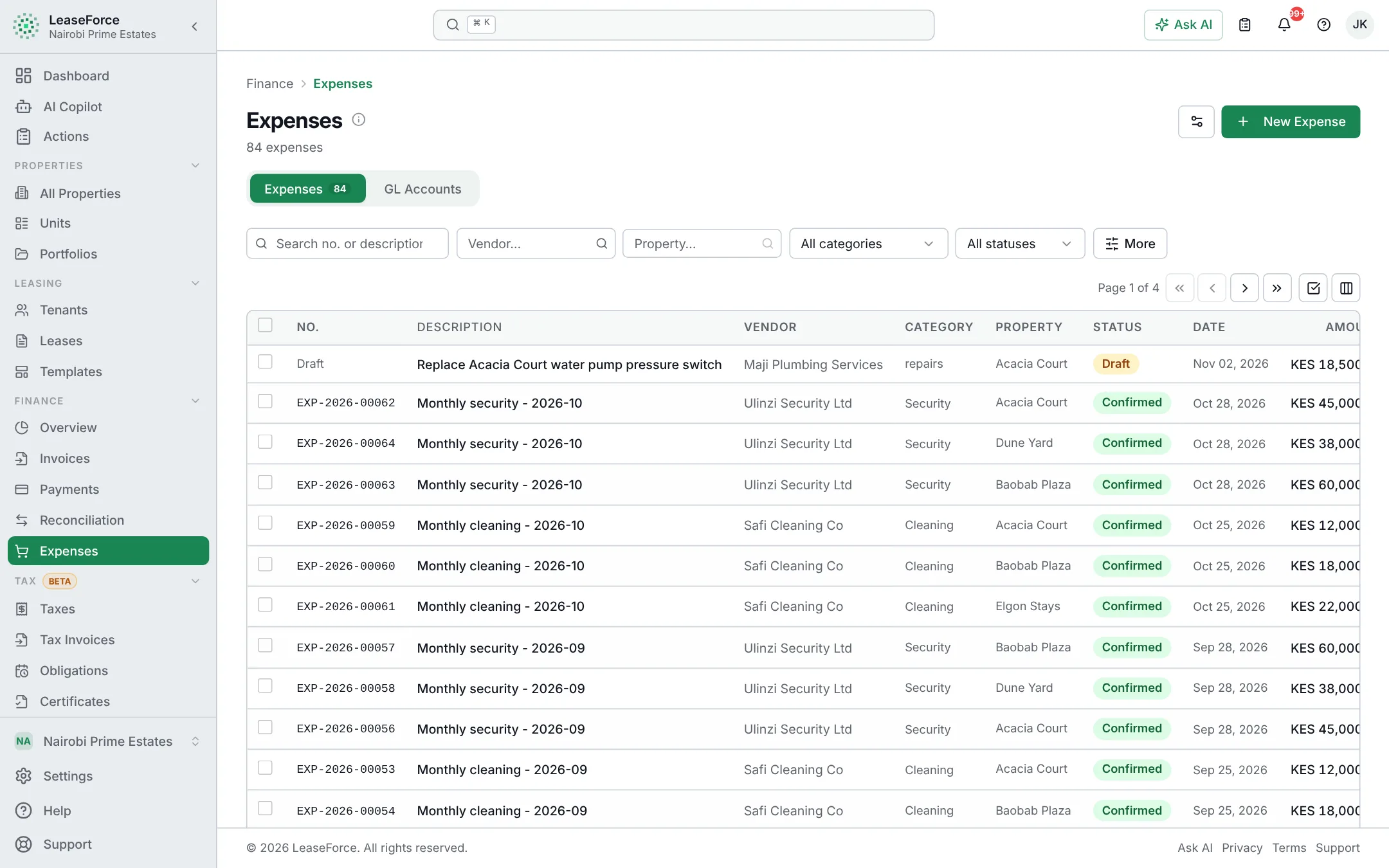
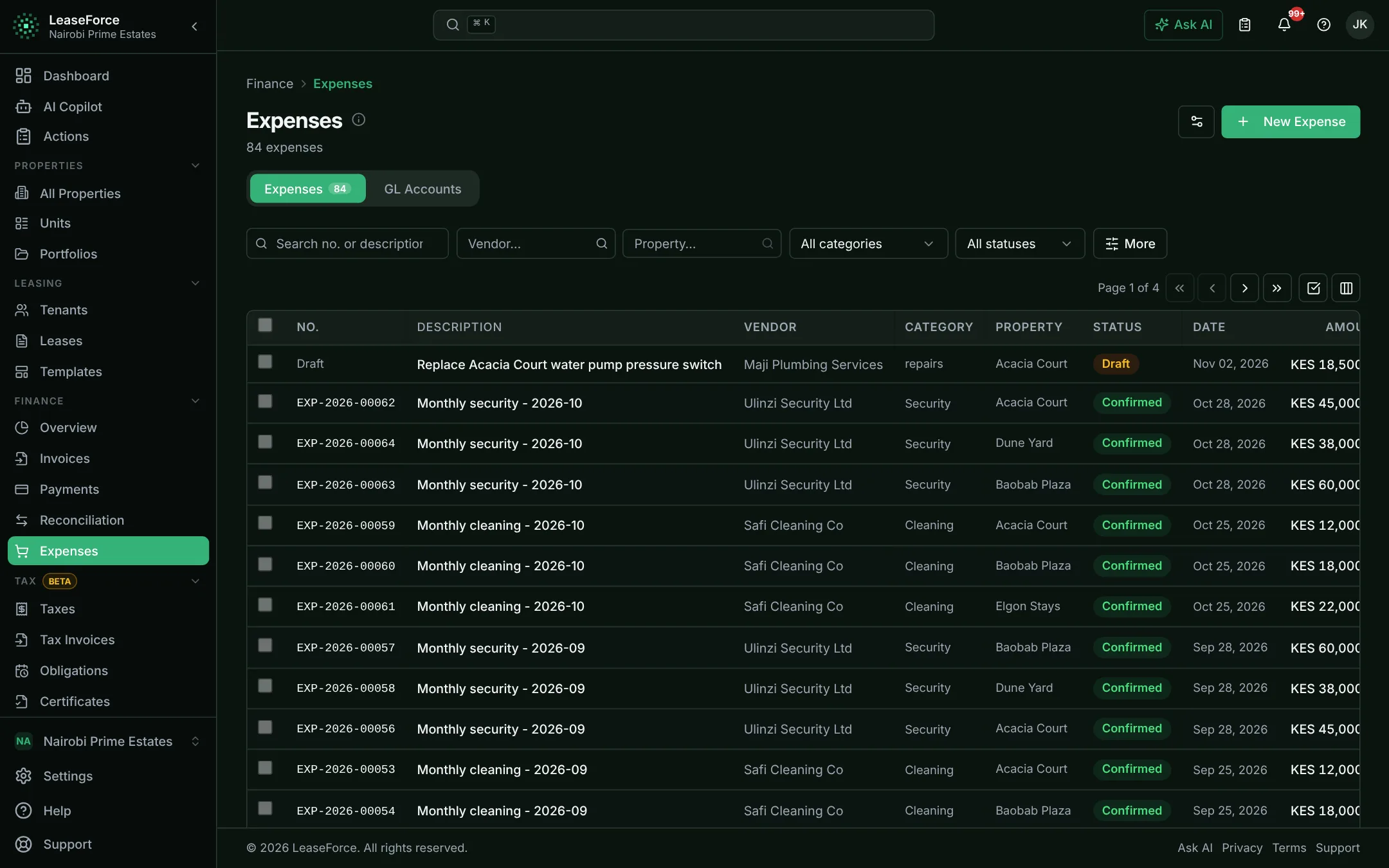
Every payment, invoice and expense goes into the books by itself, so the figures and reports are always up to date.
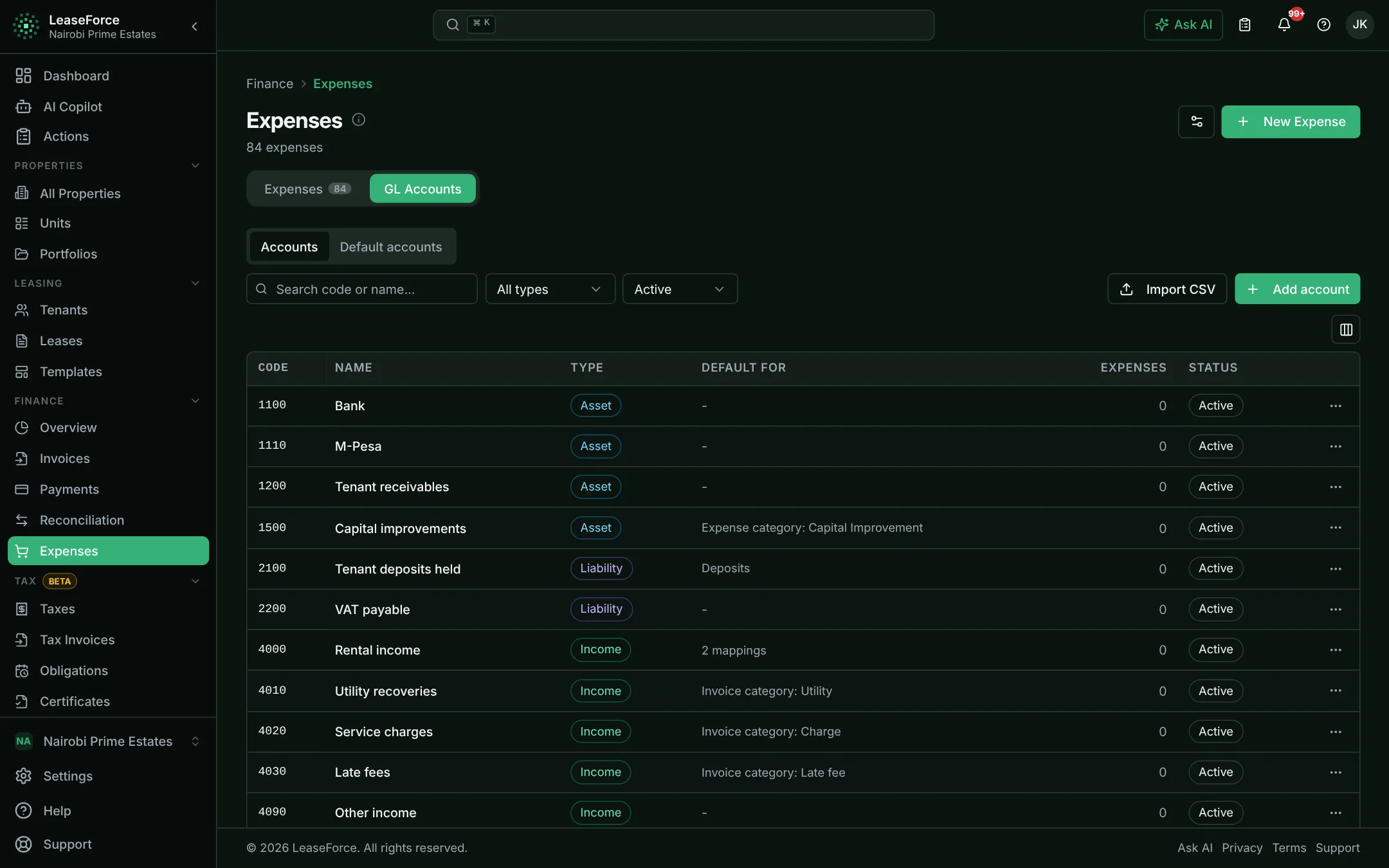
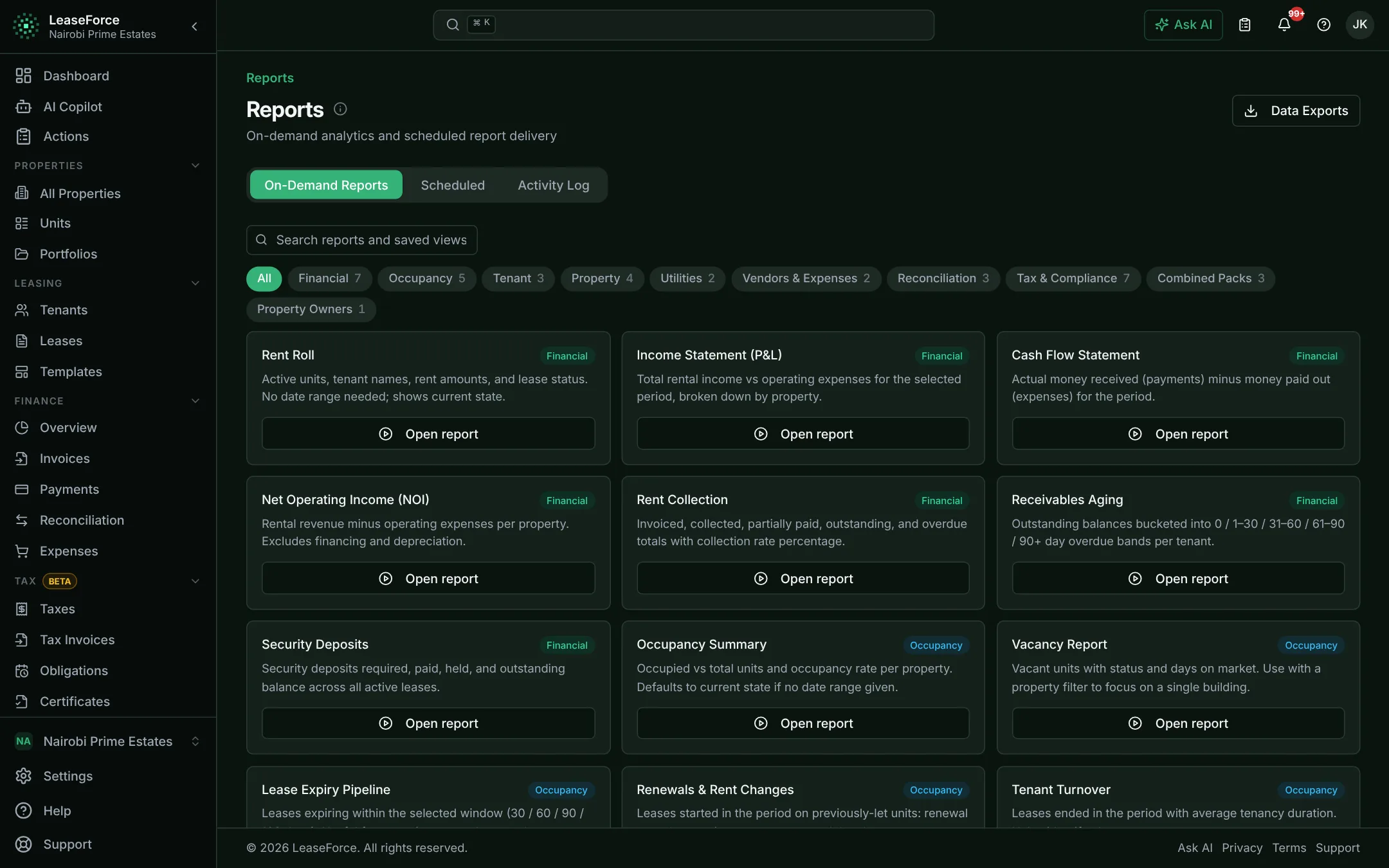
The books are kept as the work is done.
- Automatic posting
- Your own chart of accounts
- Figures an accountant can audit
05 / 11
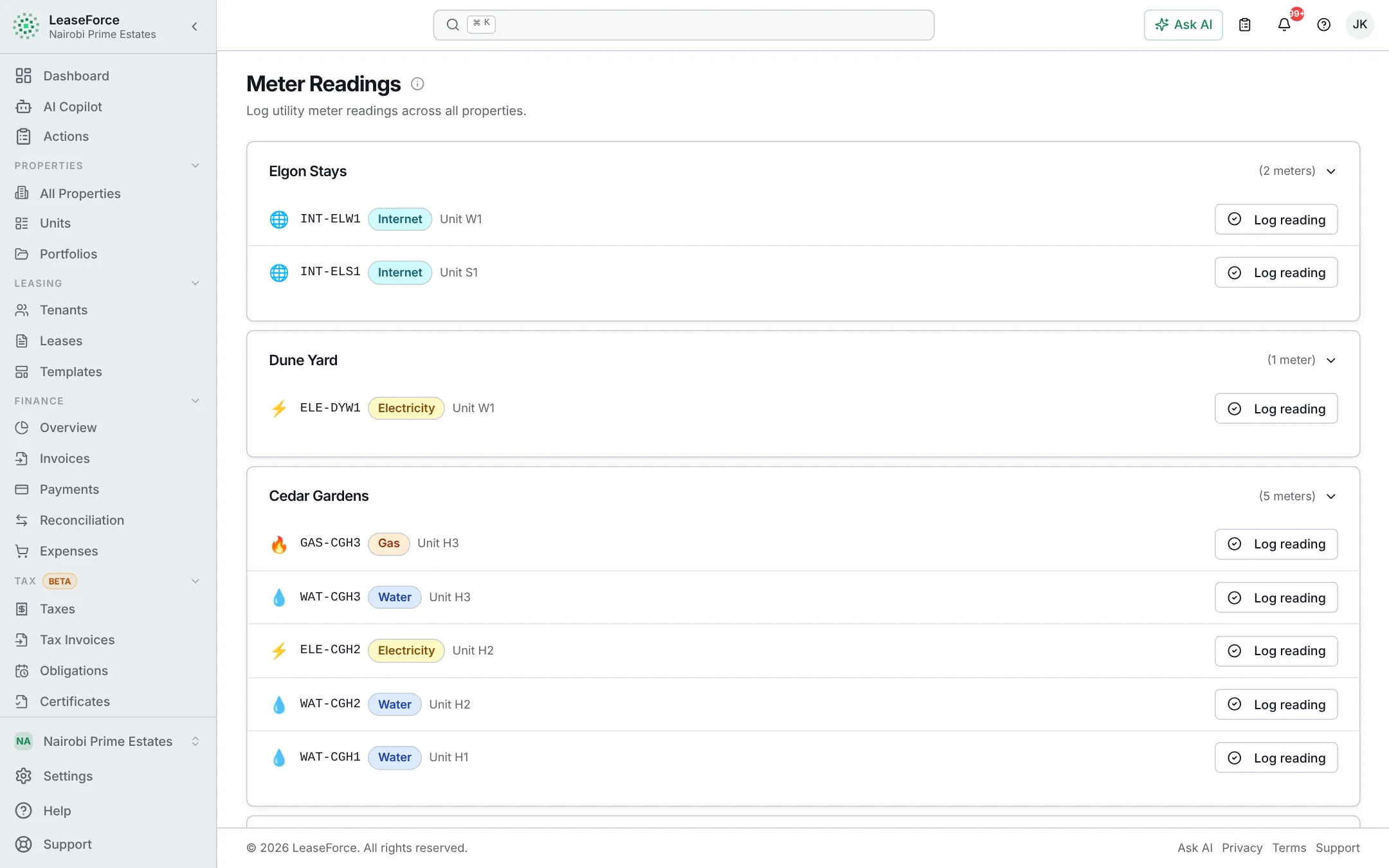
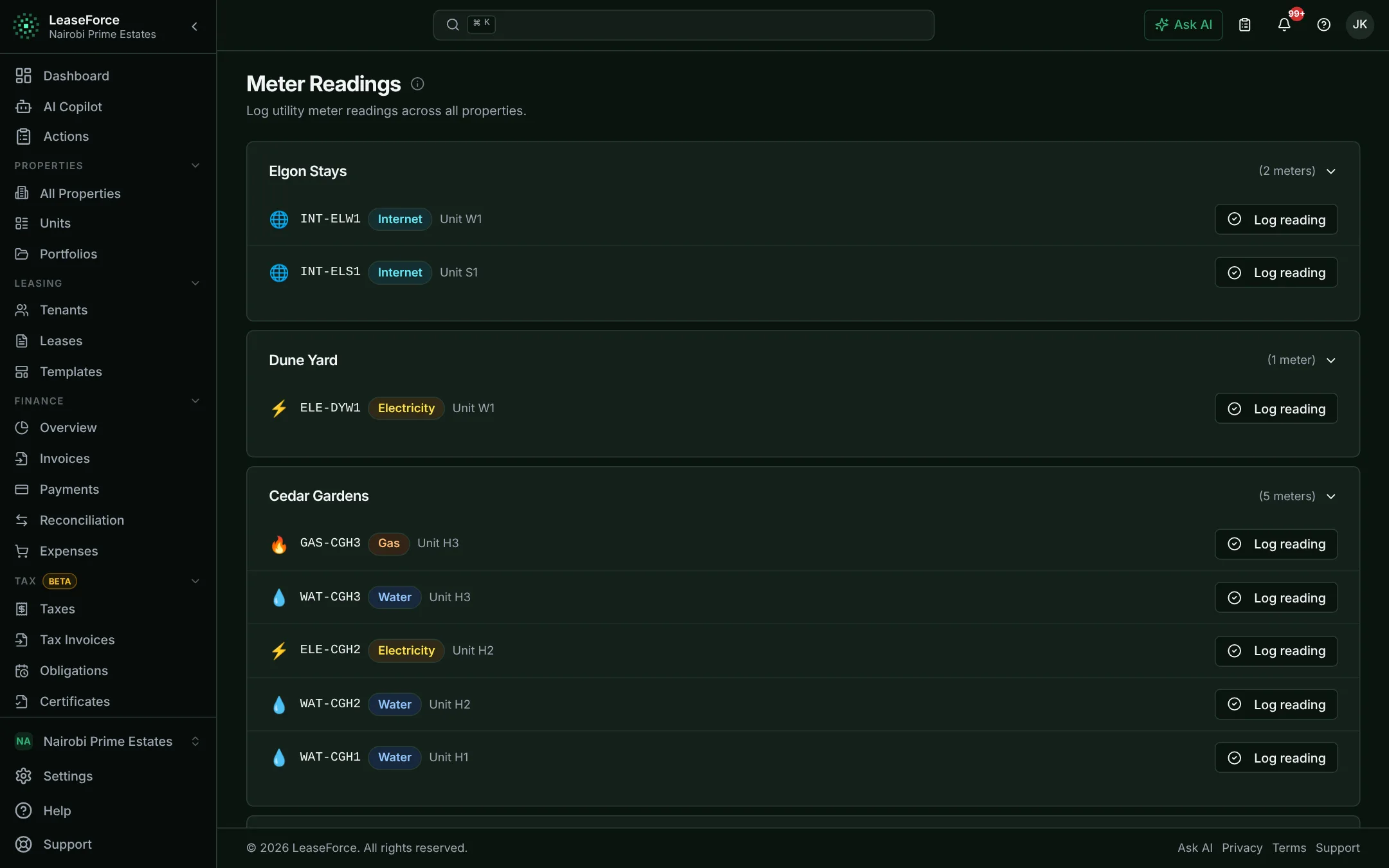
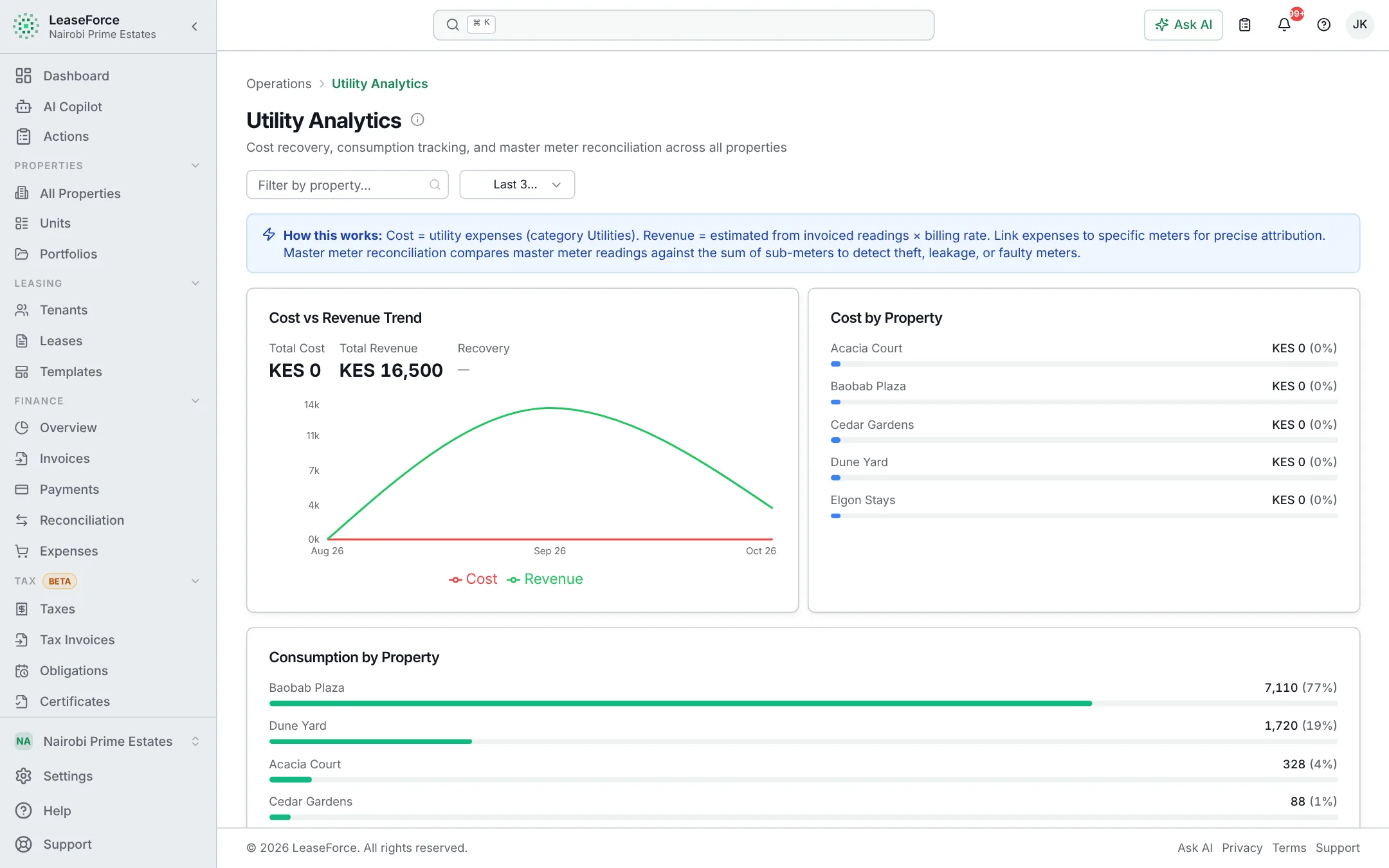
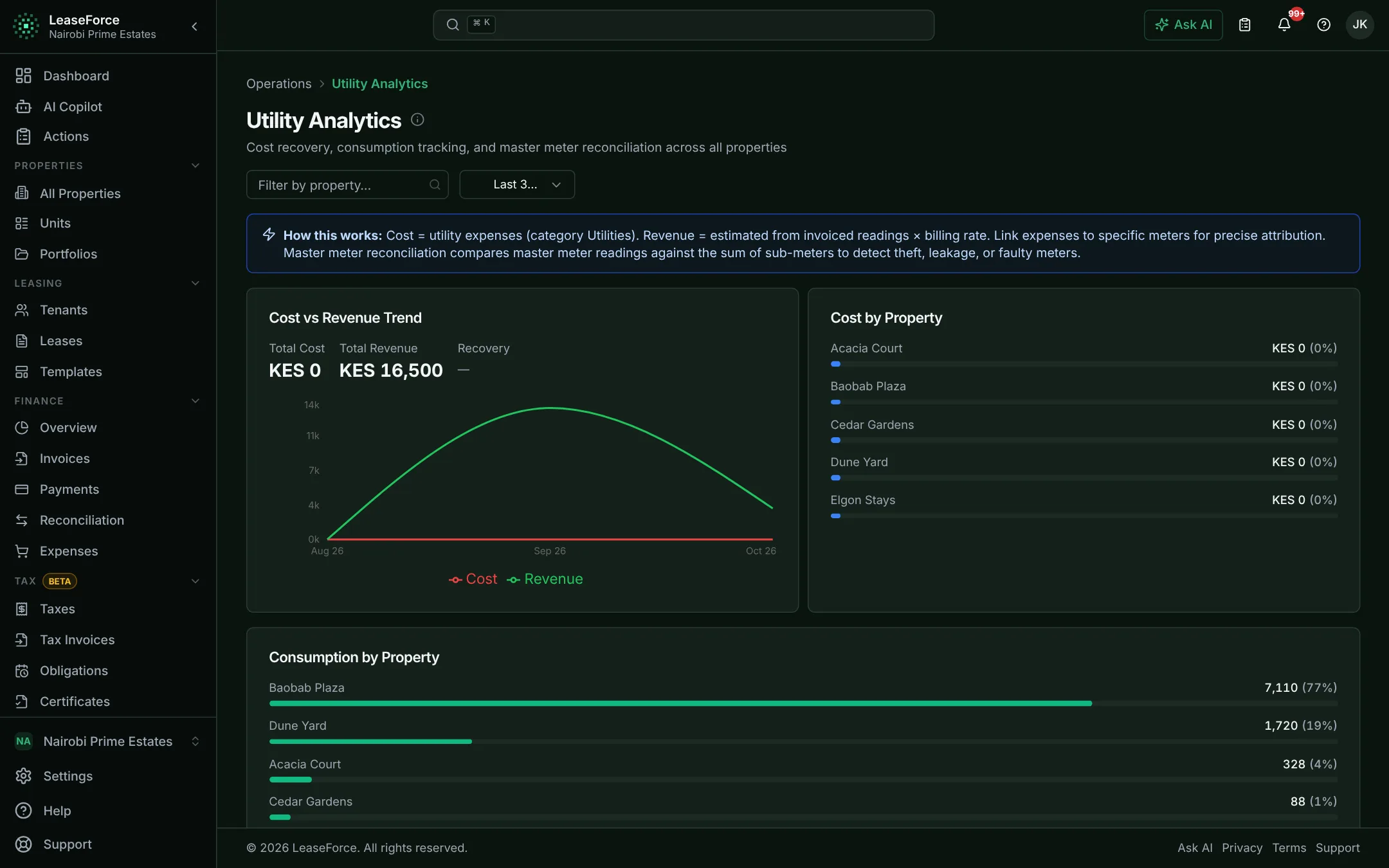
Billing & utilities
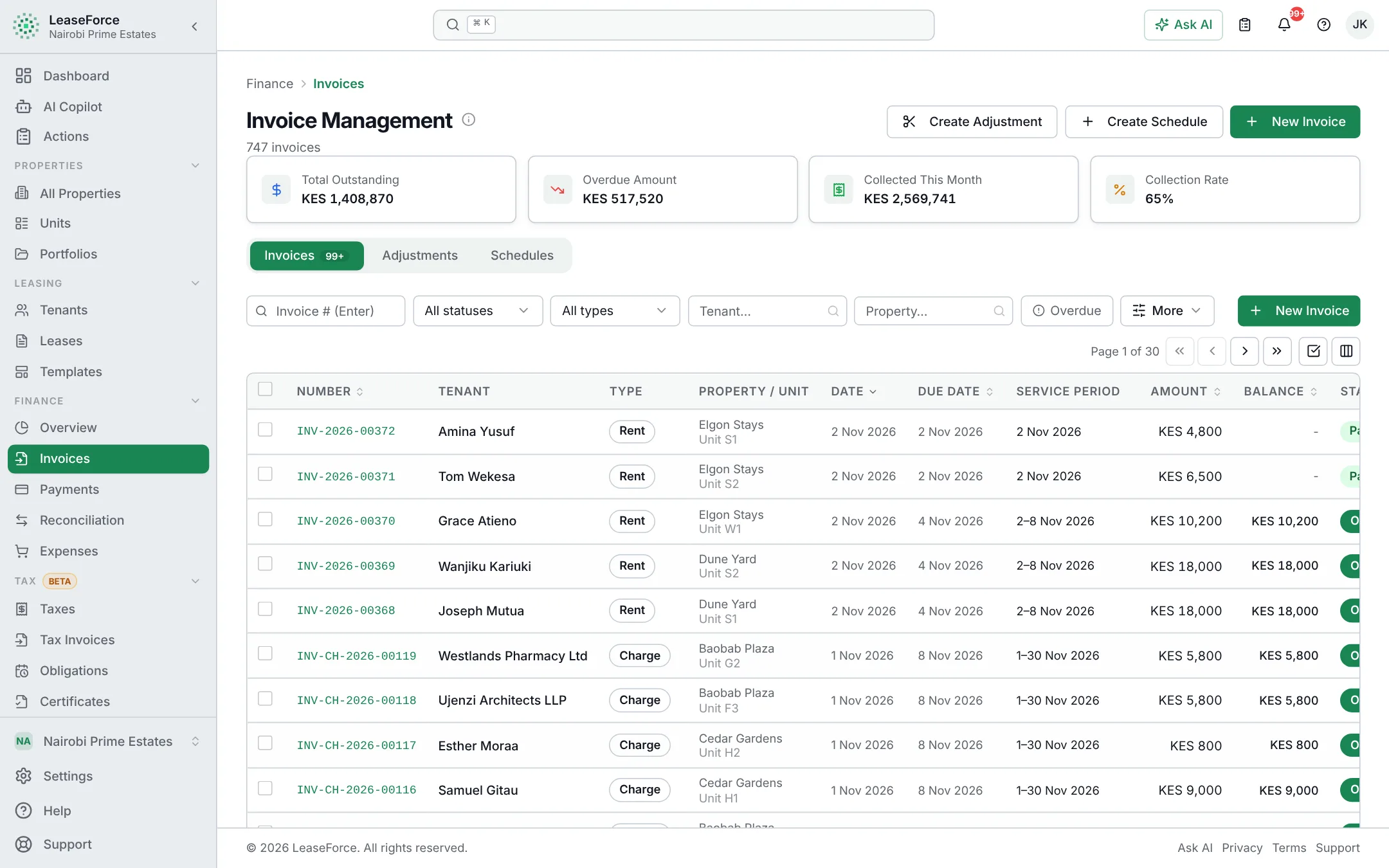
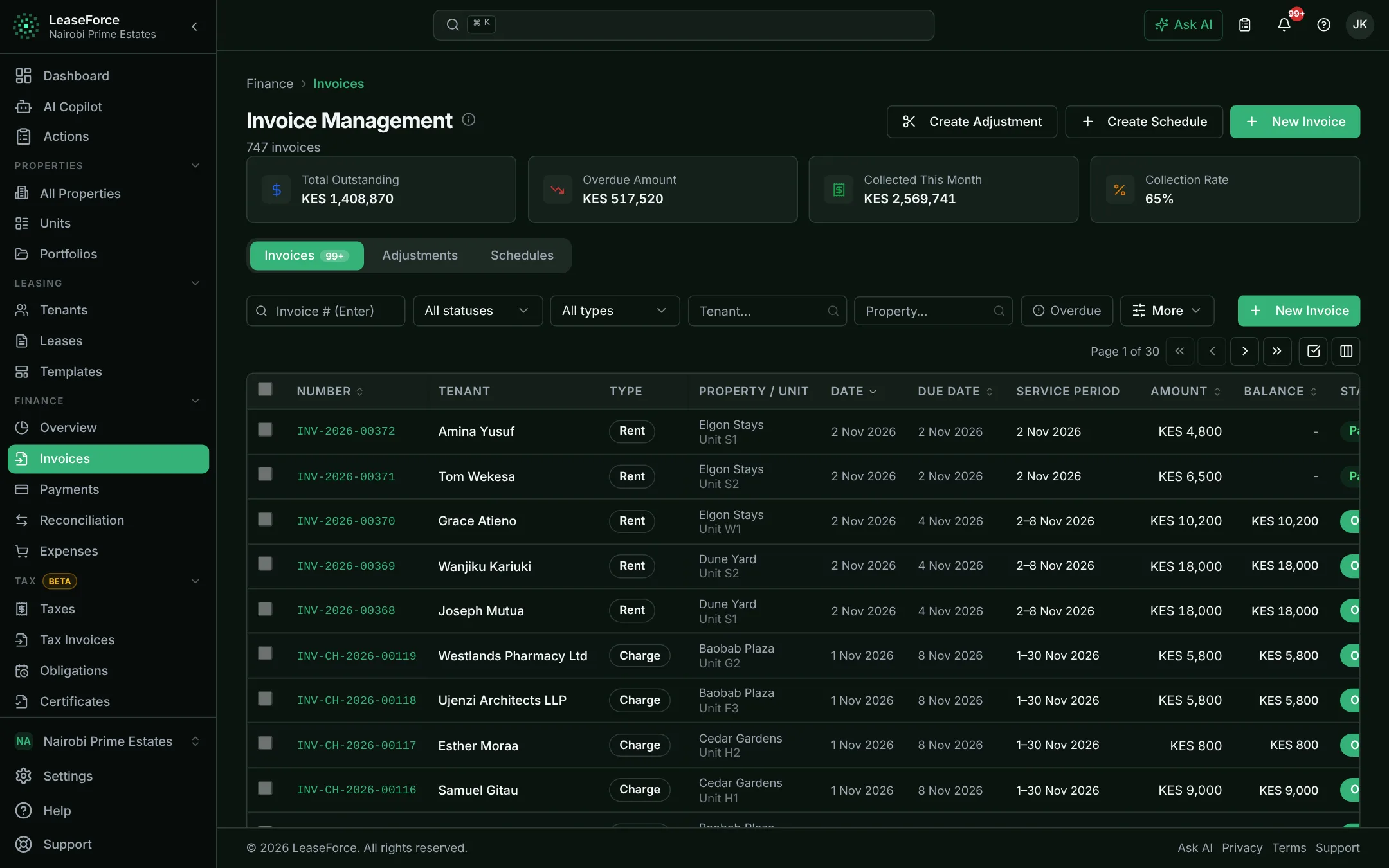
Rent, service charges and utilities are invoiced on the right day, with nobody preparing them.
The right invoice on the right day, with nobody preparing it.
- Daily to yearly billing cycles
- Part-month rent and late fees
- Reminders by email, SMS and WhatsApp
06 / 11
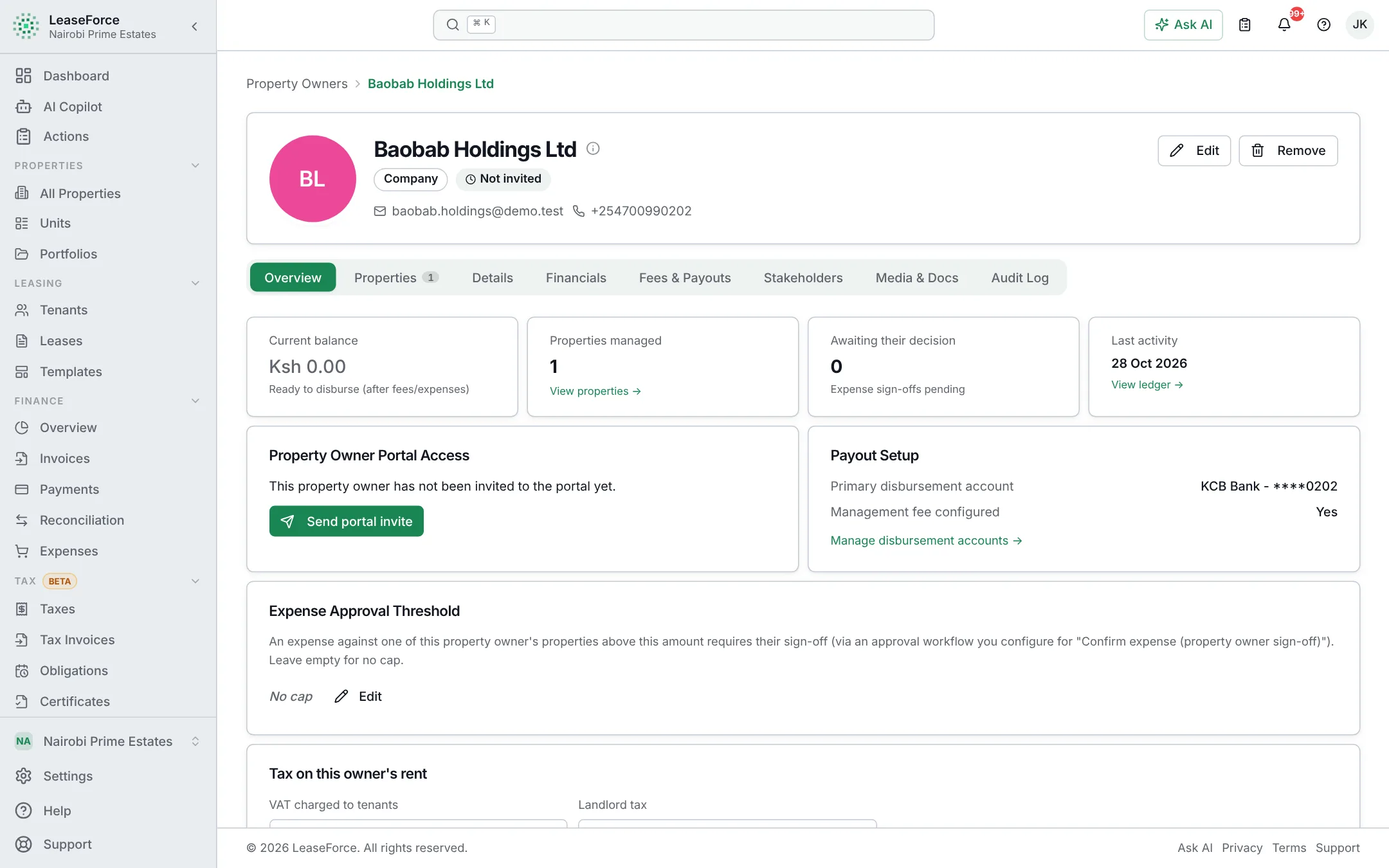
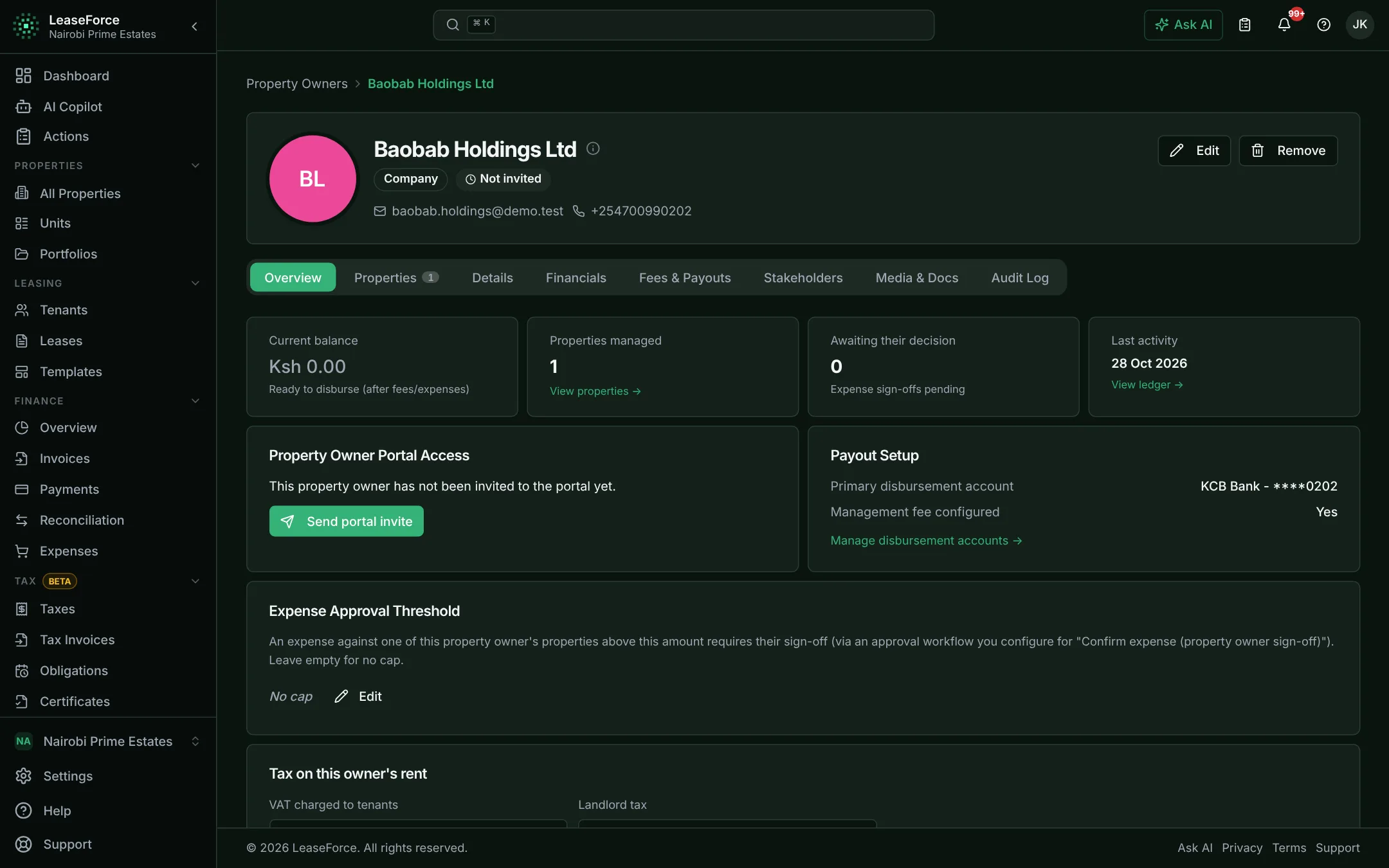
Owners & agencies
Each owner’s fees, statement and payout are worked out for you every period.
Every owner’s figures worked out, every period.
- Fee rules per agency, owner or property
- Payouts with bank or M-Pesa bulk payment files
- Owner portal and emailed statements
07 / 11
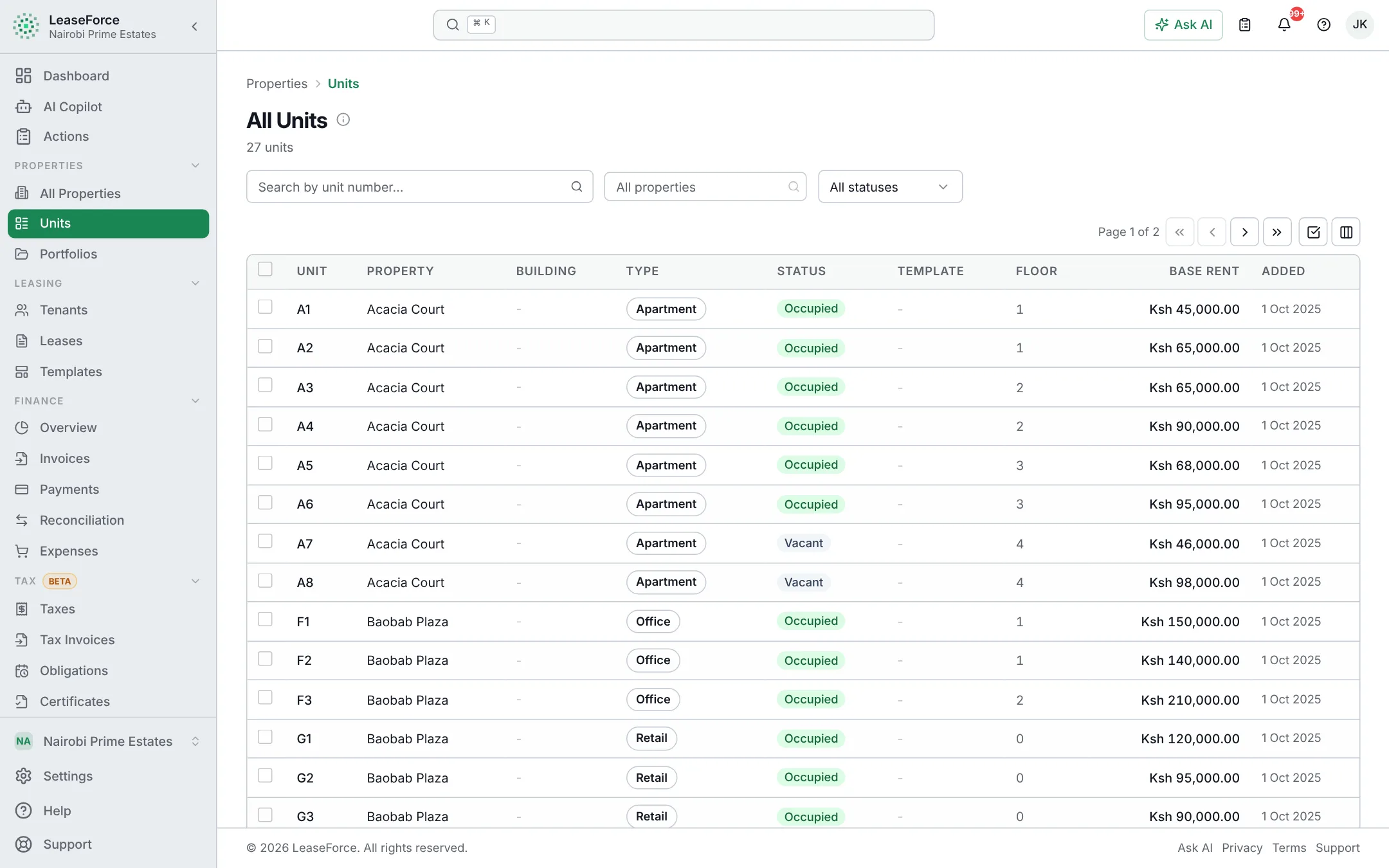
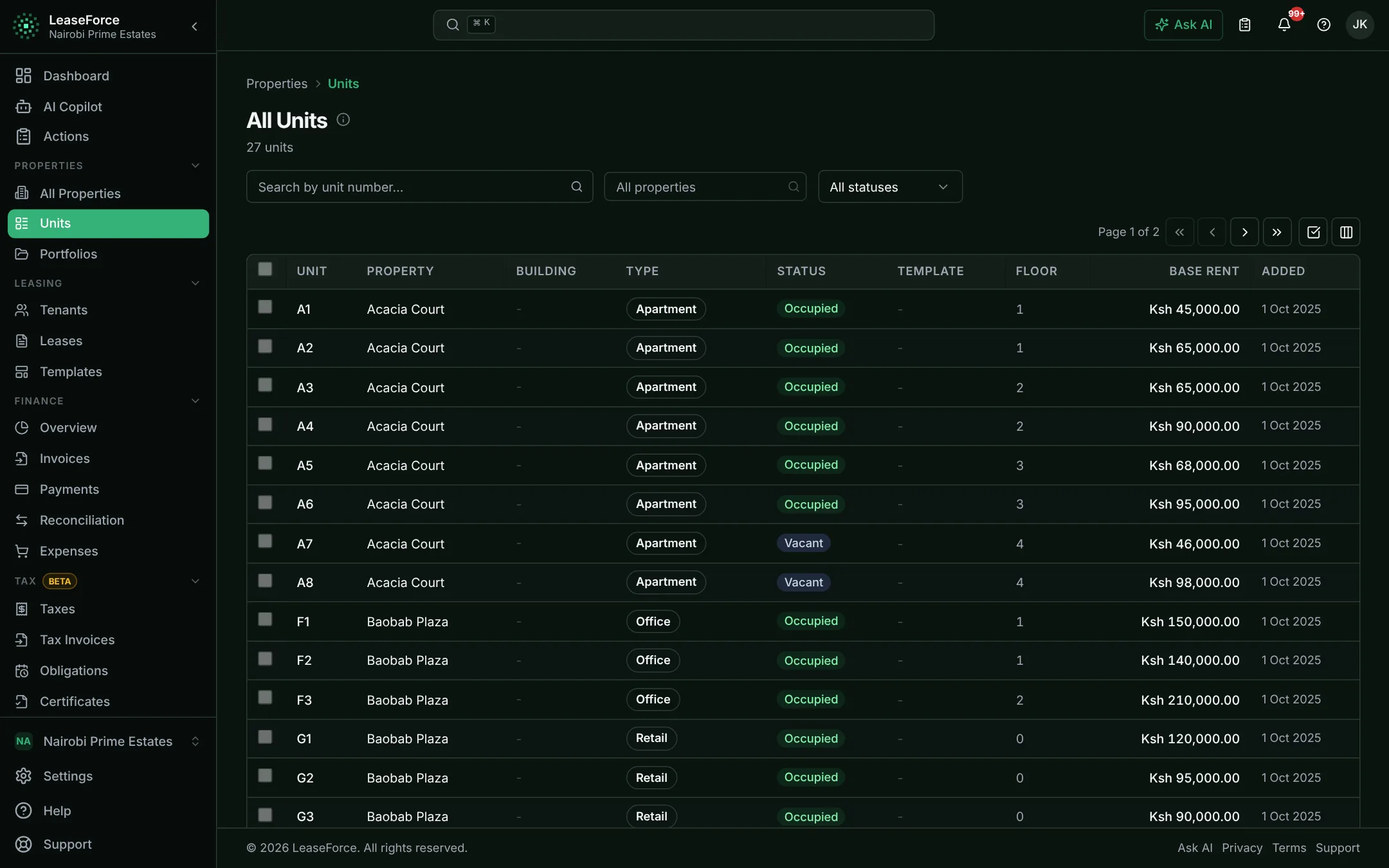
Occupy marketplace
Vacant units are advertised to people looking for a place, straight from your records.
Vacant units advertised without typing anything again.
- One-step connection
- Listings follow vacancy automatically
- Enquiries arrive in the app
08 / 11
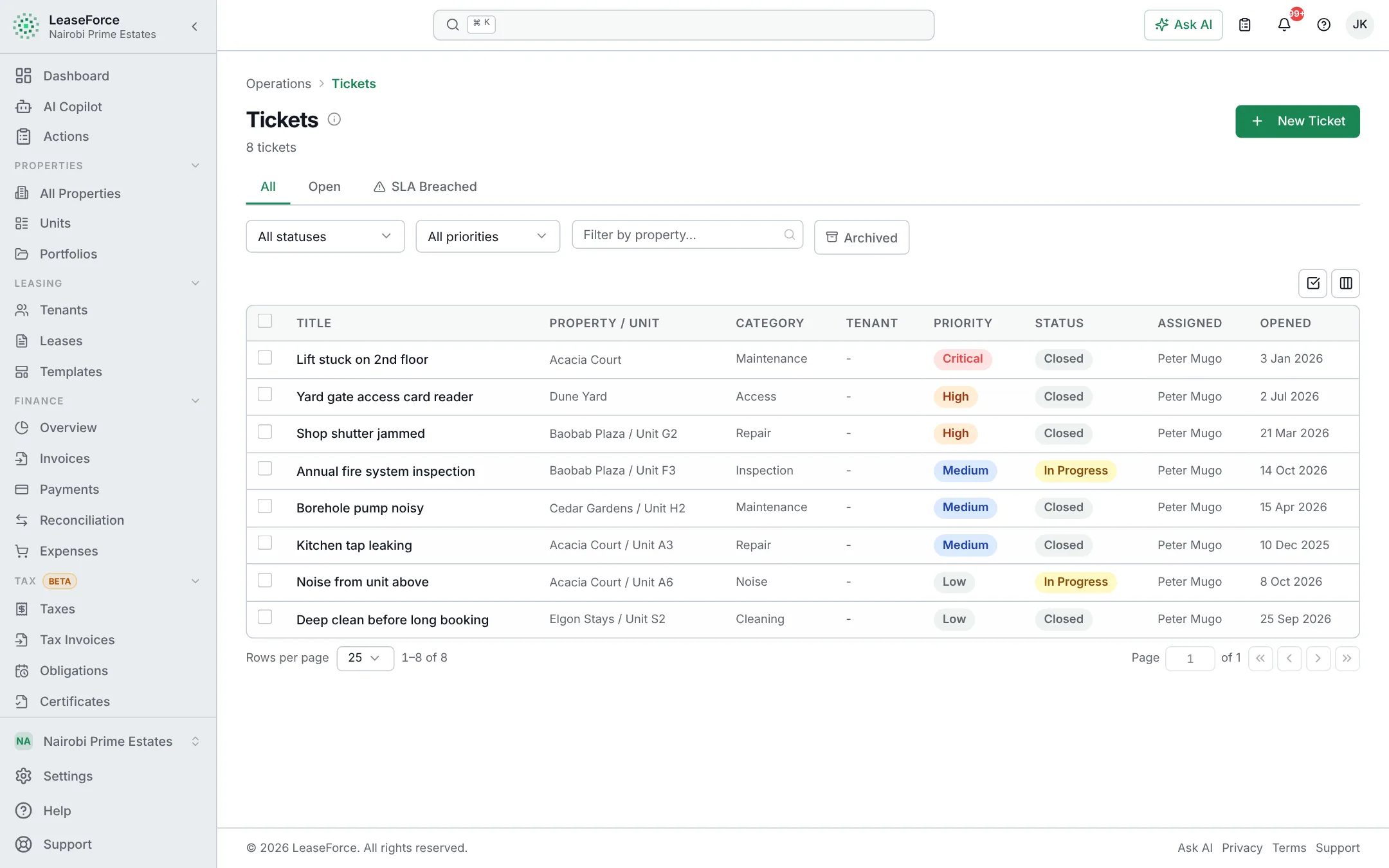
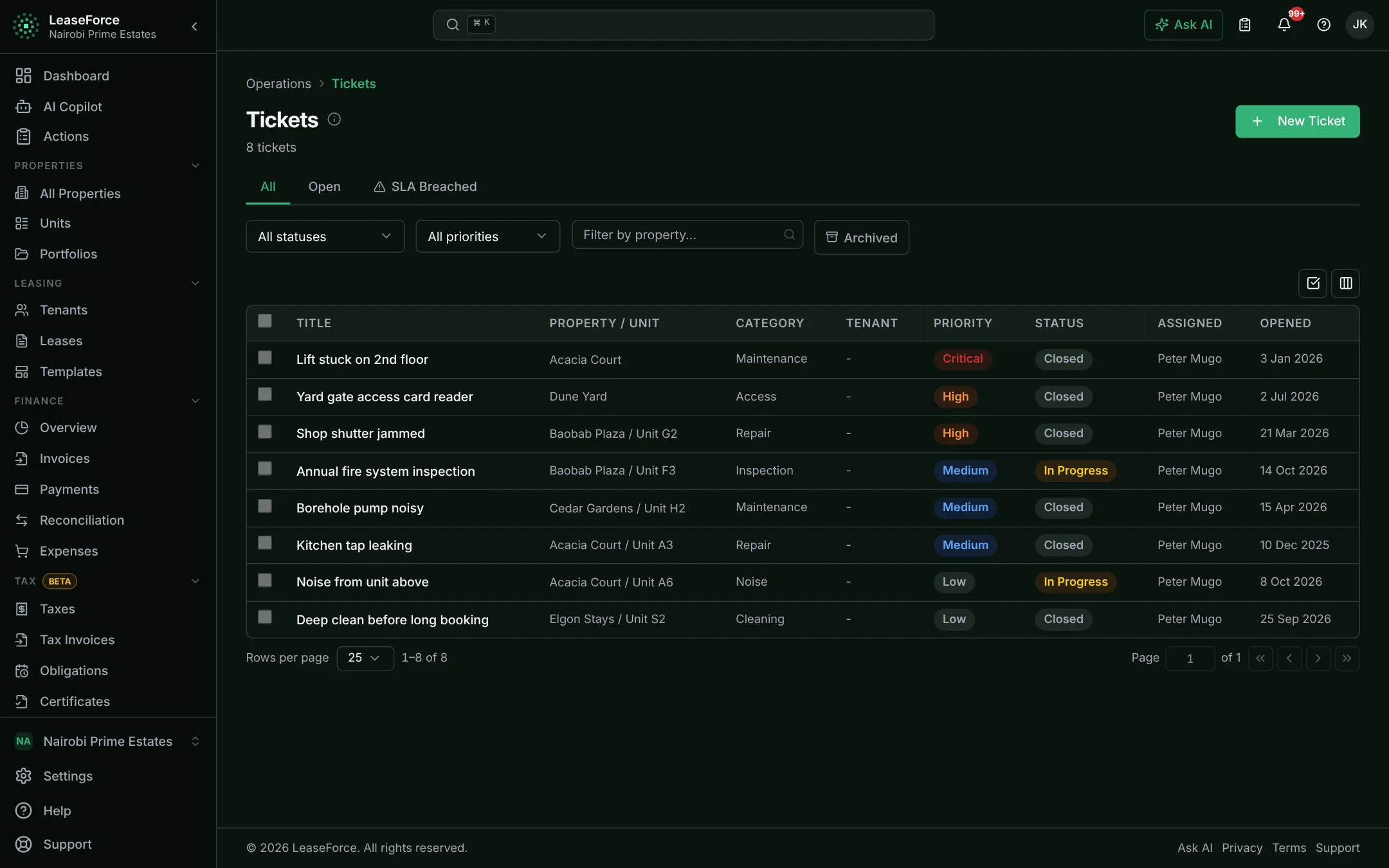
Leases, tenants & maintenance
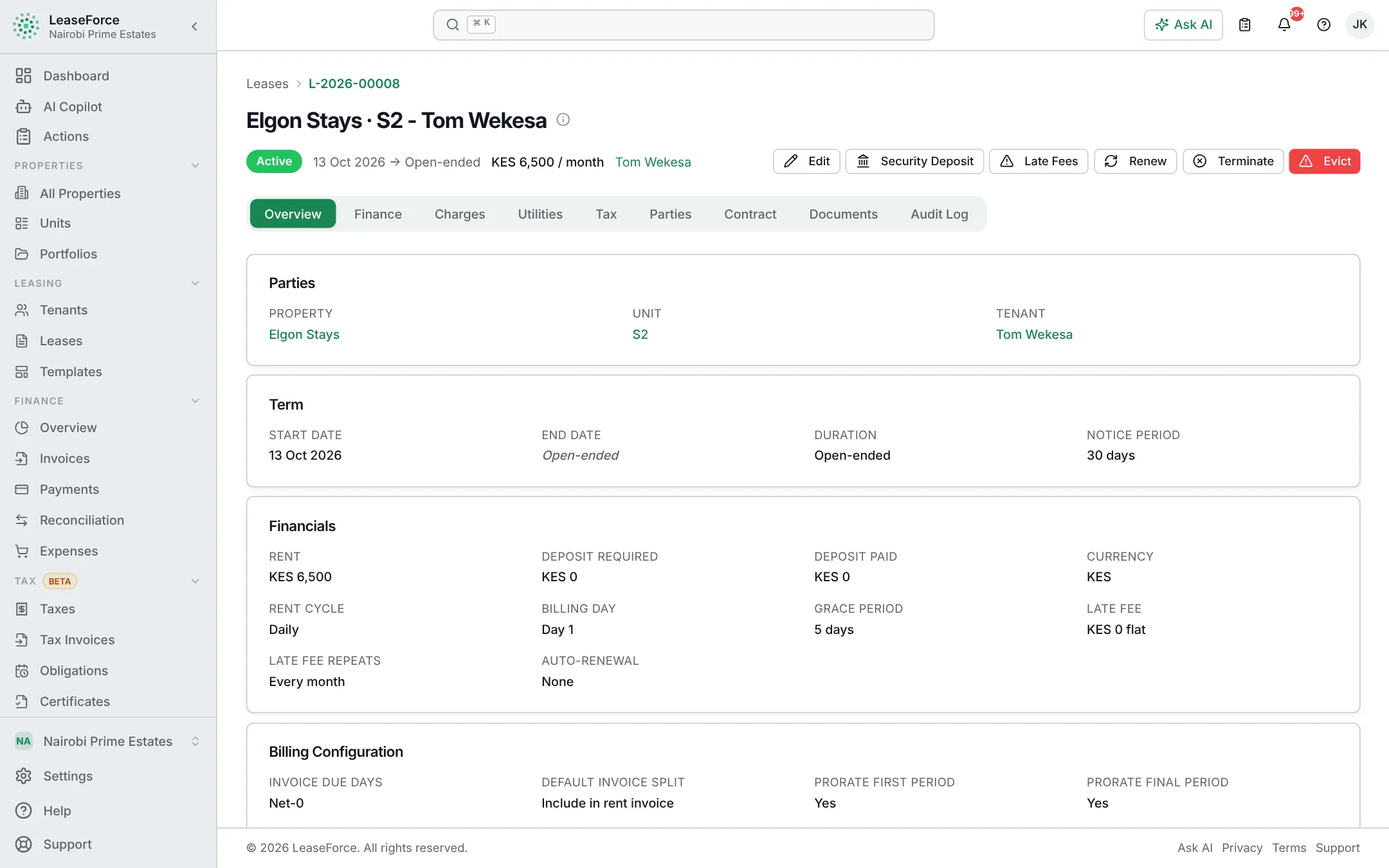
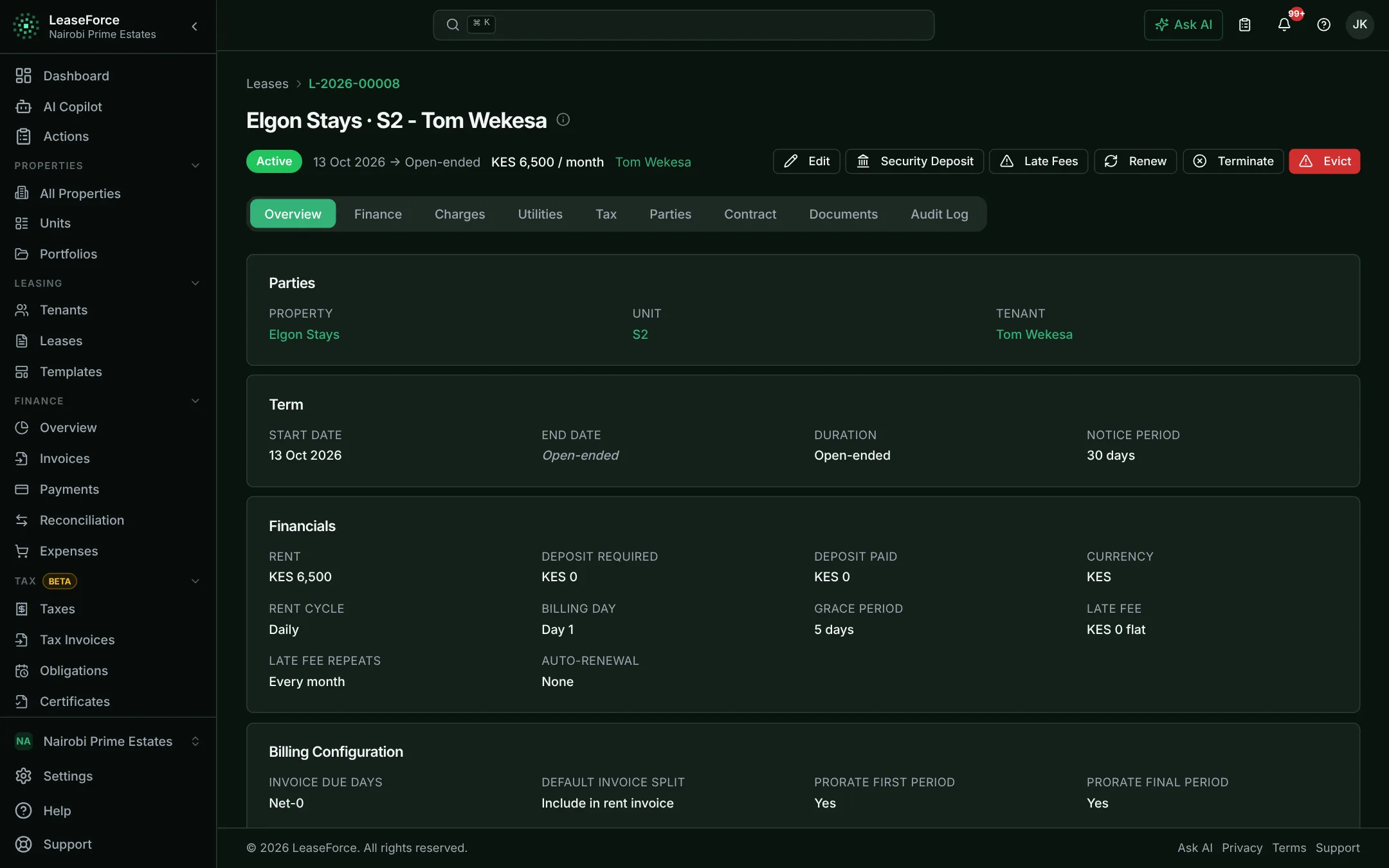
Every lease, tenant and repair in one place, with the full history.
Every lease from draft to renewal, with the full history.
- Templates and generated documents
- Scheduled rent increases
- Deposits, renewals and terminations
09 / 11
Team & control
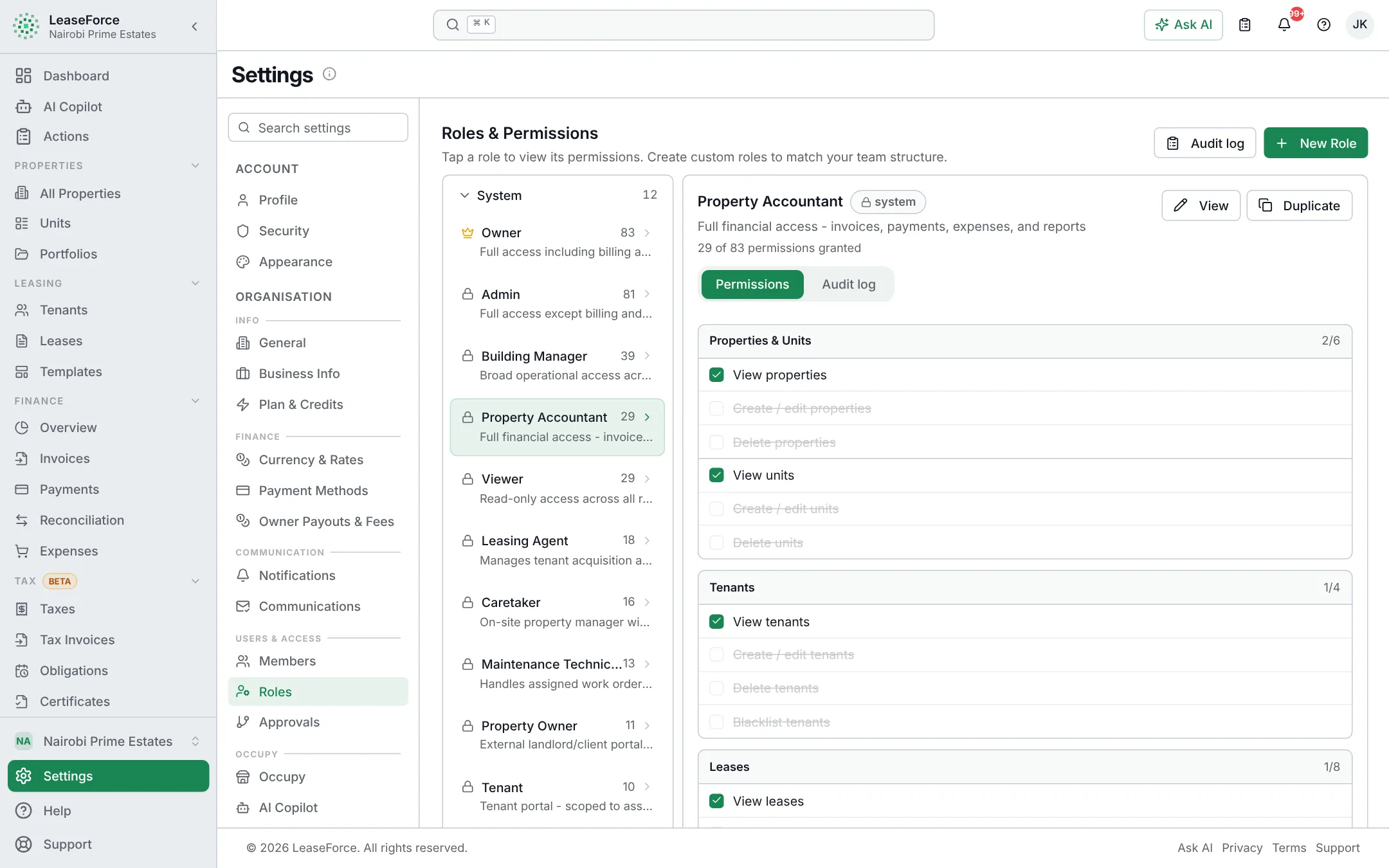
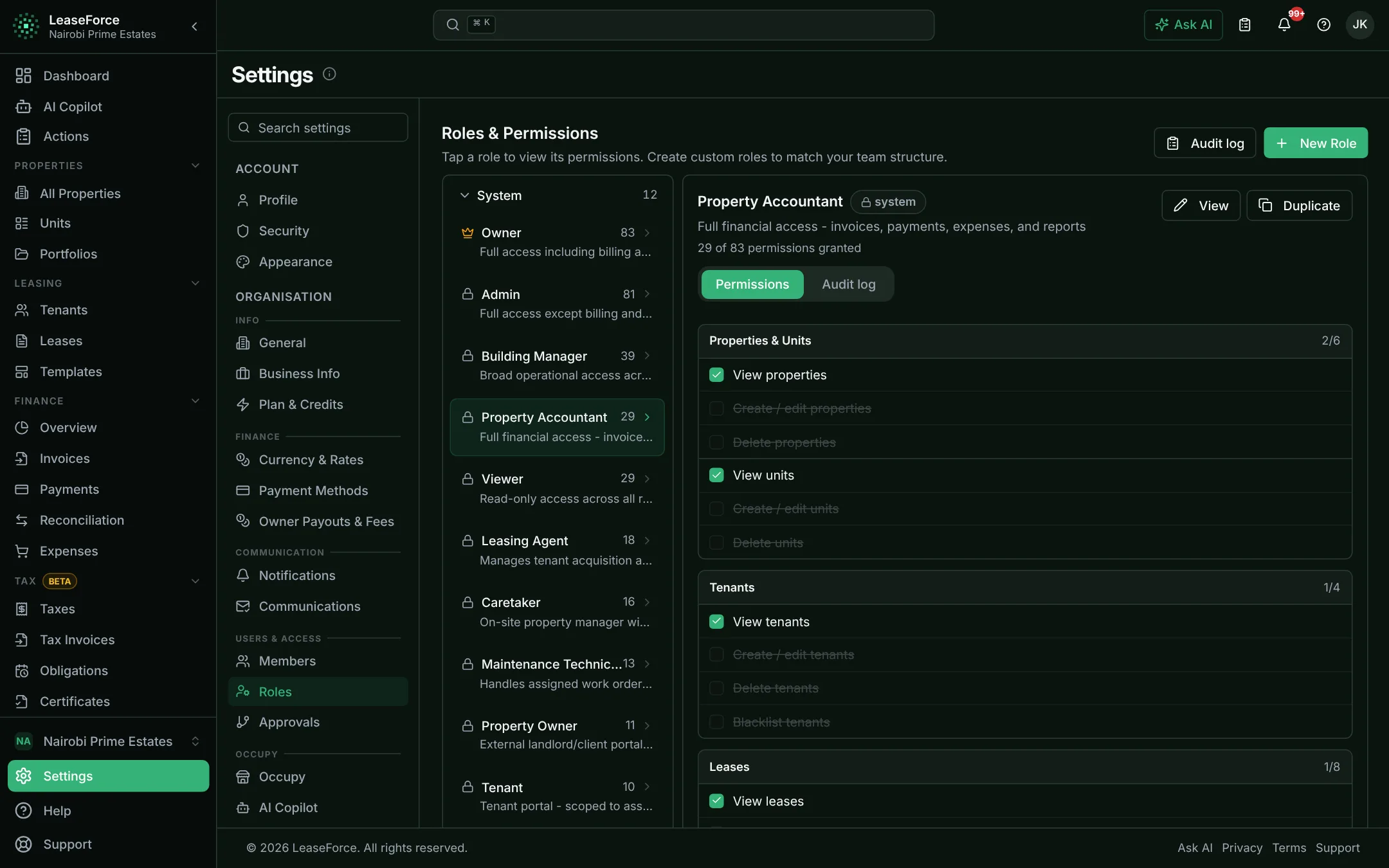
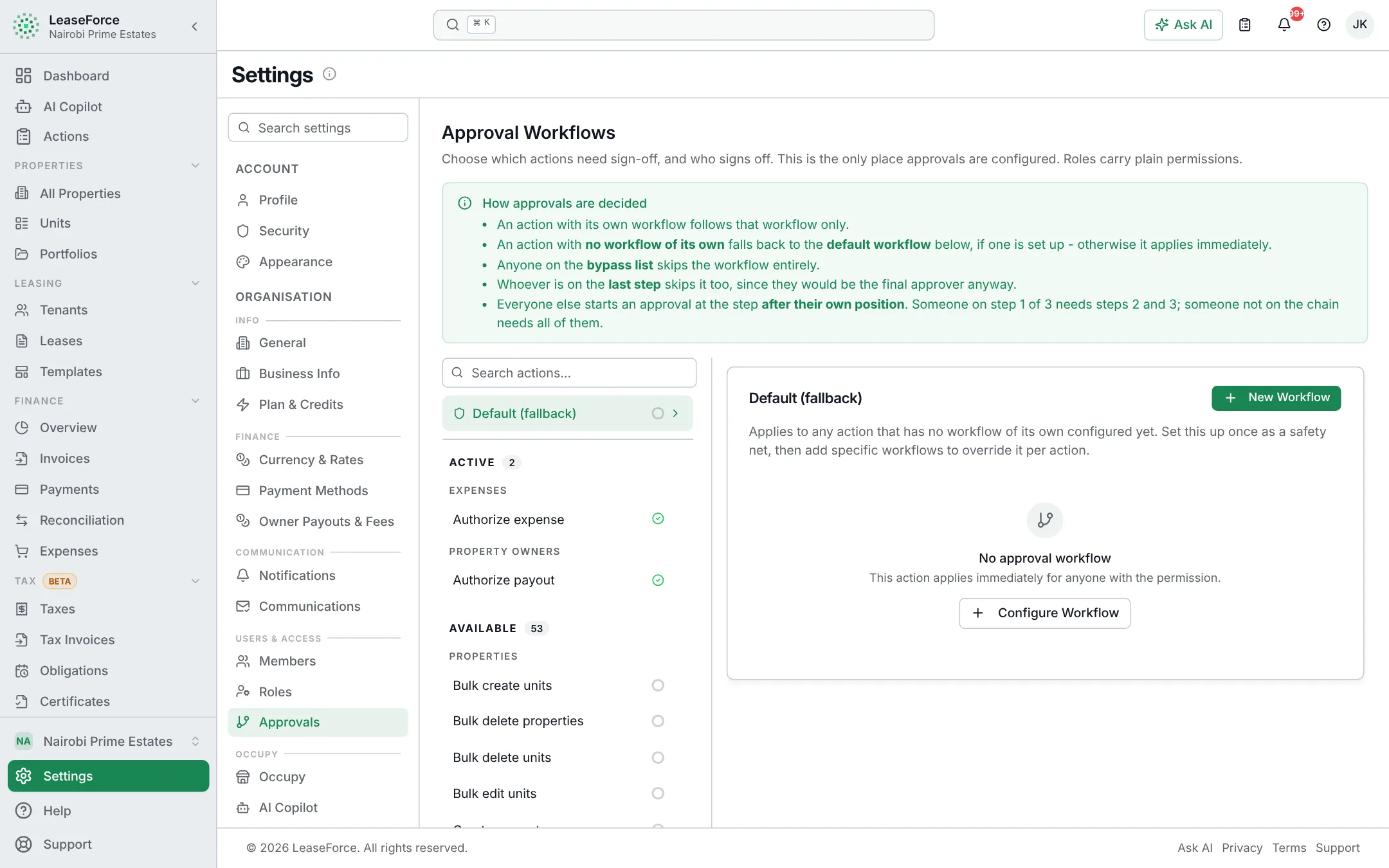
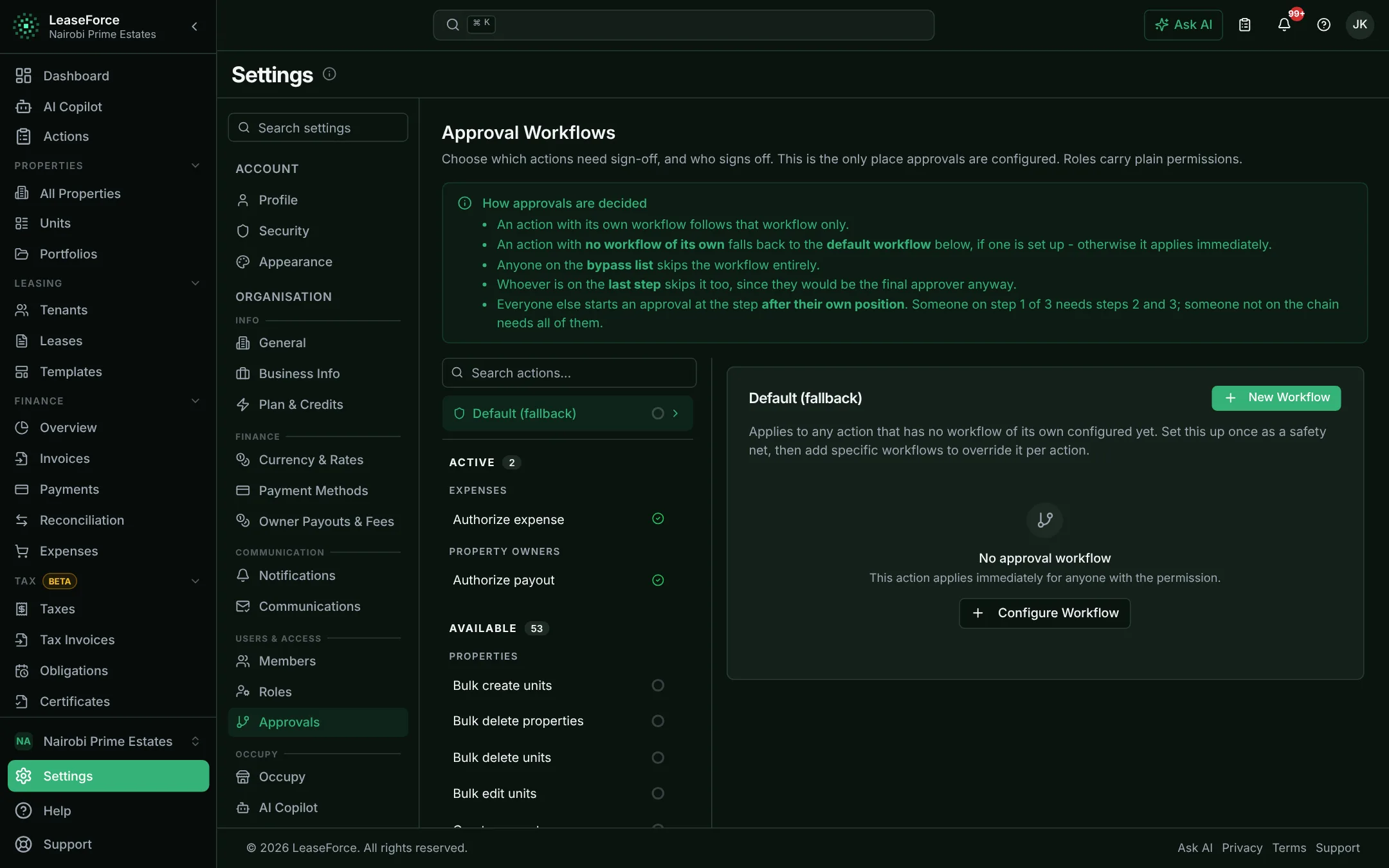
Each person sees only what their job needs, and money does not move without sign-off.
Each person sees exactly what their job needs.
- Ready-made and custom roles
- Access limited to chosen properties
- A permanent audit trail
10 / 11
Messaging
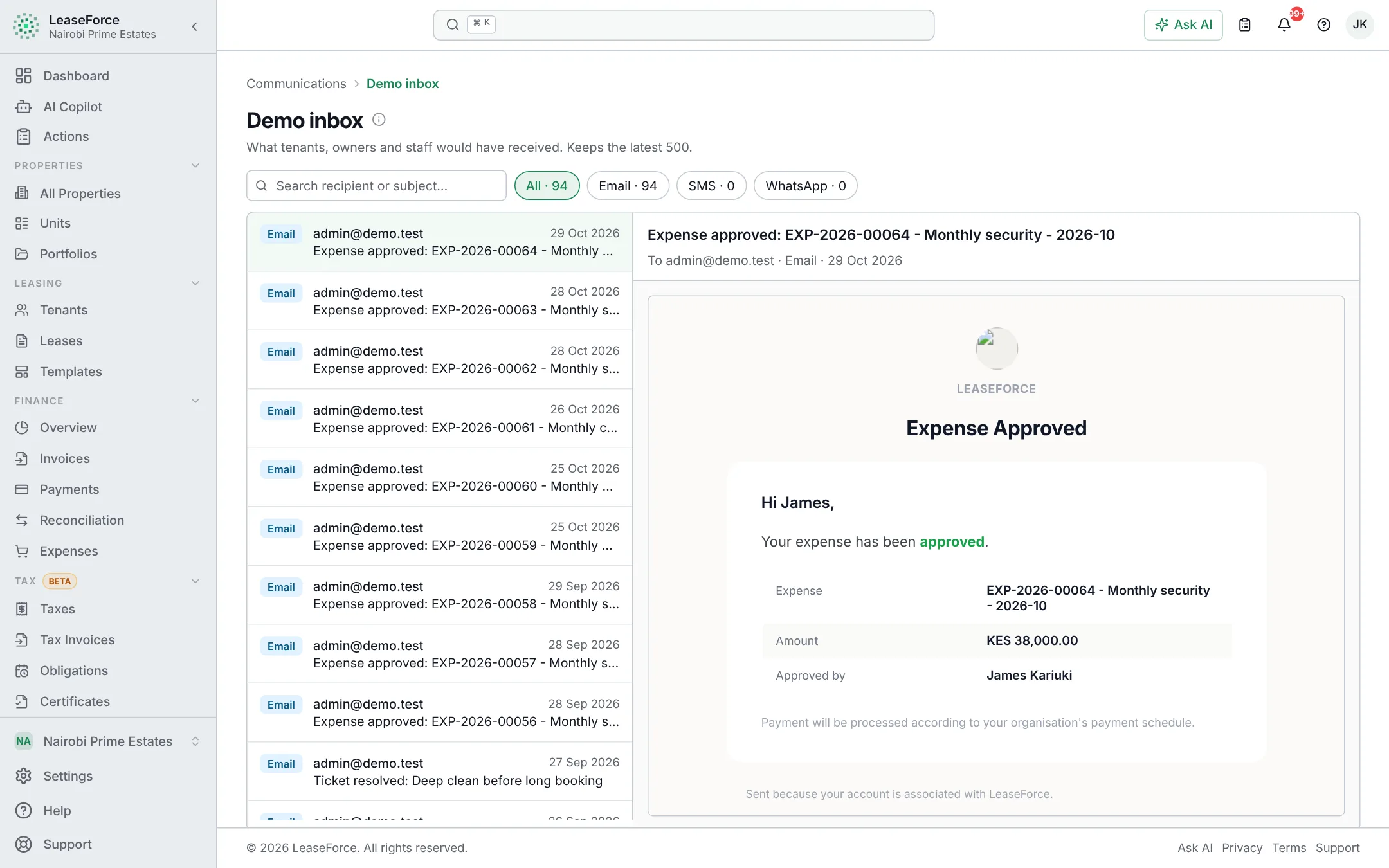
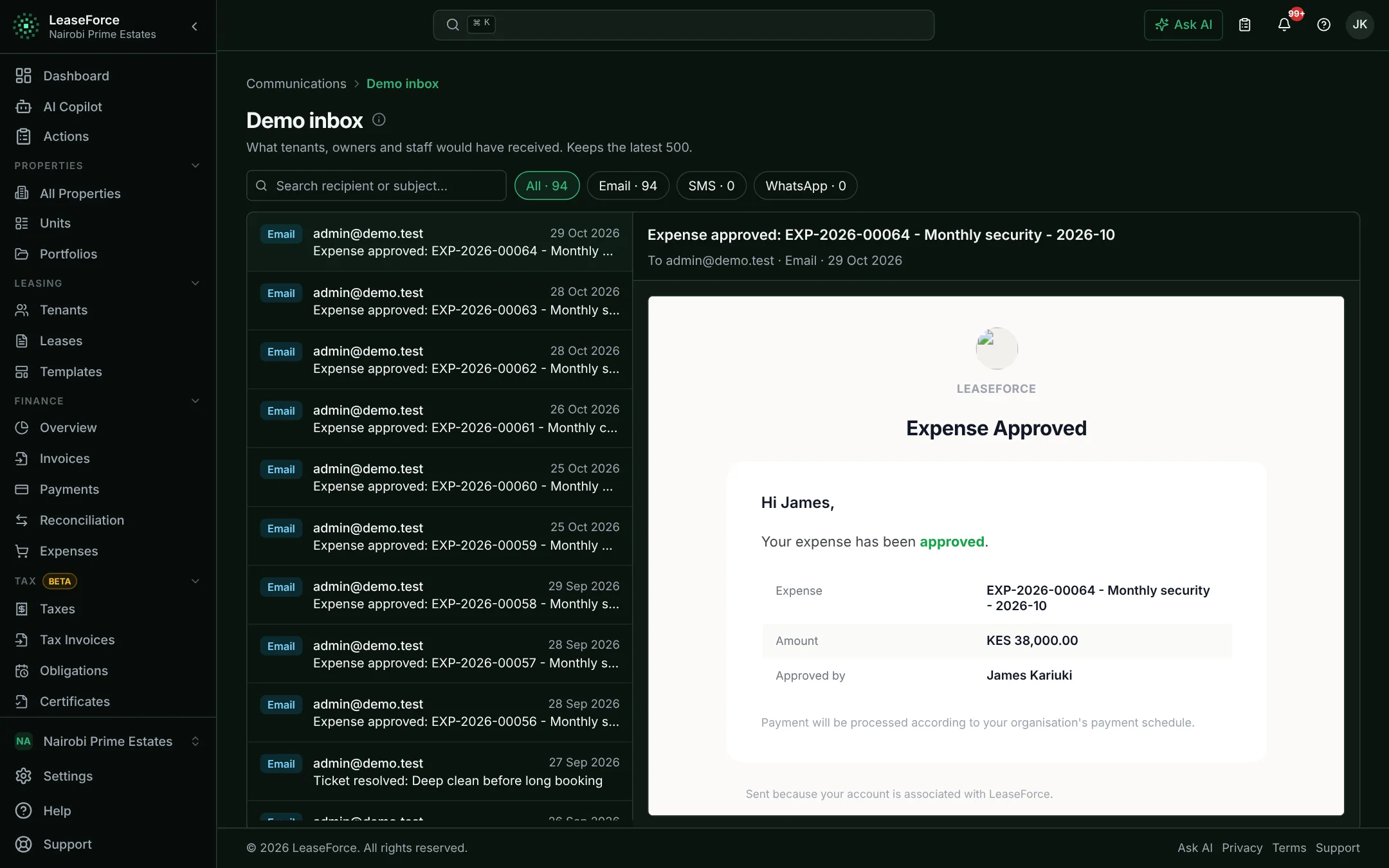
Invoices, receipts, reminders and notices sent to tenants by themselves.
Every notice sent by itself, on the channel each tenant uses.
- Automatic notices
- Messages to one building or everyone
- Delivery status per person
11 / 11
Any device, open data
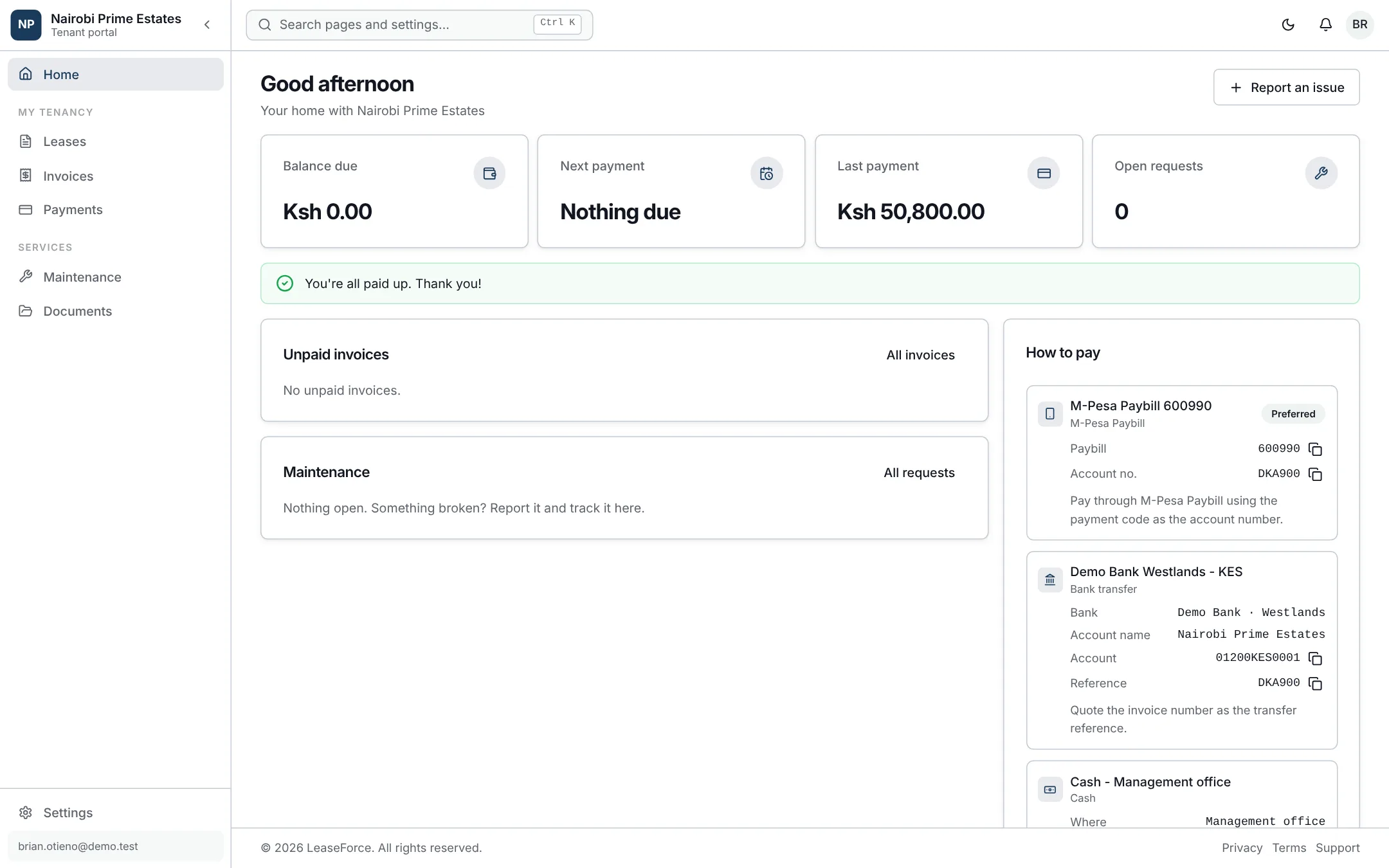
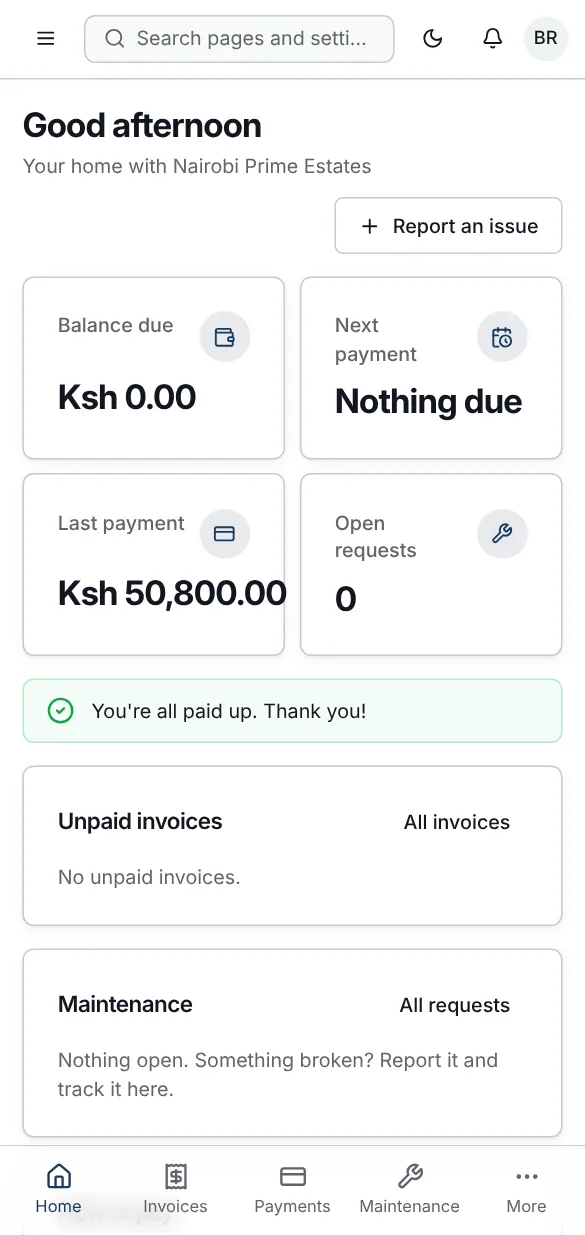
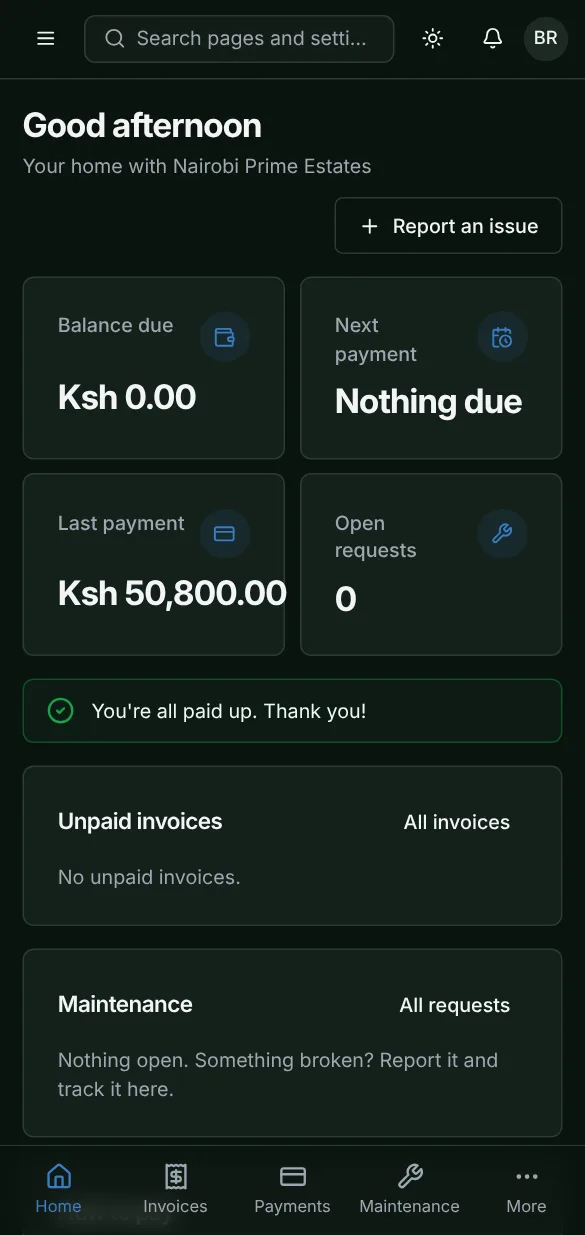
Works on any phone or computer, and your data comes in and goes out freely.
An app on your phone and computer, with no app store needed.
- Android, iPhone and iPad
- Windows, Mac and Chromebook
- Automatic updates
- Android
- iPhone & iPad
- Windows
- Mac
- Chromebook
Android
Phones and tablets · Chrome
- 1Open app.leaseforce.co.ke in Chrome.
- 2Tap the ⋮ menu, then “Install app” or “Add to Home screen”.
- 3Tap Install. It appears on your home screen.
iPhone & iPad
iOS and iPadOS · Safari
- 1Open app.leaseforce.co.ke in Safari.
- 2Tap the Share button.
- 3Choose “Add to Home Screen”, then Add.
Windows
Laptops and desktops · Chrome or Edge
- 1Open app.leaseforce.co.ke in Chrome or Edge.
- 2Click the install icon at the right of the address bar.
- 3Click Install, then pin it to Start or the taskbar.
Mac
MacBook and iMac · Safari, Chrome or Edge
- 1Open app.leaseforce.co.ke in Safari, Chrome or Edge.
- 2Safari: File, then “Add to Dock”. Chrome or Edge: click the install icon in the address bar.
- 3Open it from the Dock or Launchpad.
Chromebook
ChromeOS · Chrome
- 1Open app.leaseforce.co.ke in Chrome.
- 2Click the install icon in the address bar.
- 3Click Install. Find it in your launcher.
See your rent reconcile itself.
Set up in an afternoon, on any device. Free for up to 5 units.