Skip to content
LeaseForce
Free for your first 5 units. No card needed.

Every rent payment matched. Automatically.

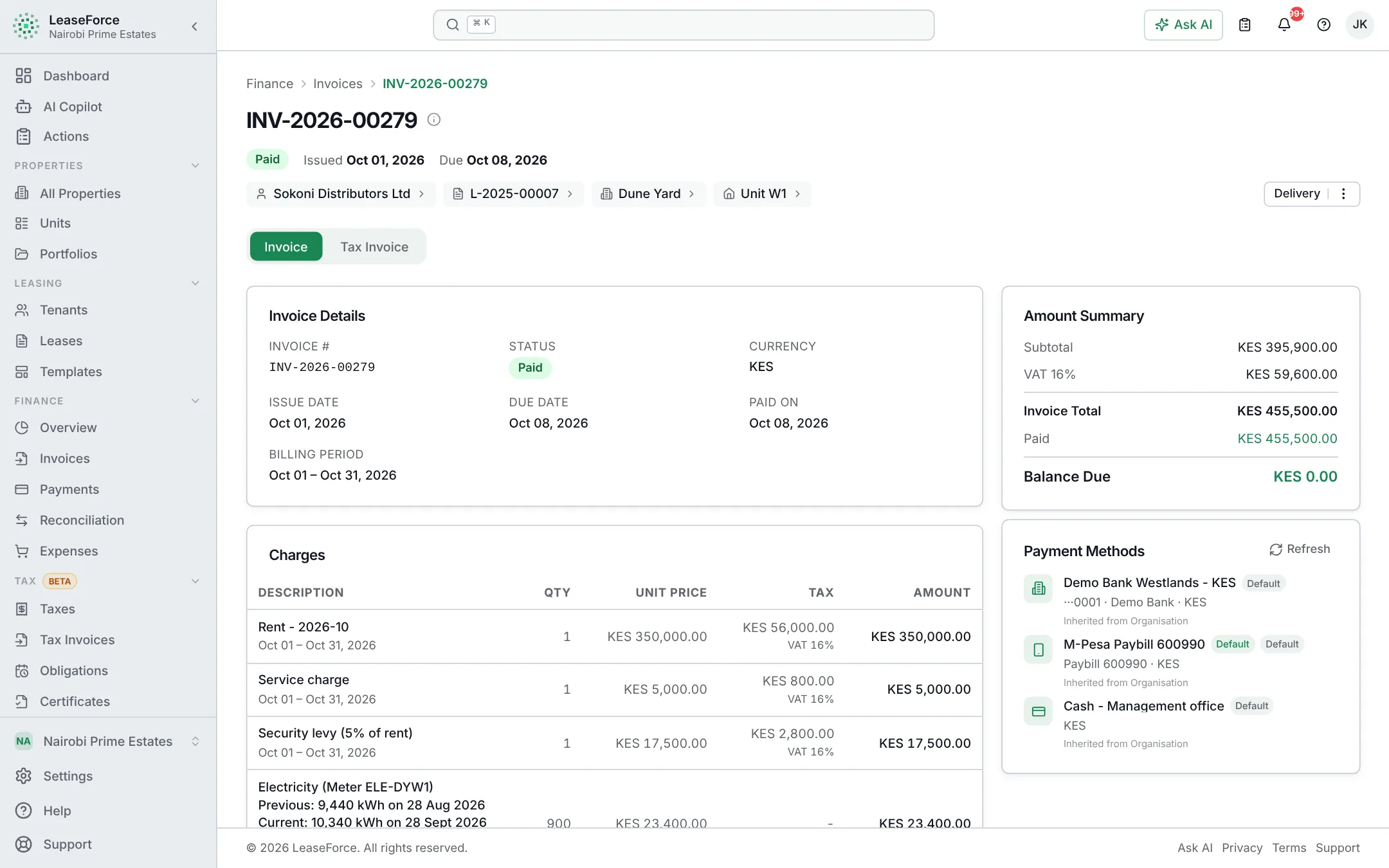
Invoices go out on time. M-Pesa and bank payments match themselves to the right tenant. Receipts, books and tax take care of themselves.

No sign-up: explore a landlord with 13 months of data.

  • Free up to 5 units
  • Every feature, every plan
  • Live in an afternoon
app.leaseforce.co.ke
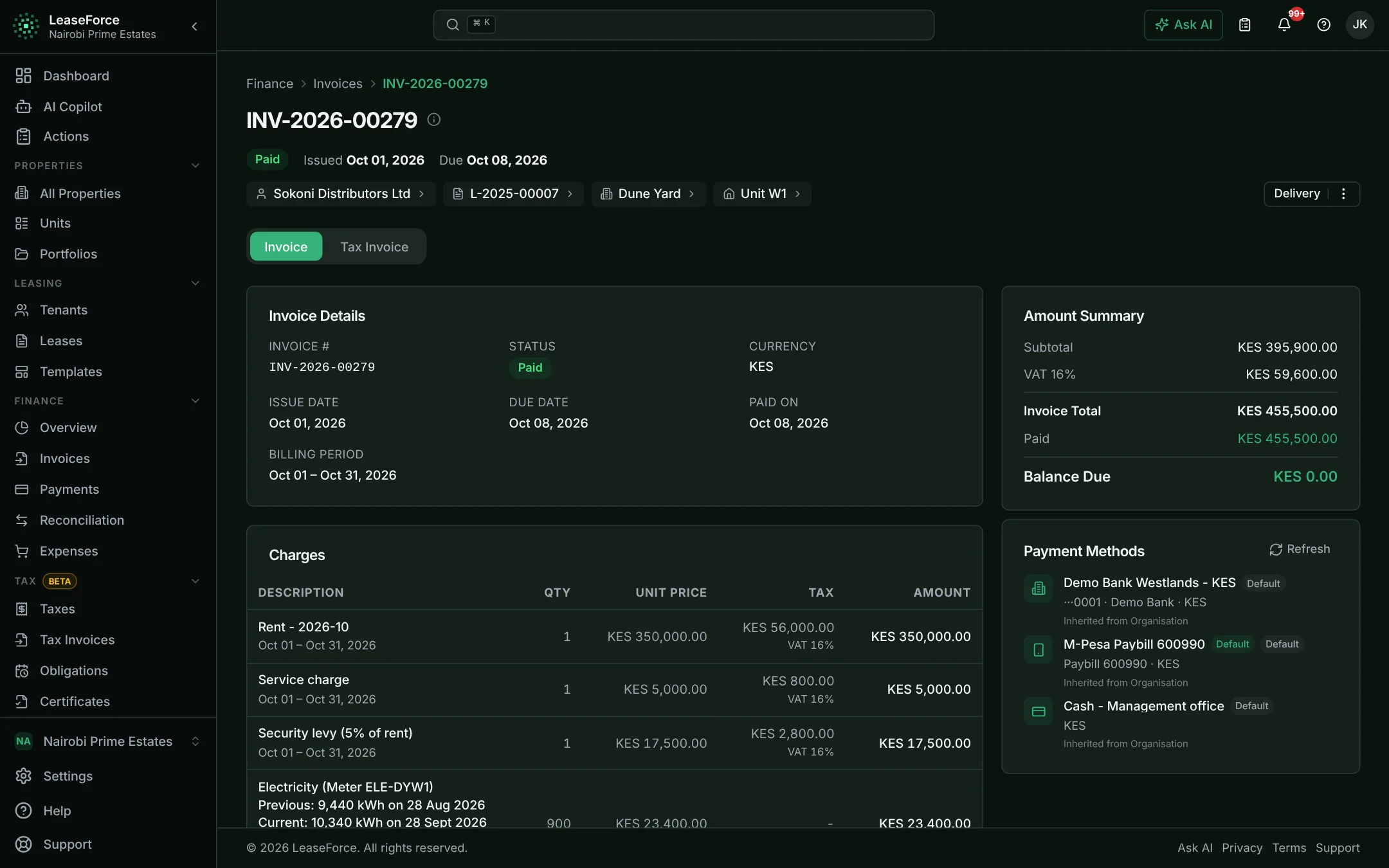
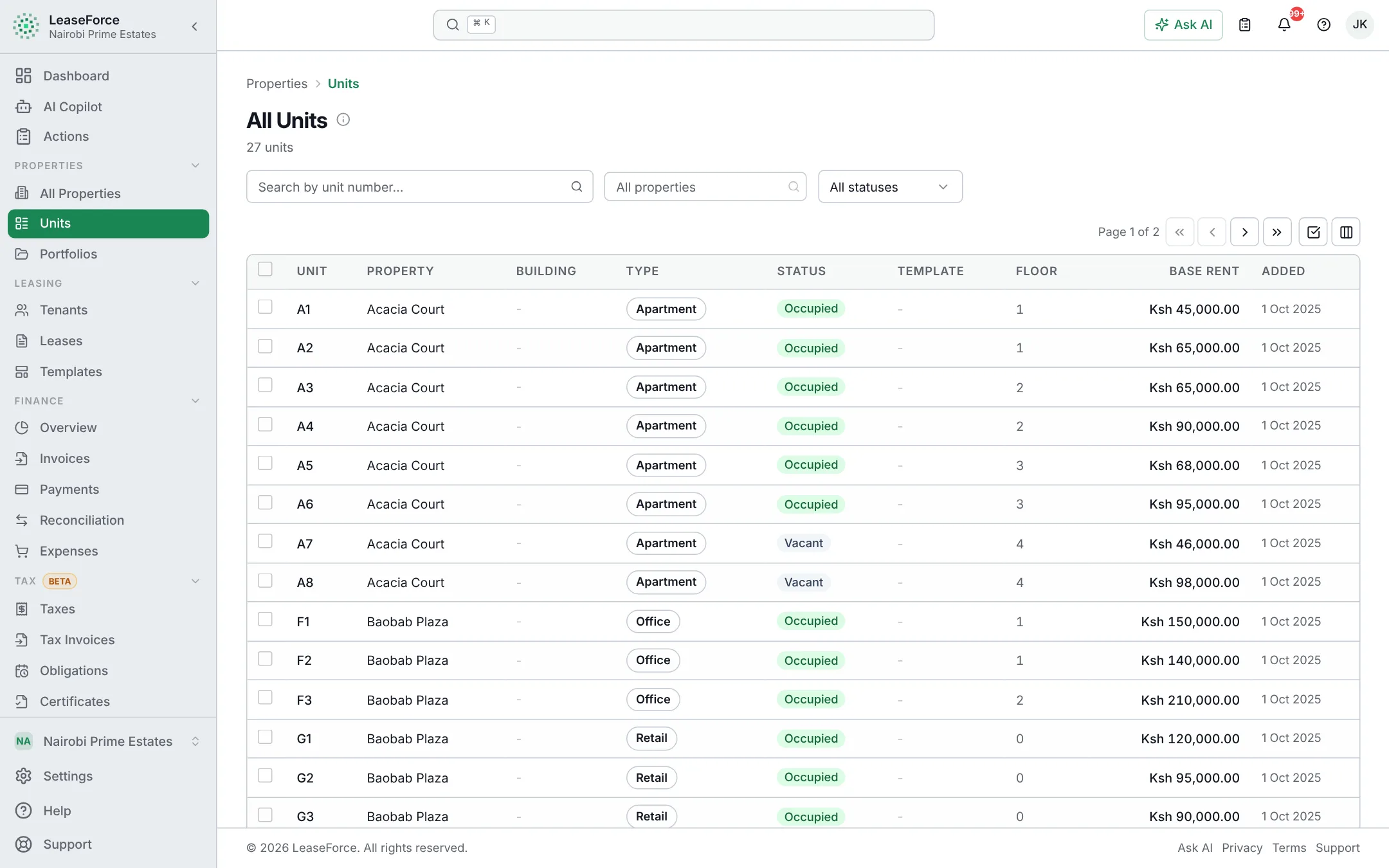
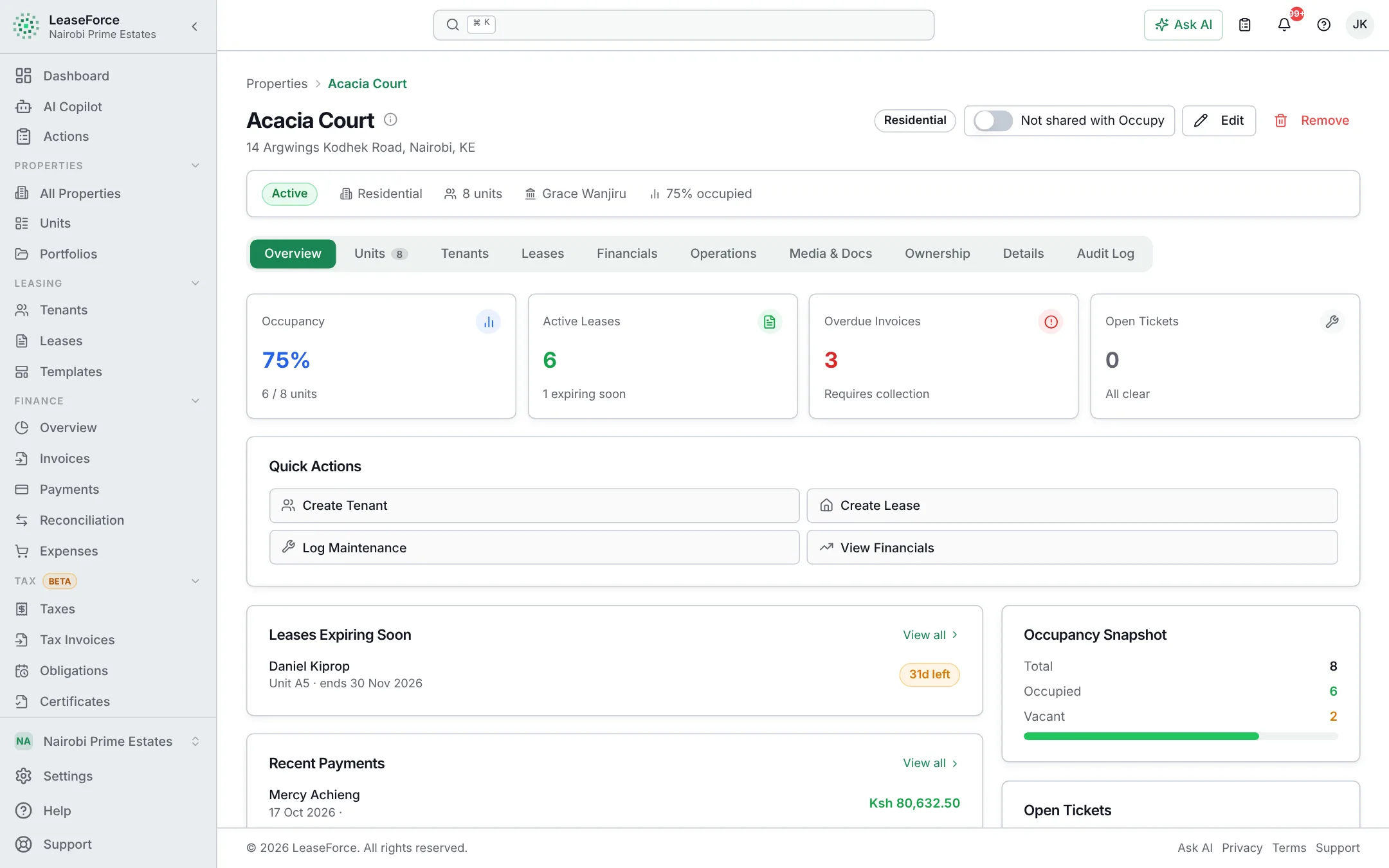
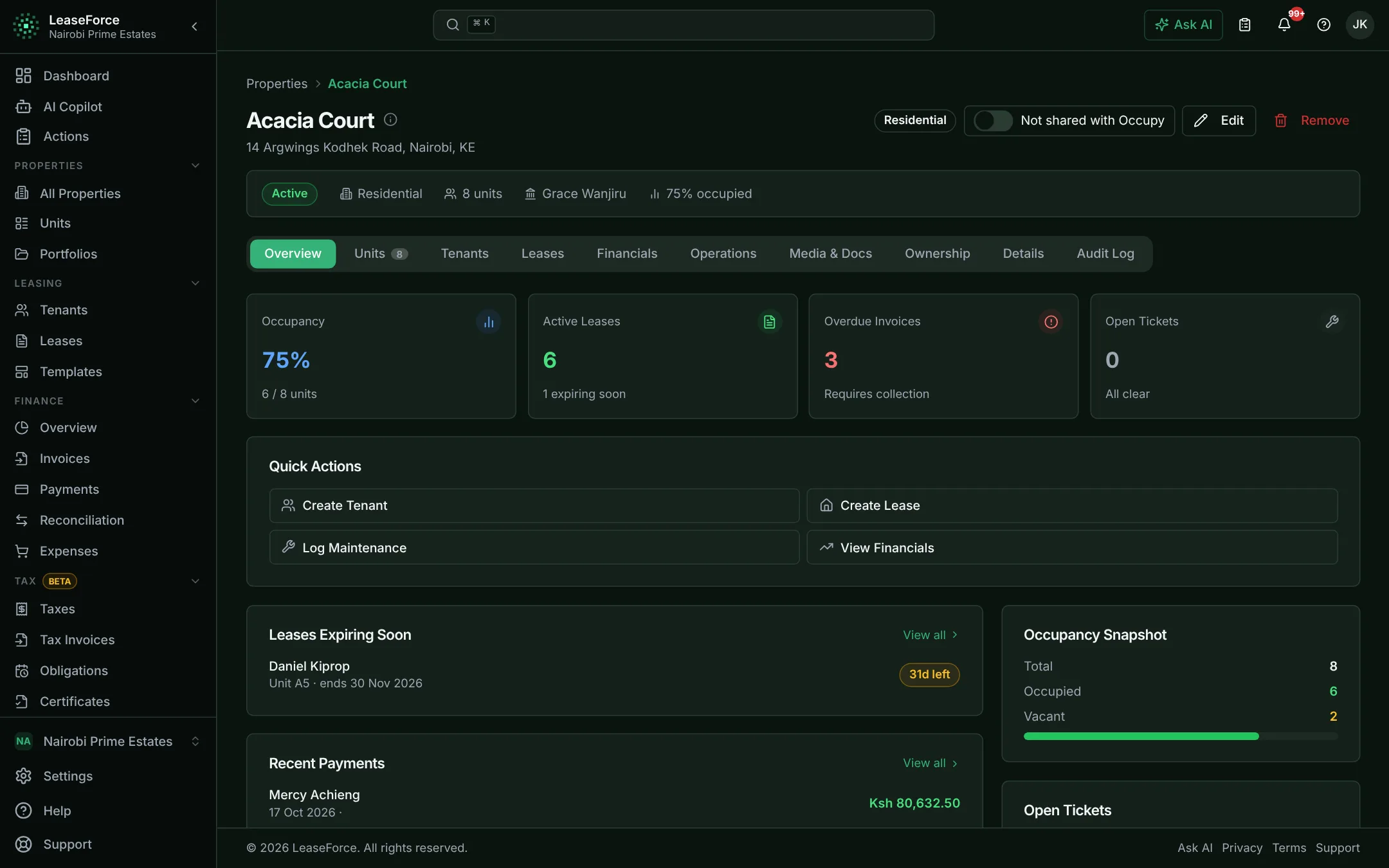
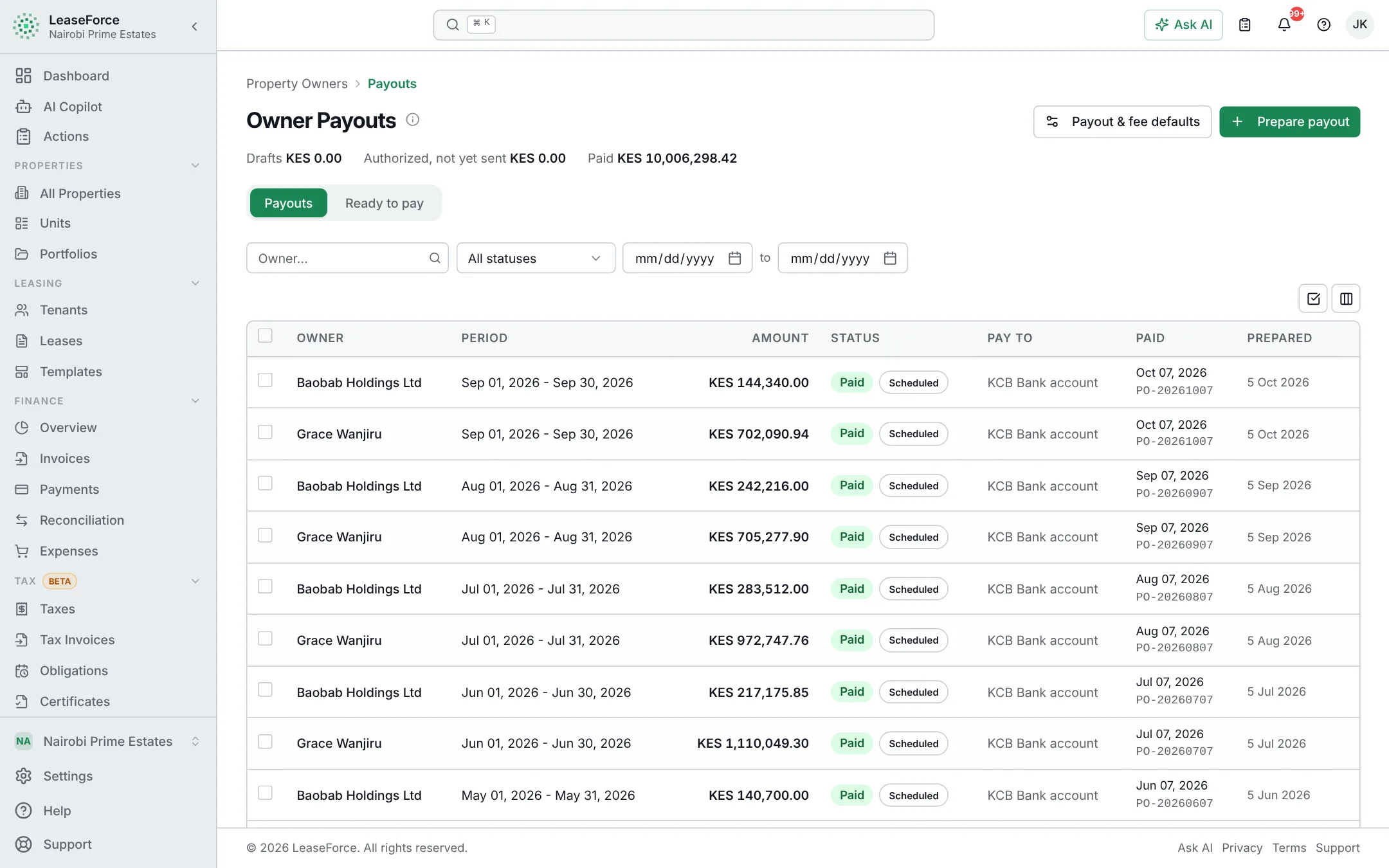
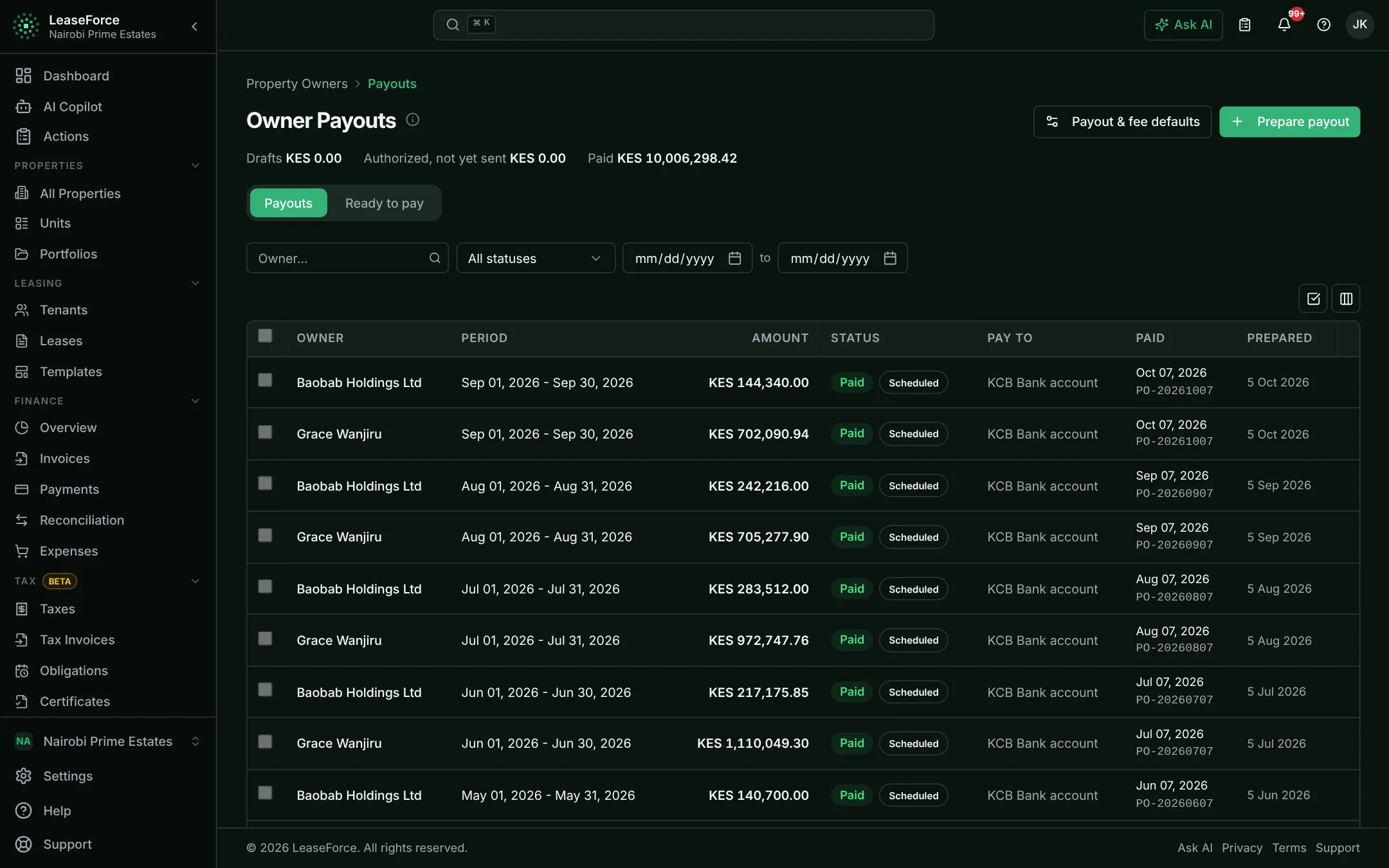
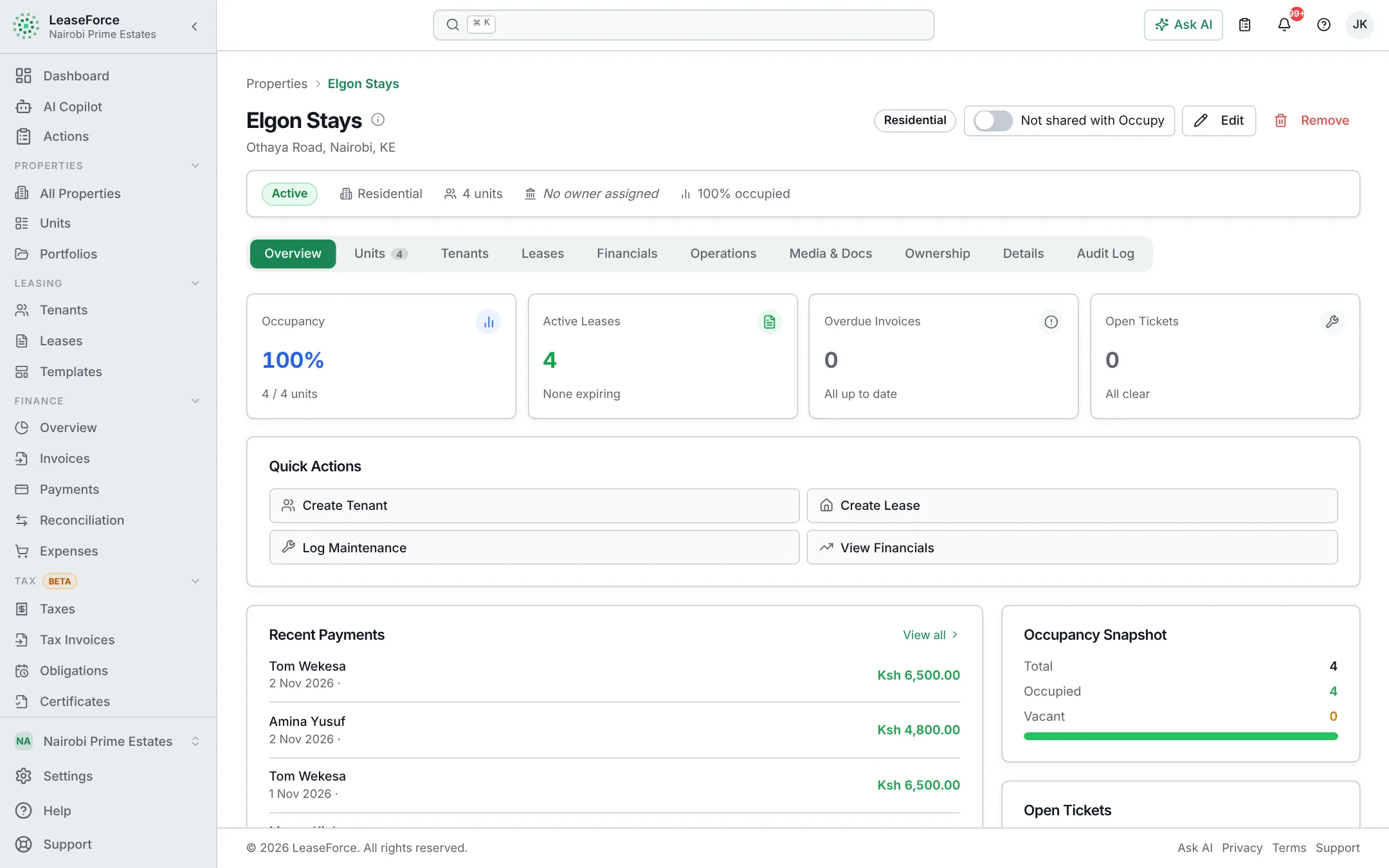
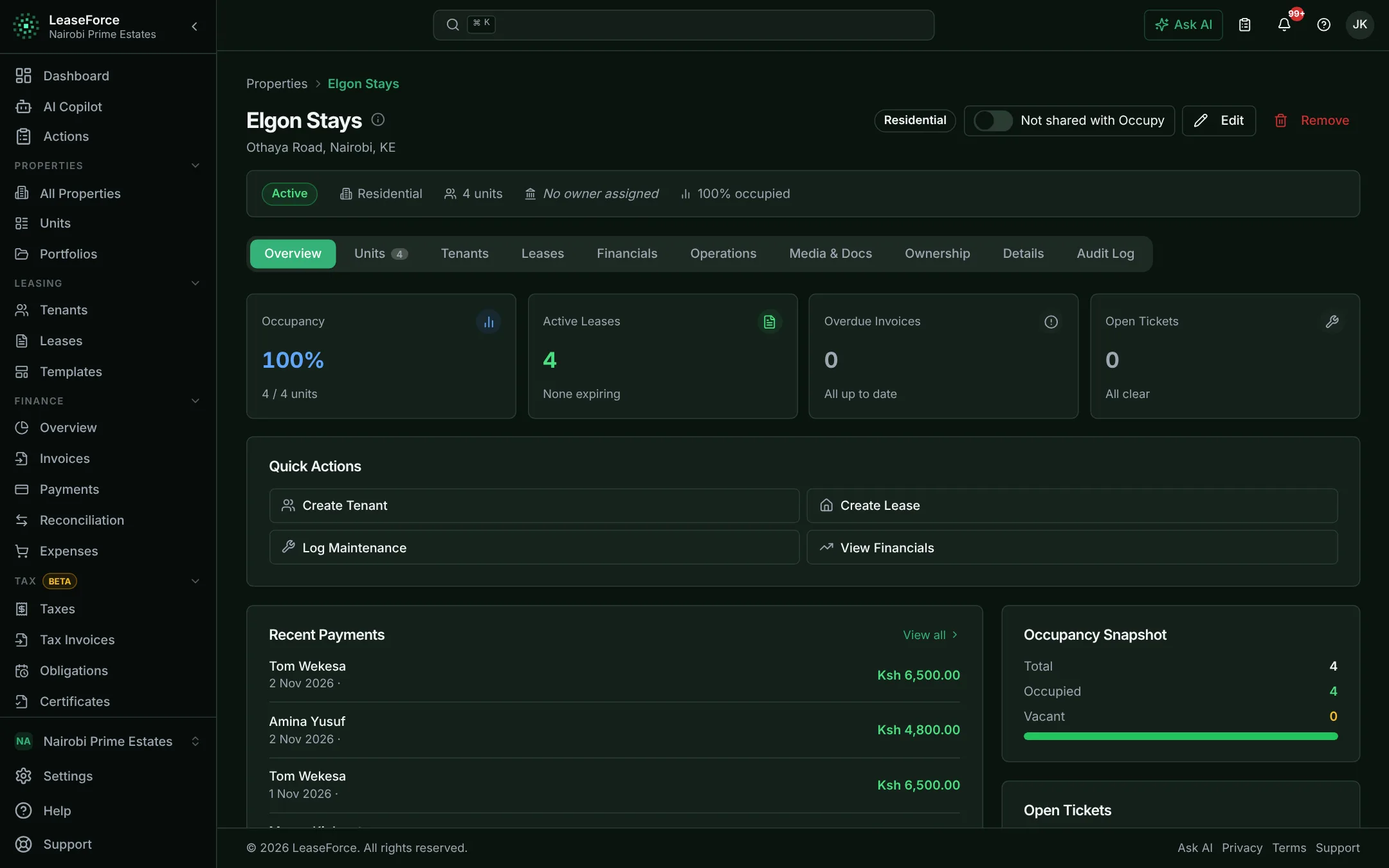
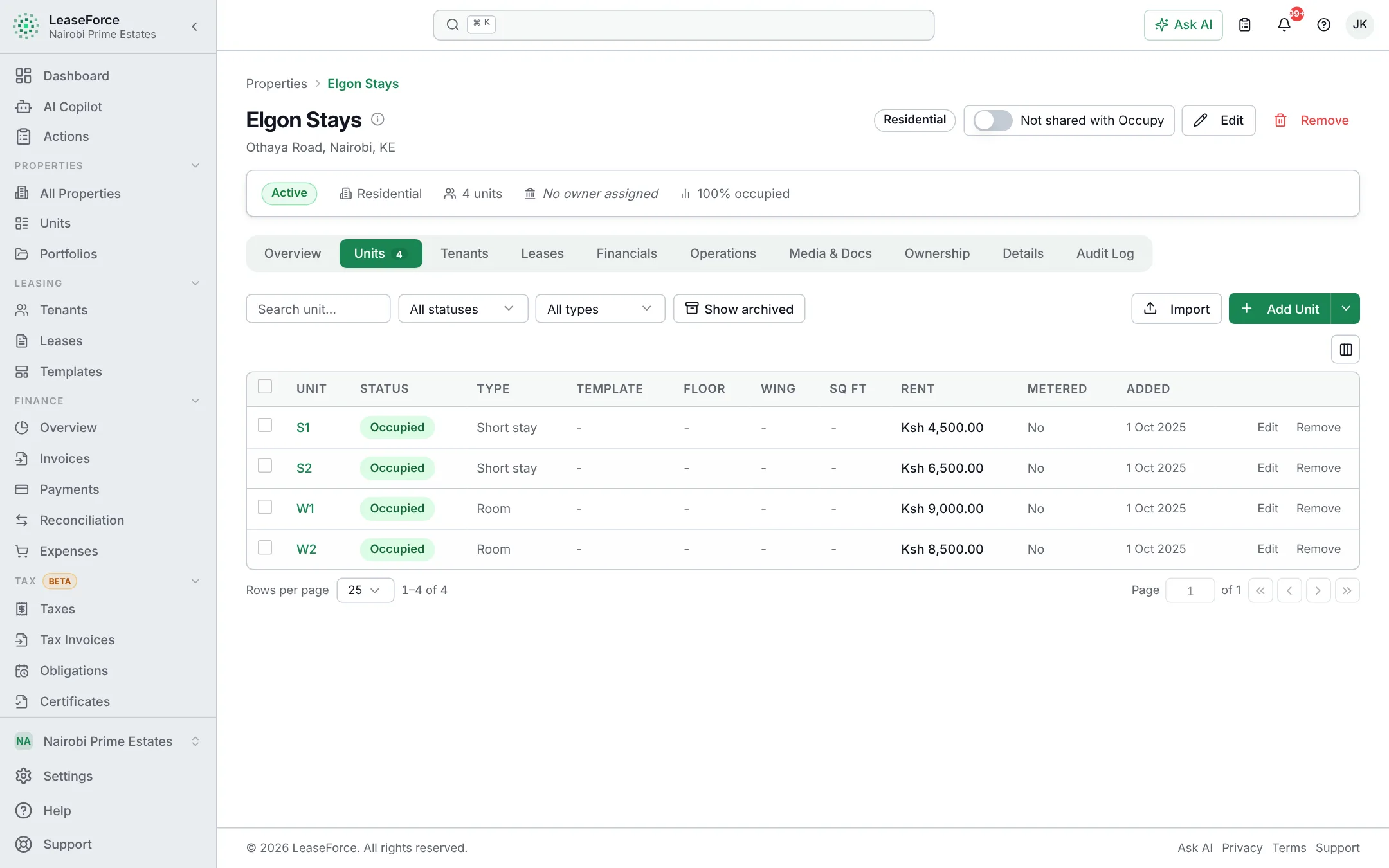
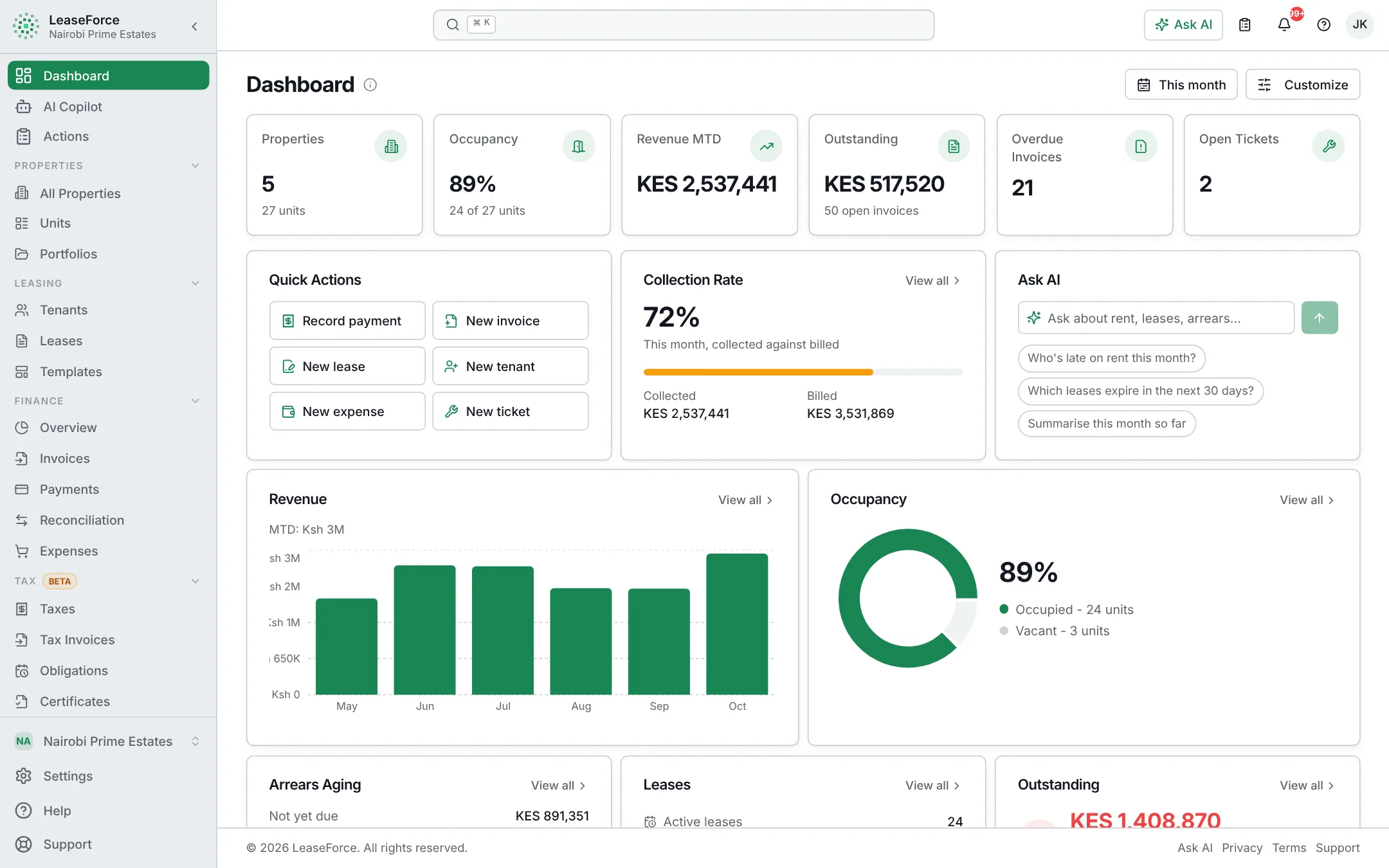
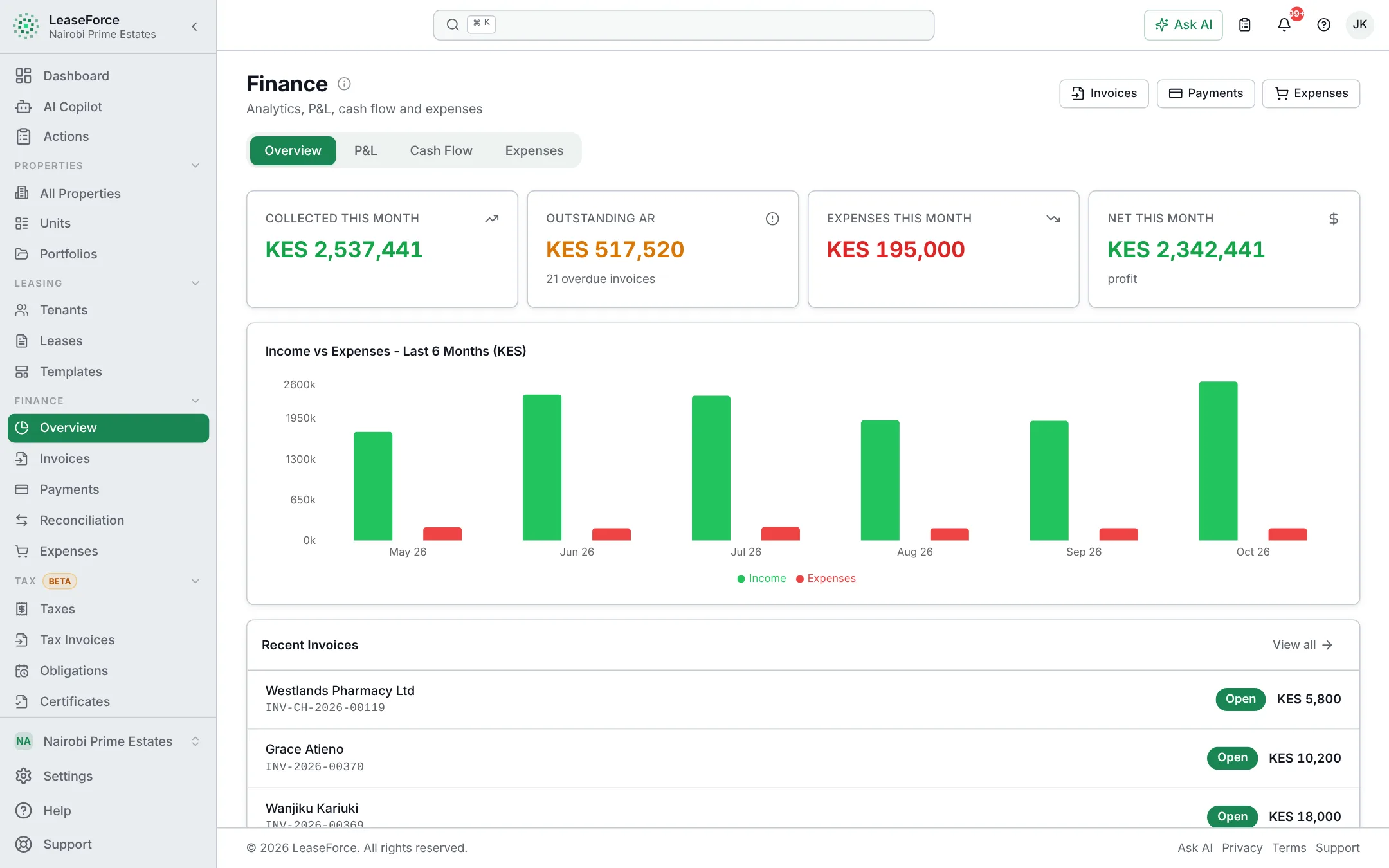
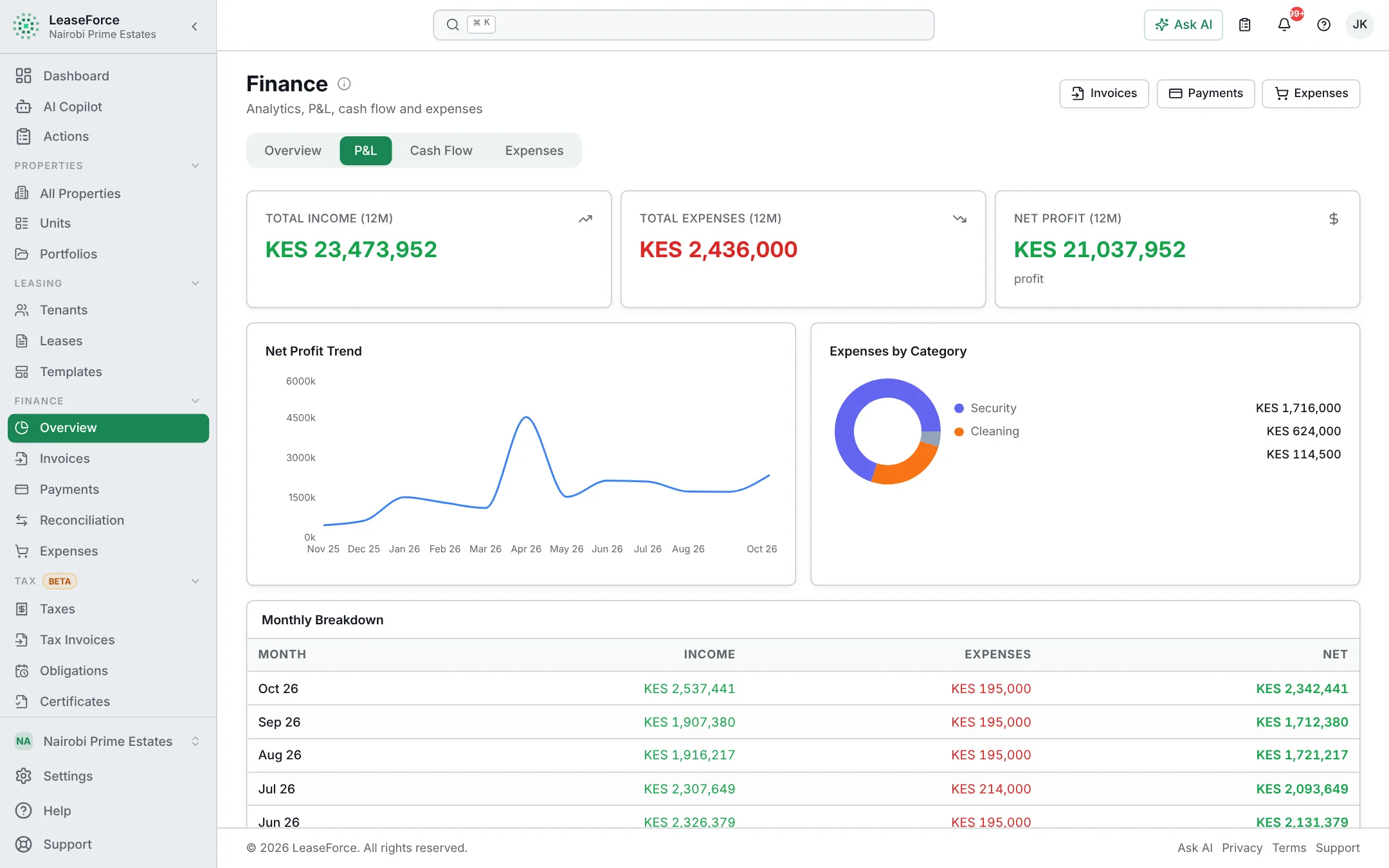
The dashboard: rent collected, occupancy and arrears at a glanceThe dashboard: rent collected, occupancy and arrears at a glance

Understands every way your tenants pay

  • M-Pesa Paybill
  • Bank API notifications
  • Card gateways
  • Payment links
  • Bank statement PDFs
  • Cash
  • Cheque
  • Any currency

Take the tour

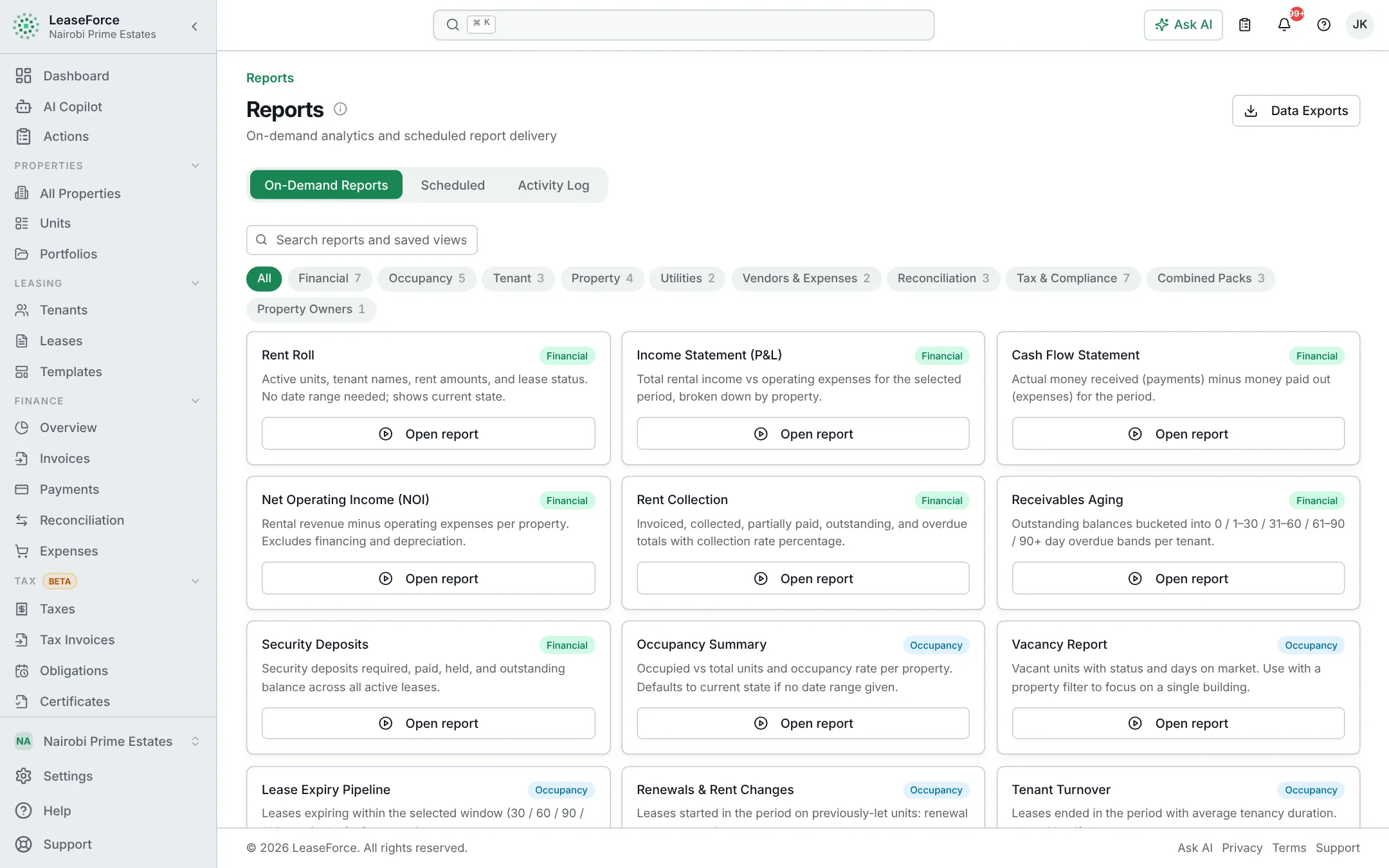
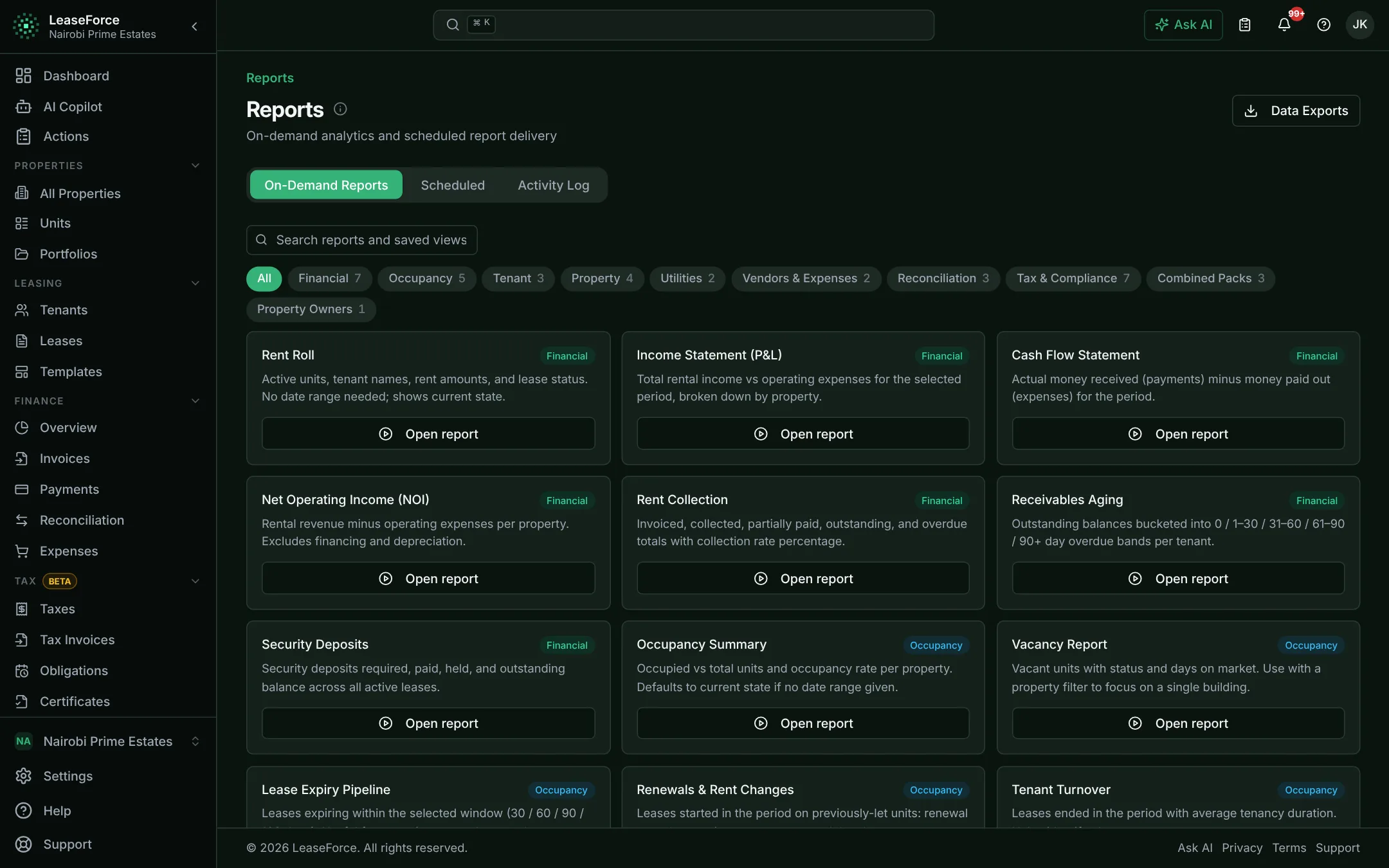
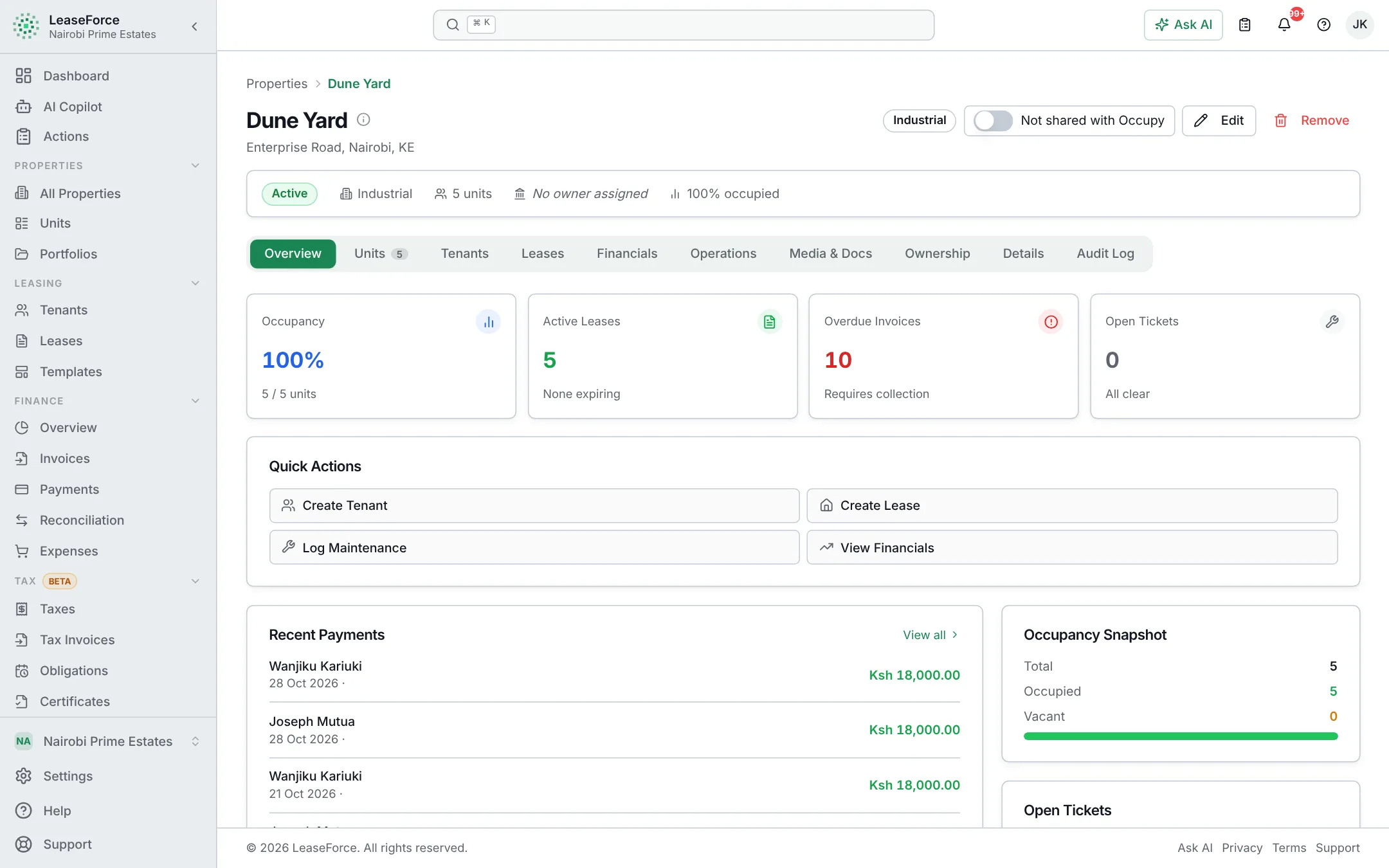
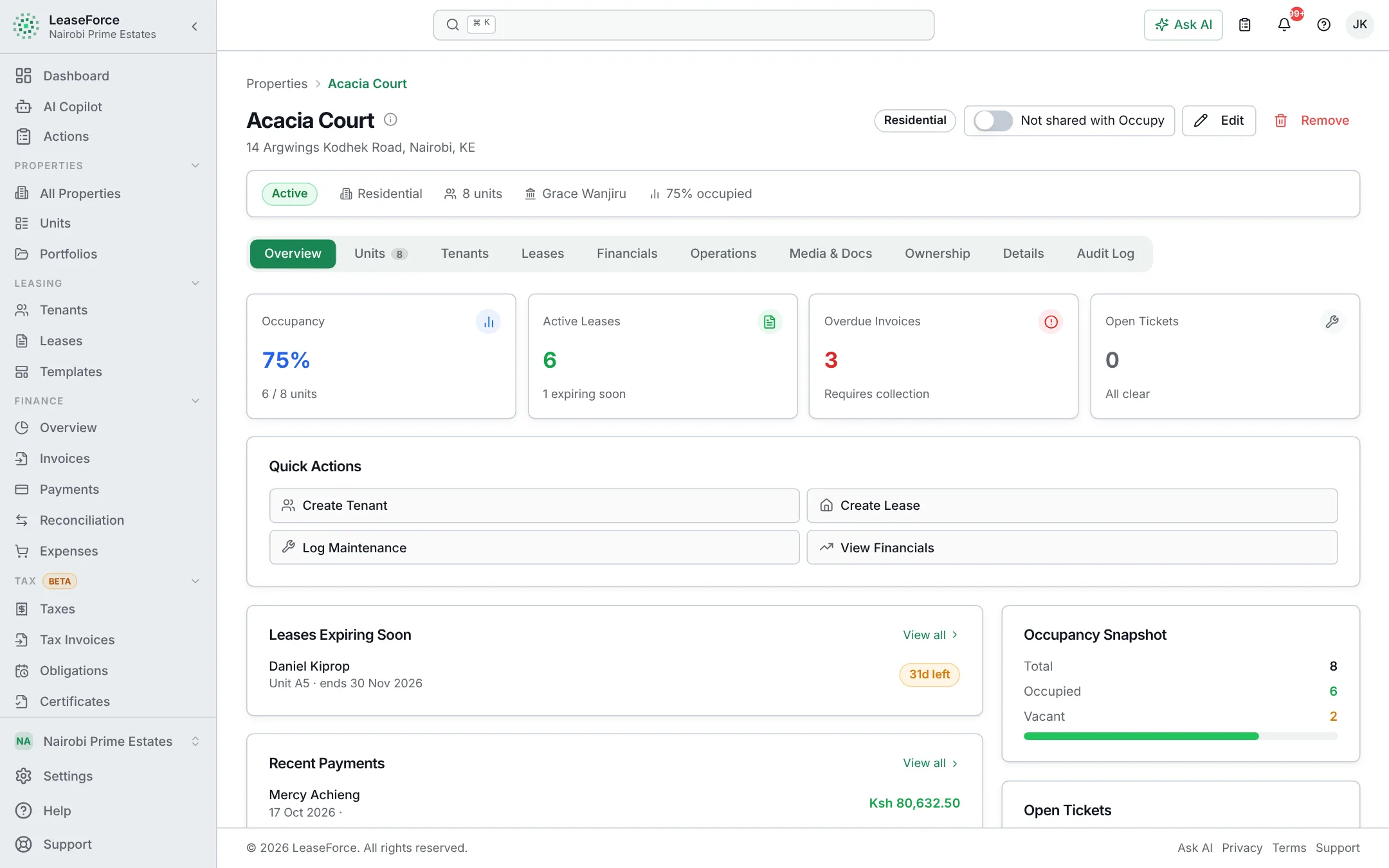
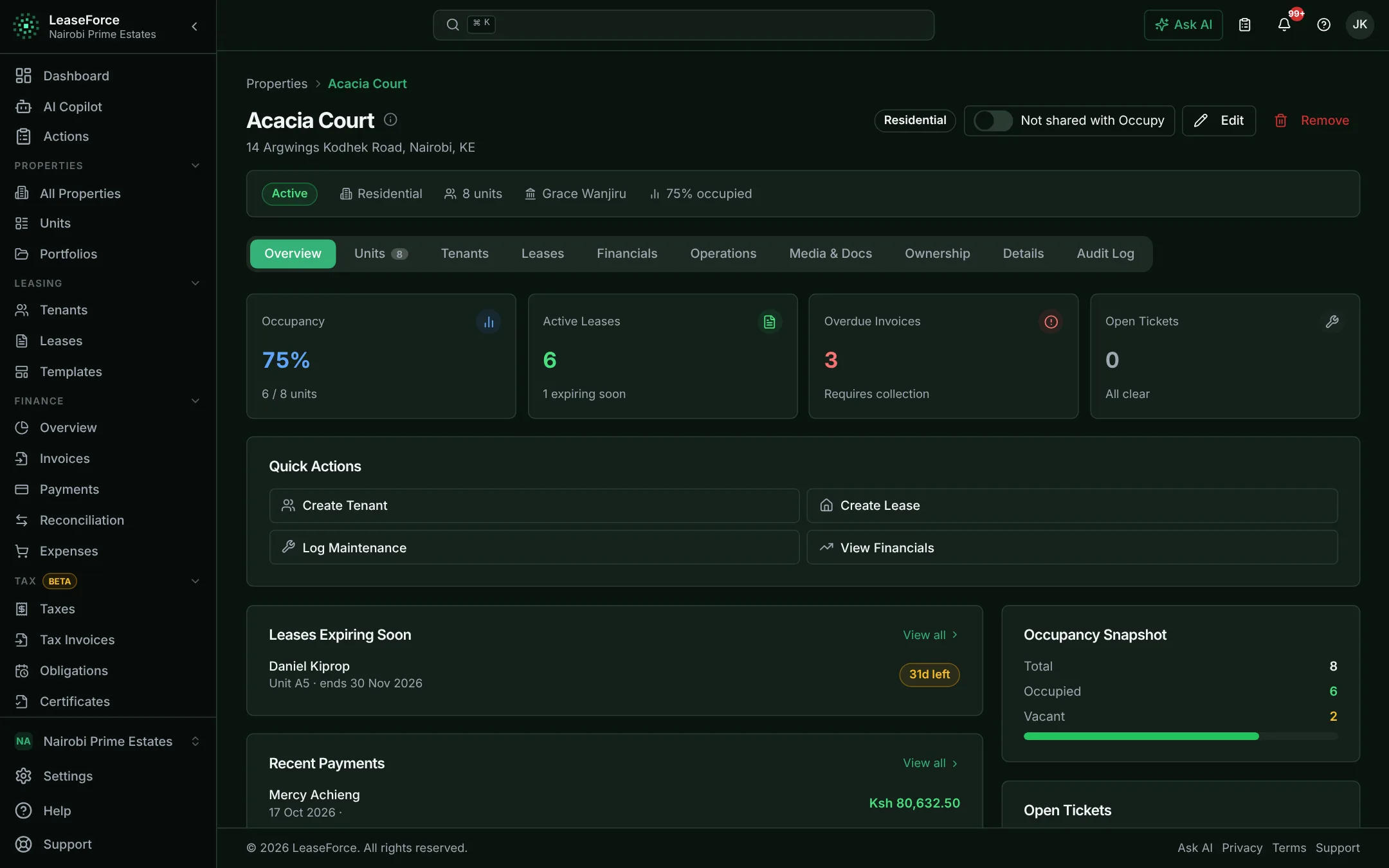
See exactly what you get

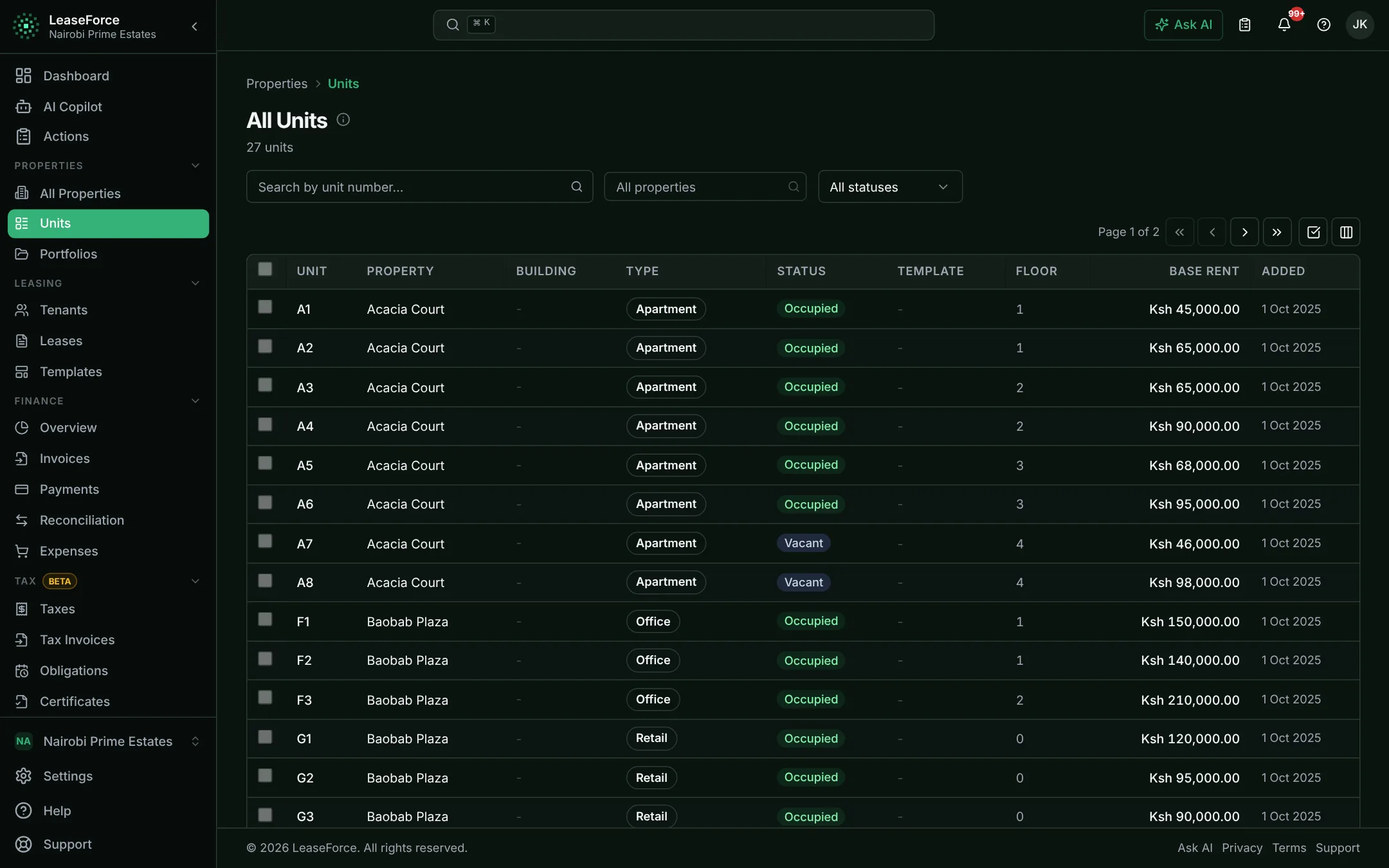
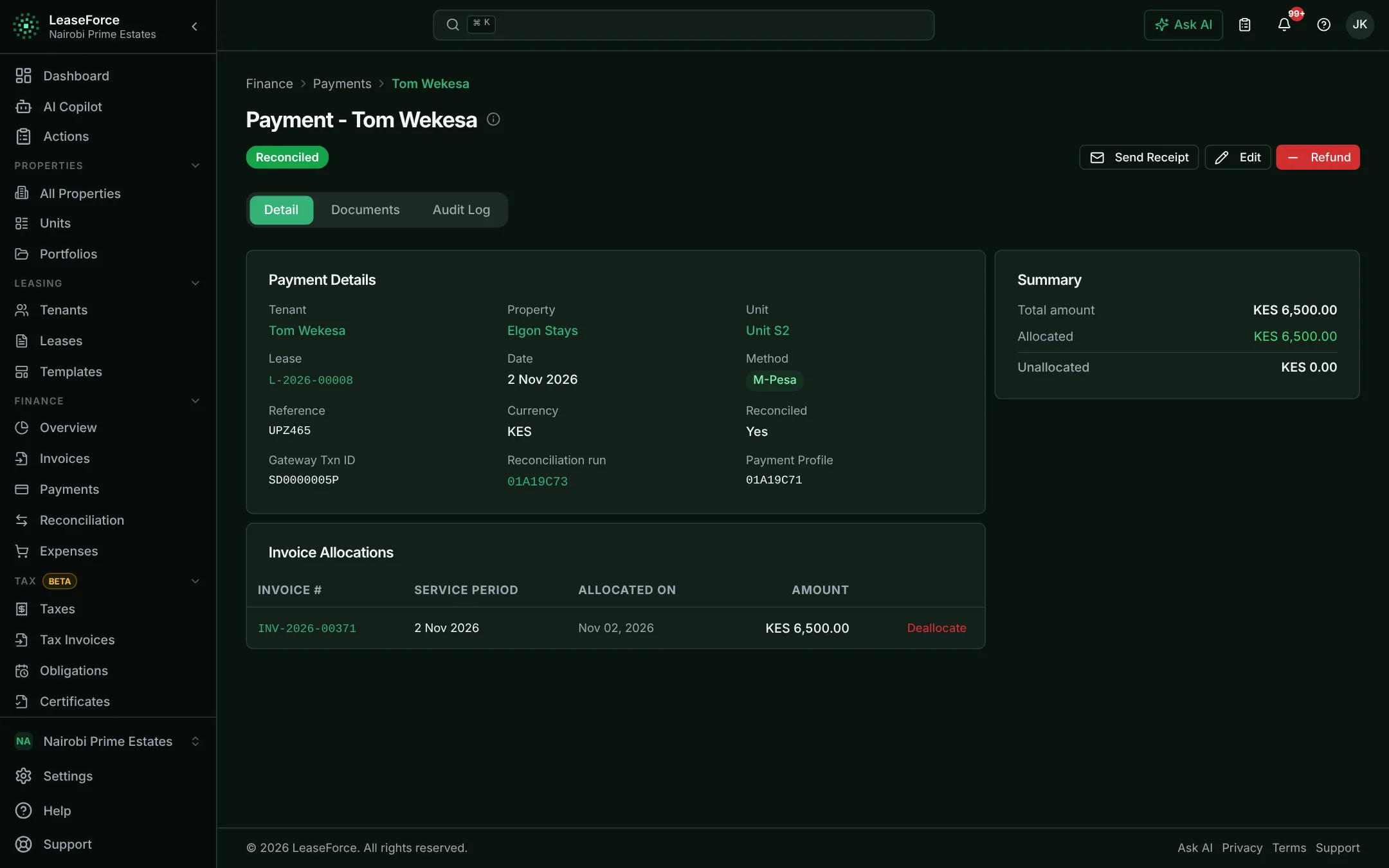
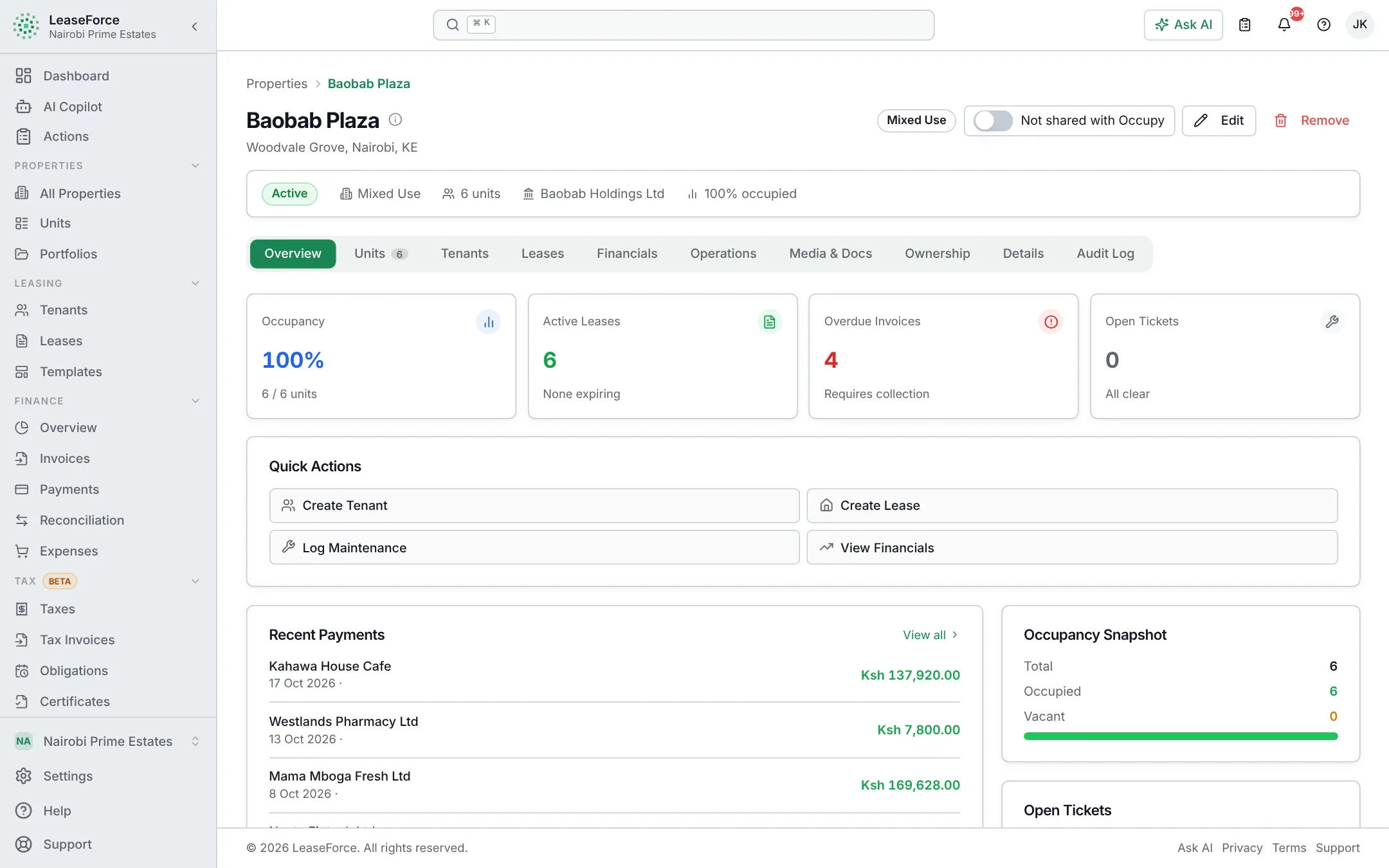
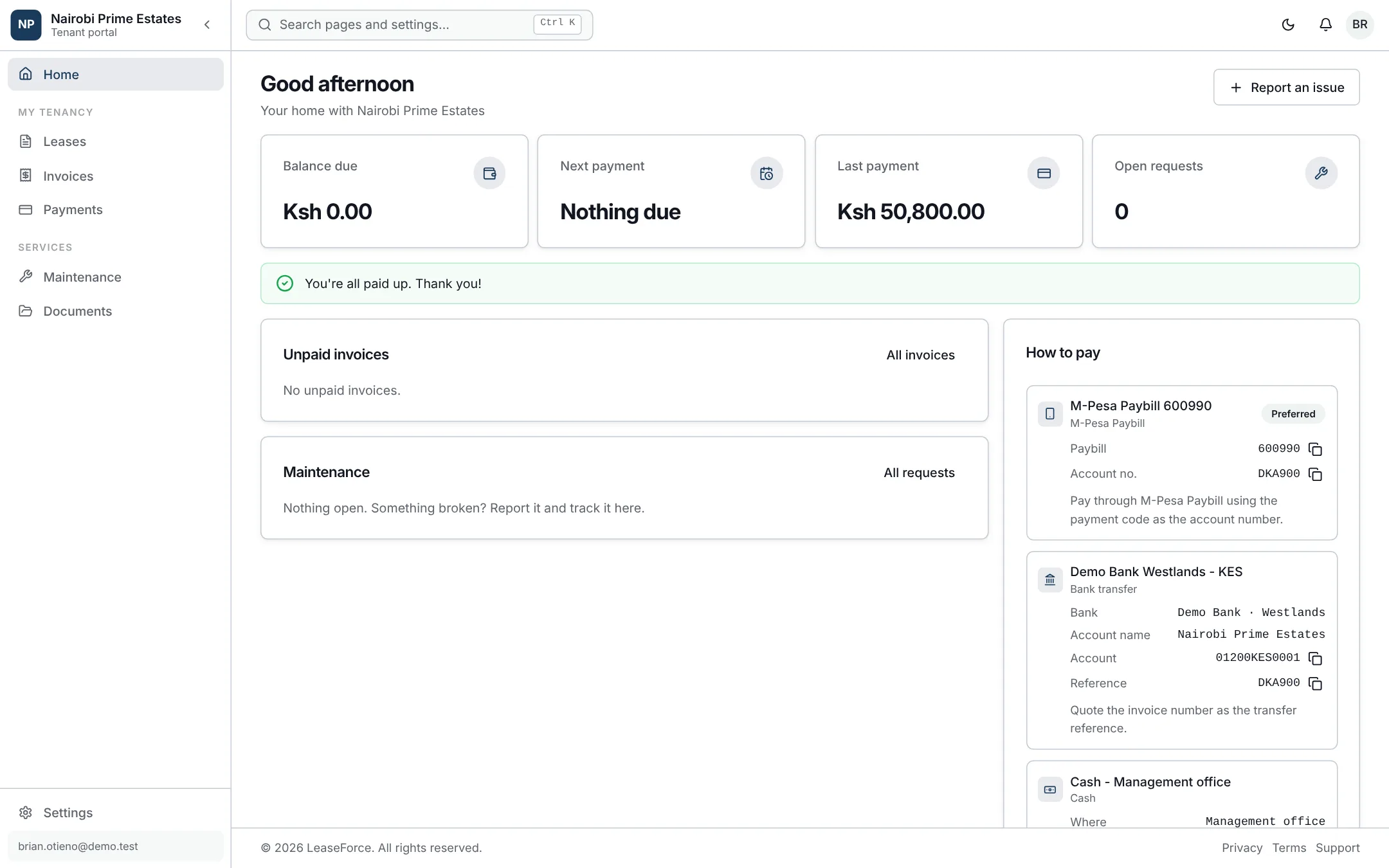
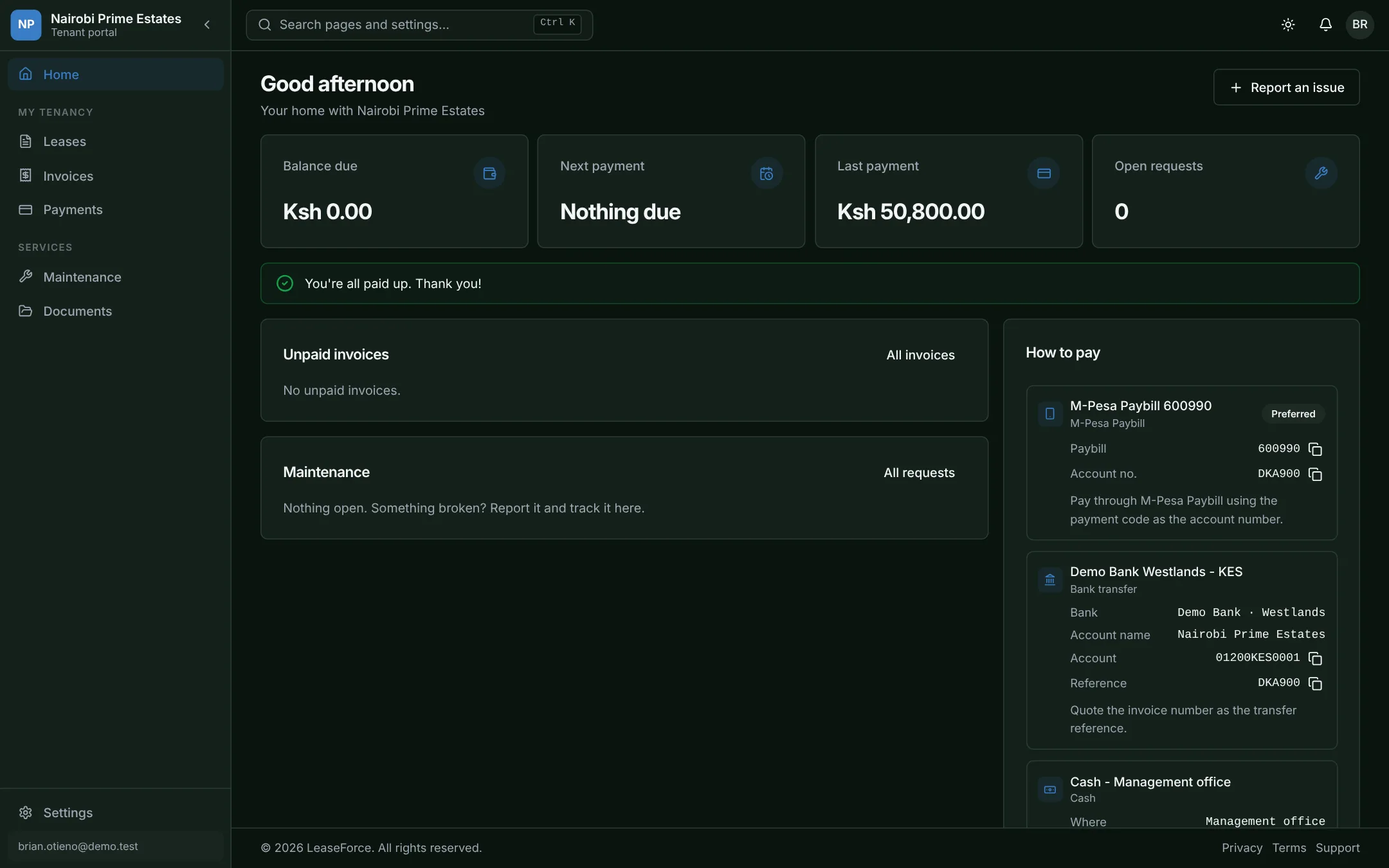
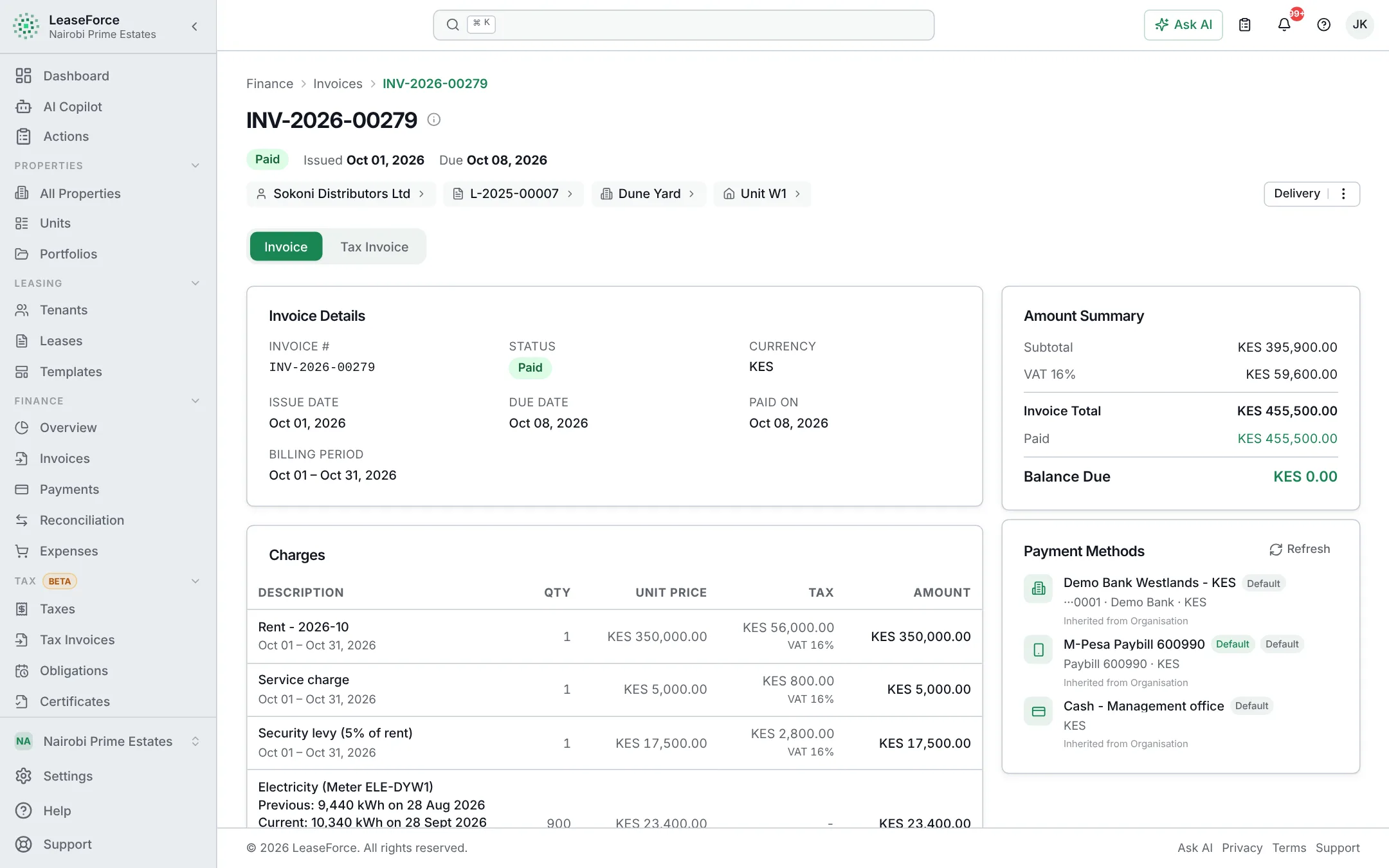
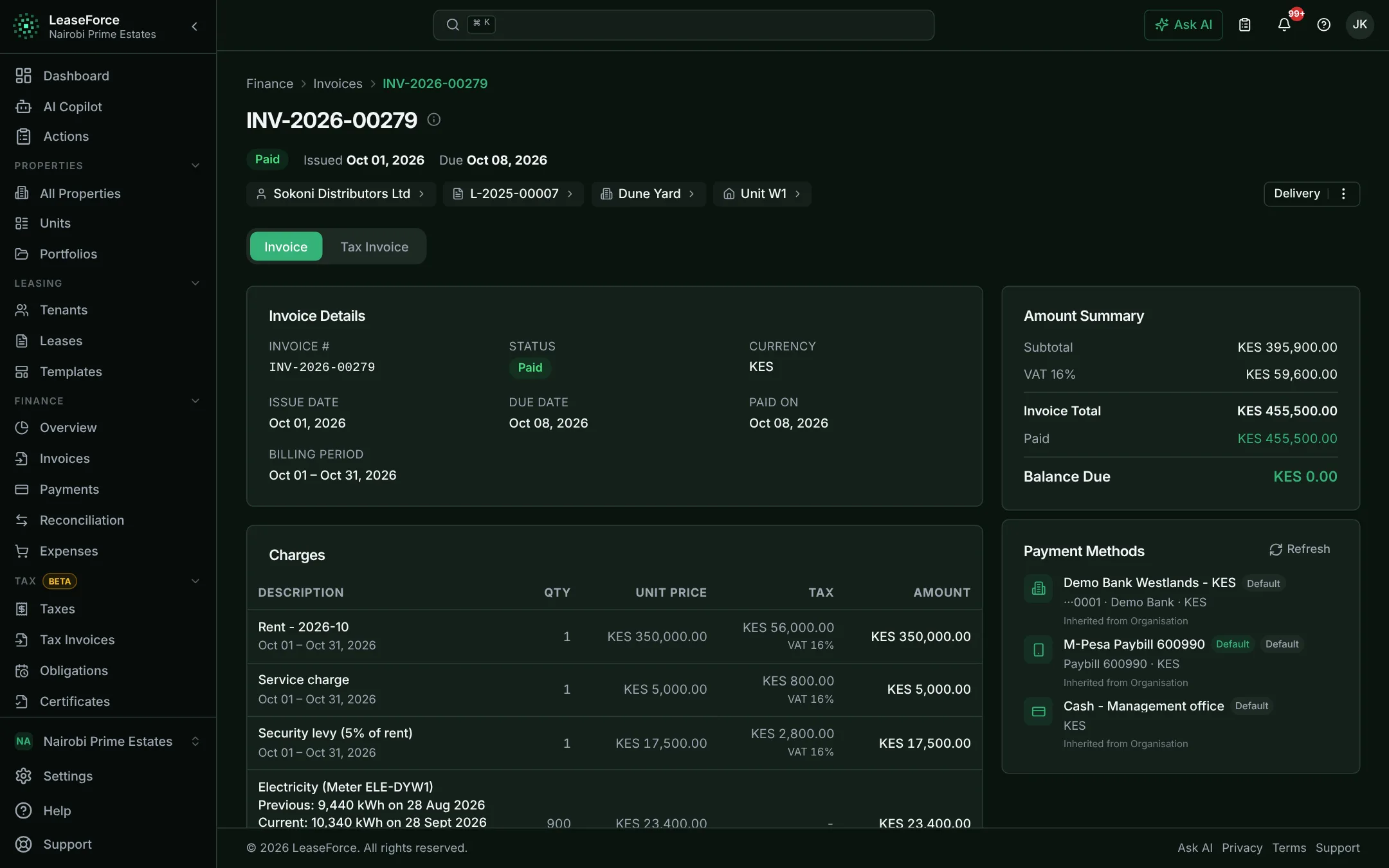
Real screens from the app, filled with demo data. Click through.

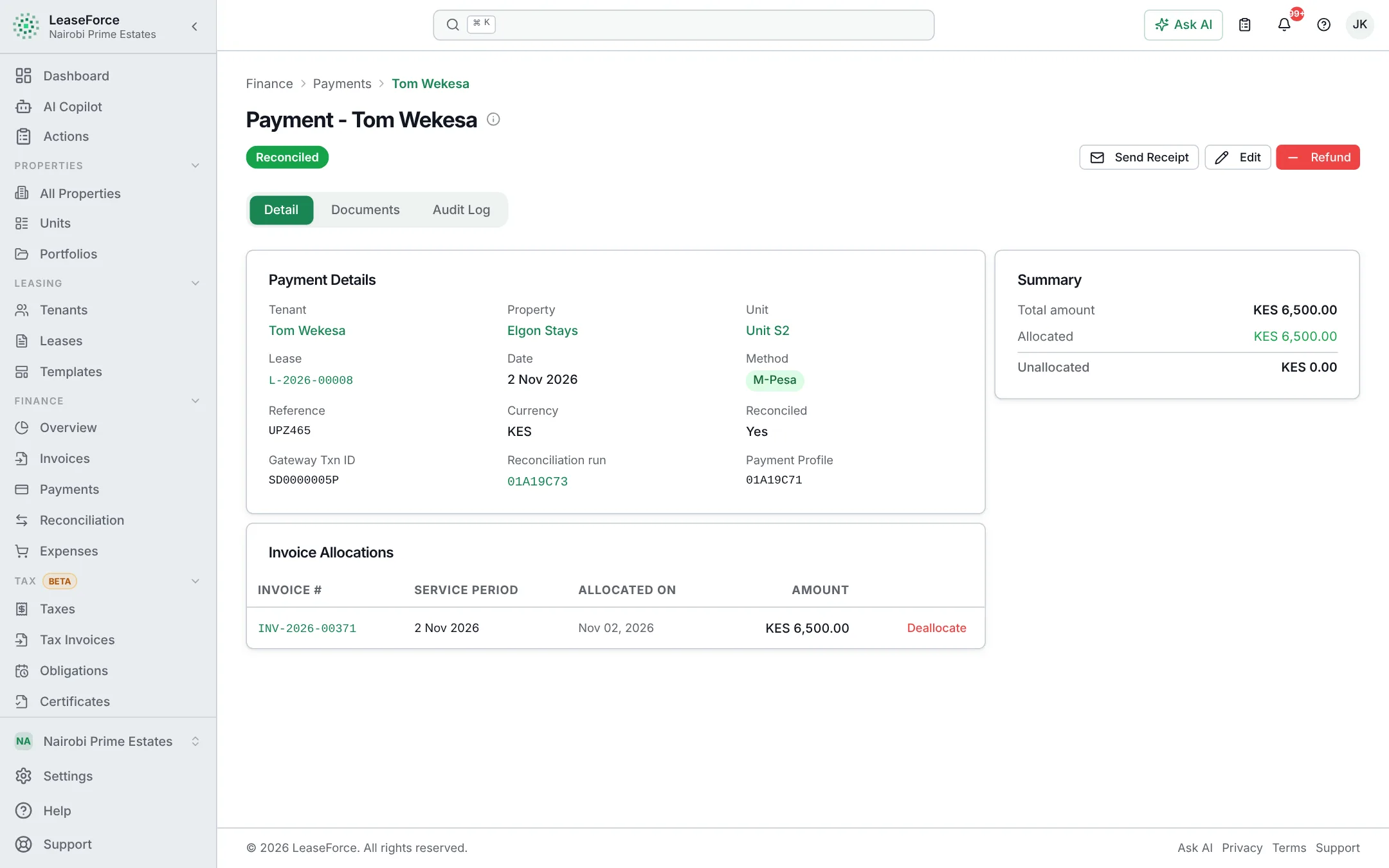
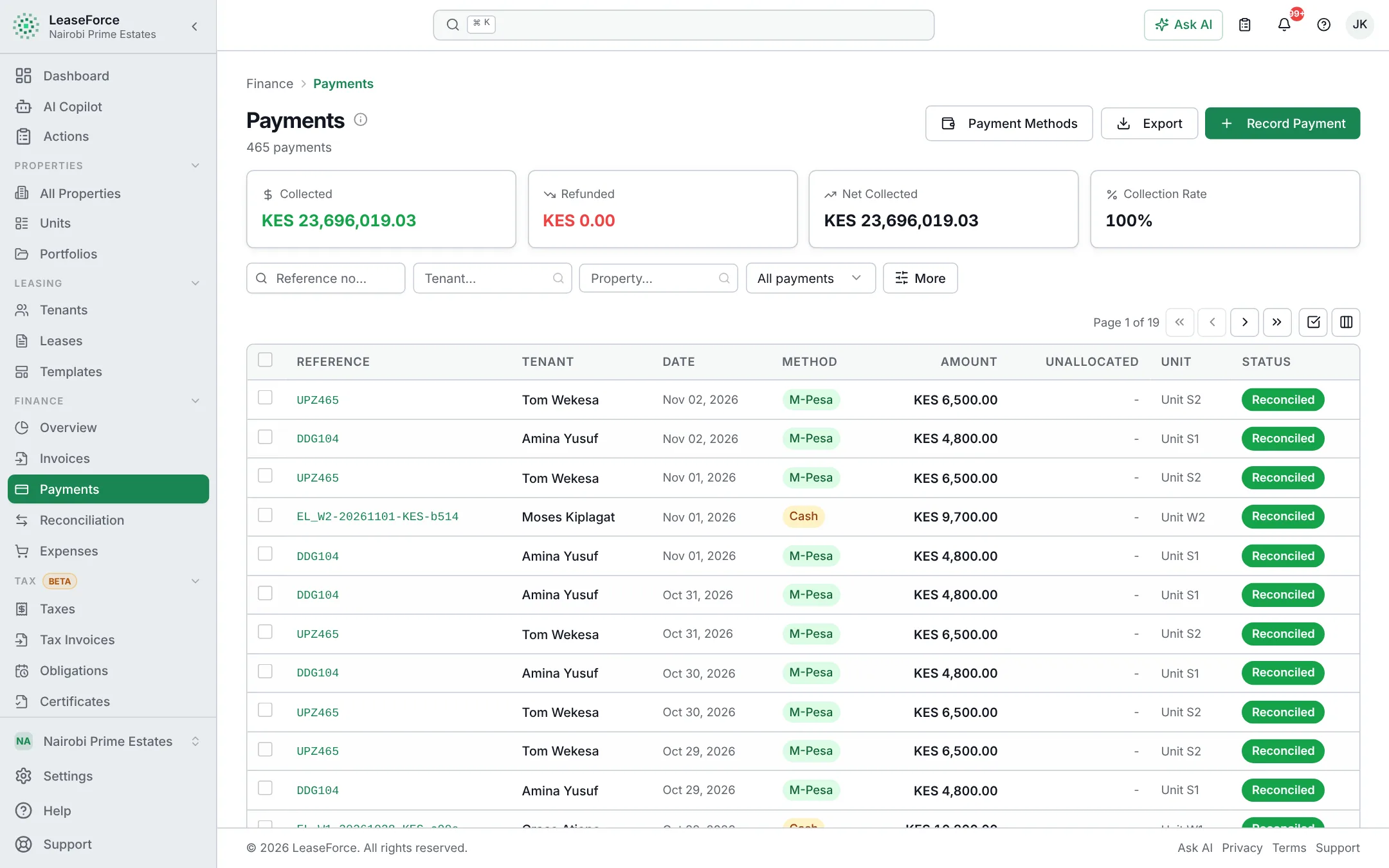
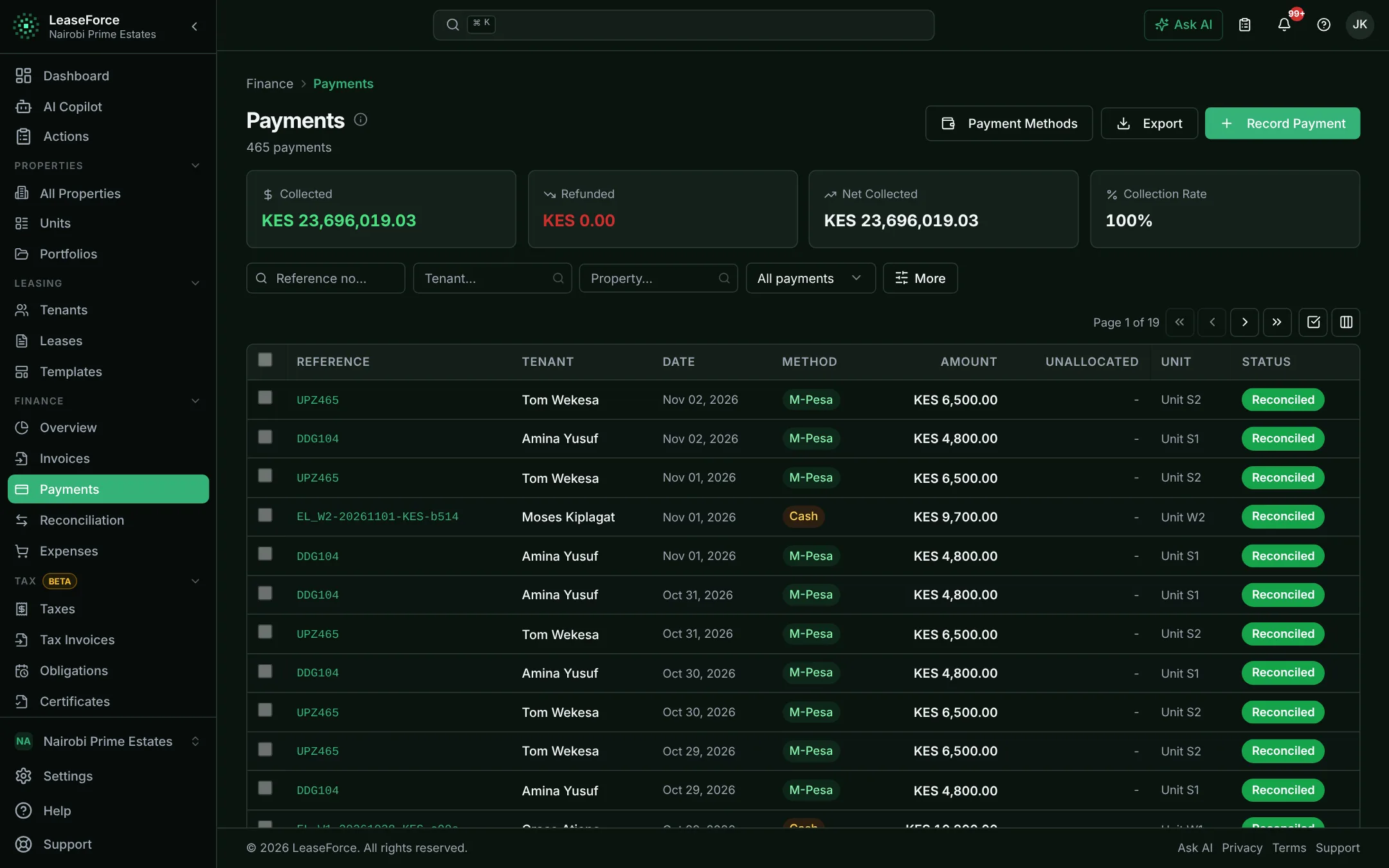
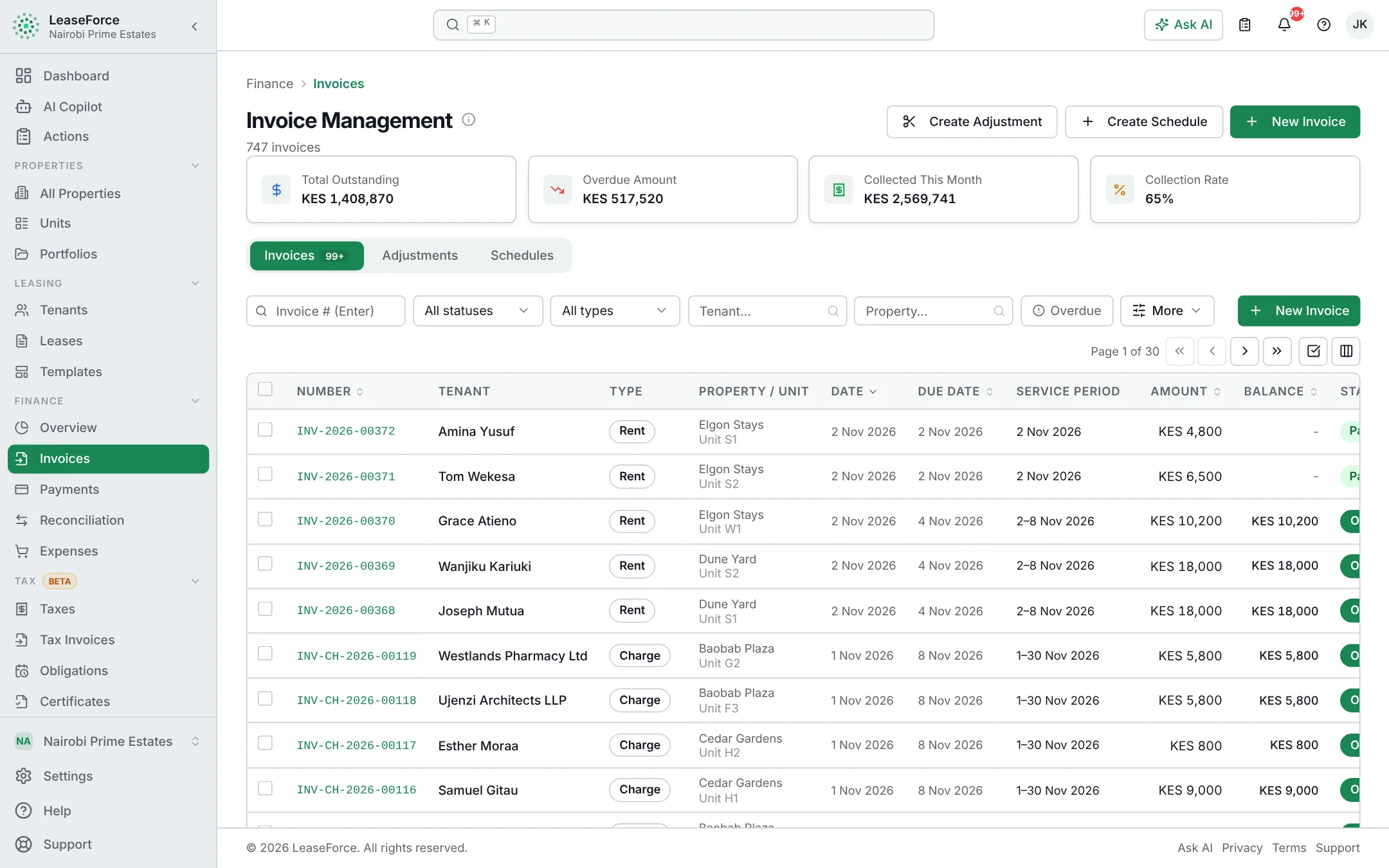
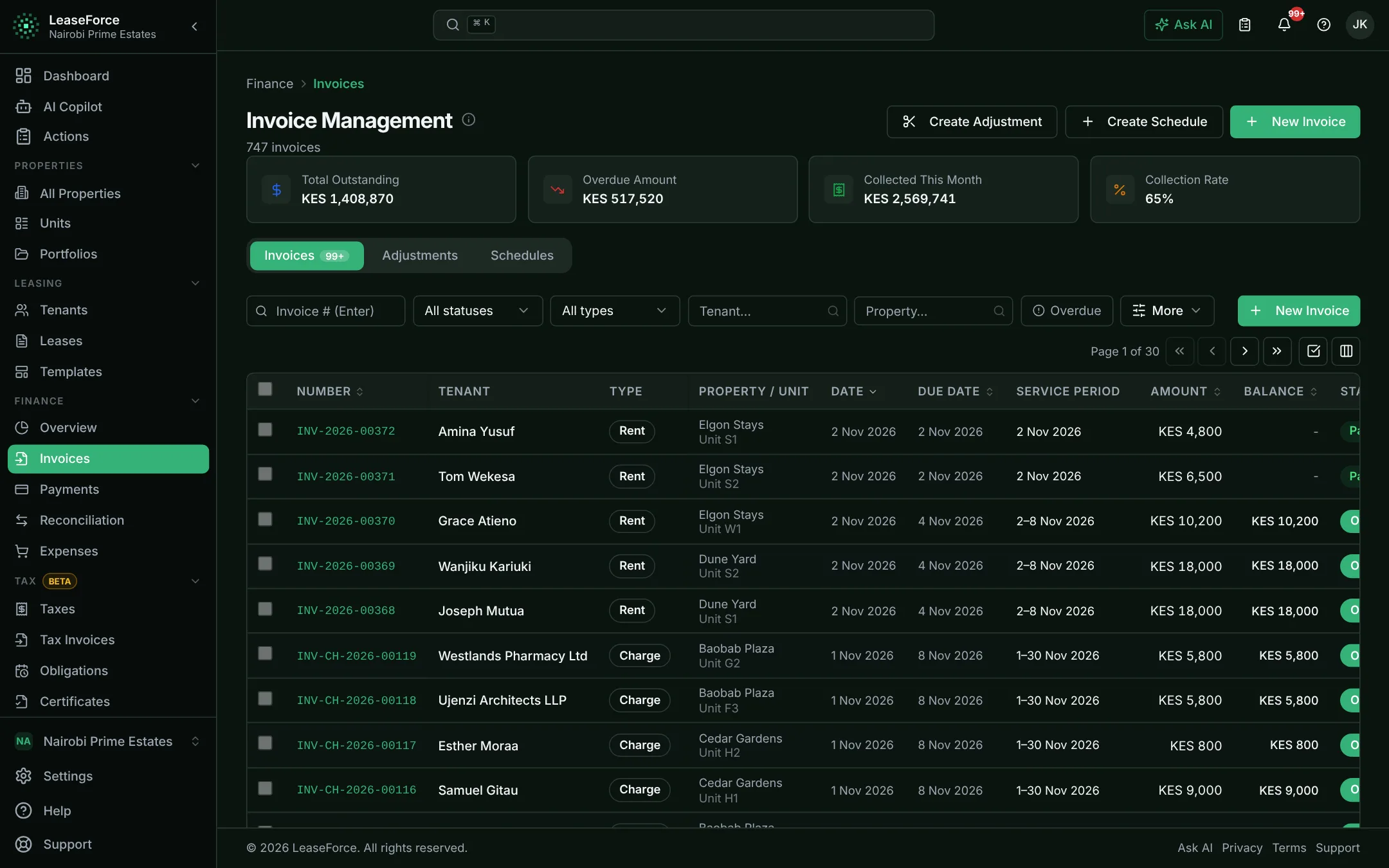
Every payment, already matched

  • M-Pesa, bank, card and cash in one list
  • Matched to the right tenant and invoice
  • Receipt sent automatically
app.leaseforce.co.ke
Payments: Every payment, already matchedPayments: Every payment, already matched

How it works

Your month, on autopilot

Set up once. Then every month runs like this, with no one chasing it.

app.leaseforce.co.ke
Invoices go outInvoices go out

Features

Month-end, already done

Payments matched as they land. Tax worked out on every invoice. Reports that are always current.

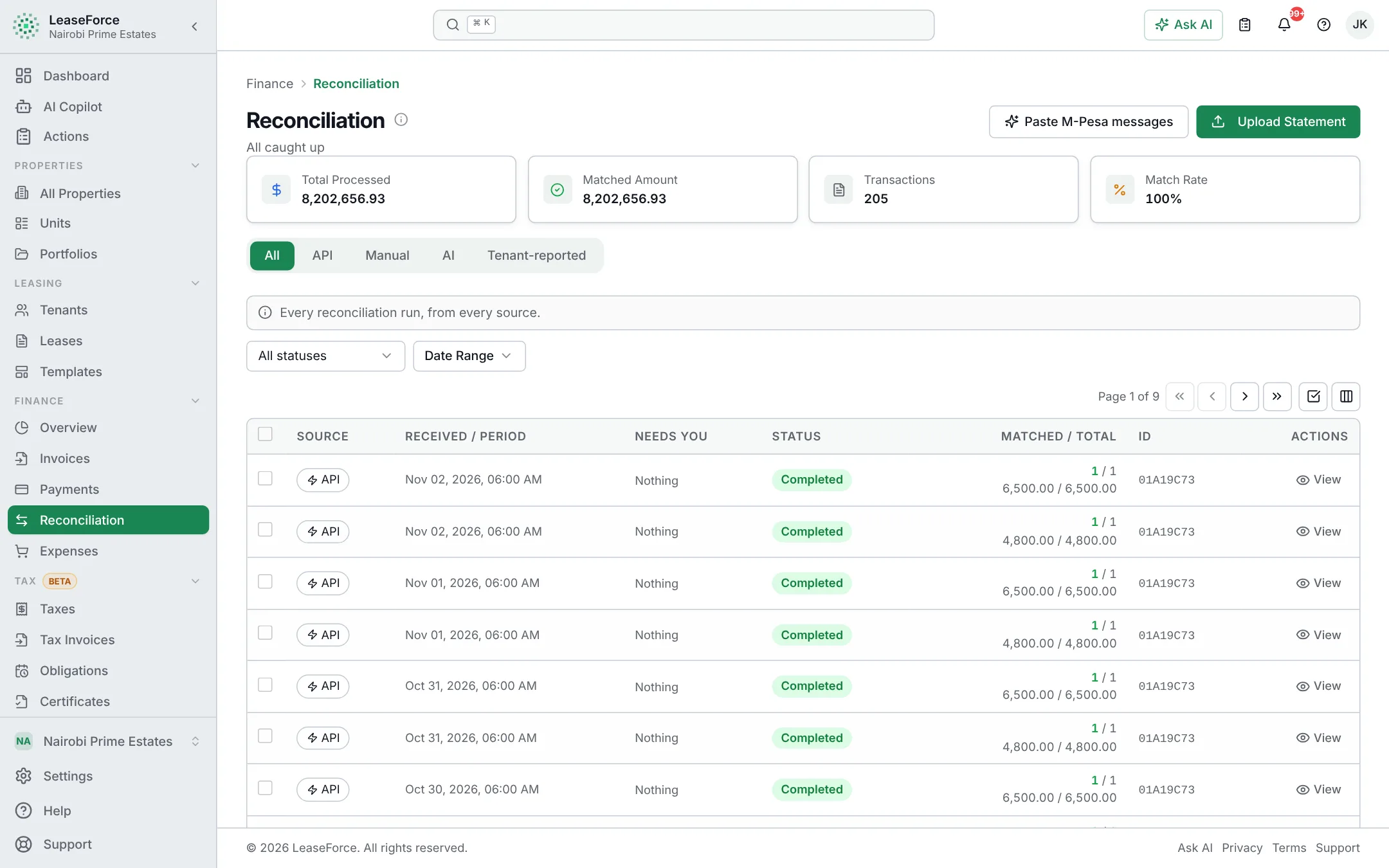
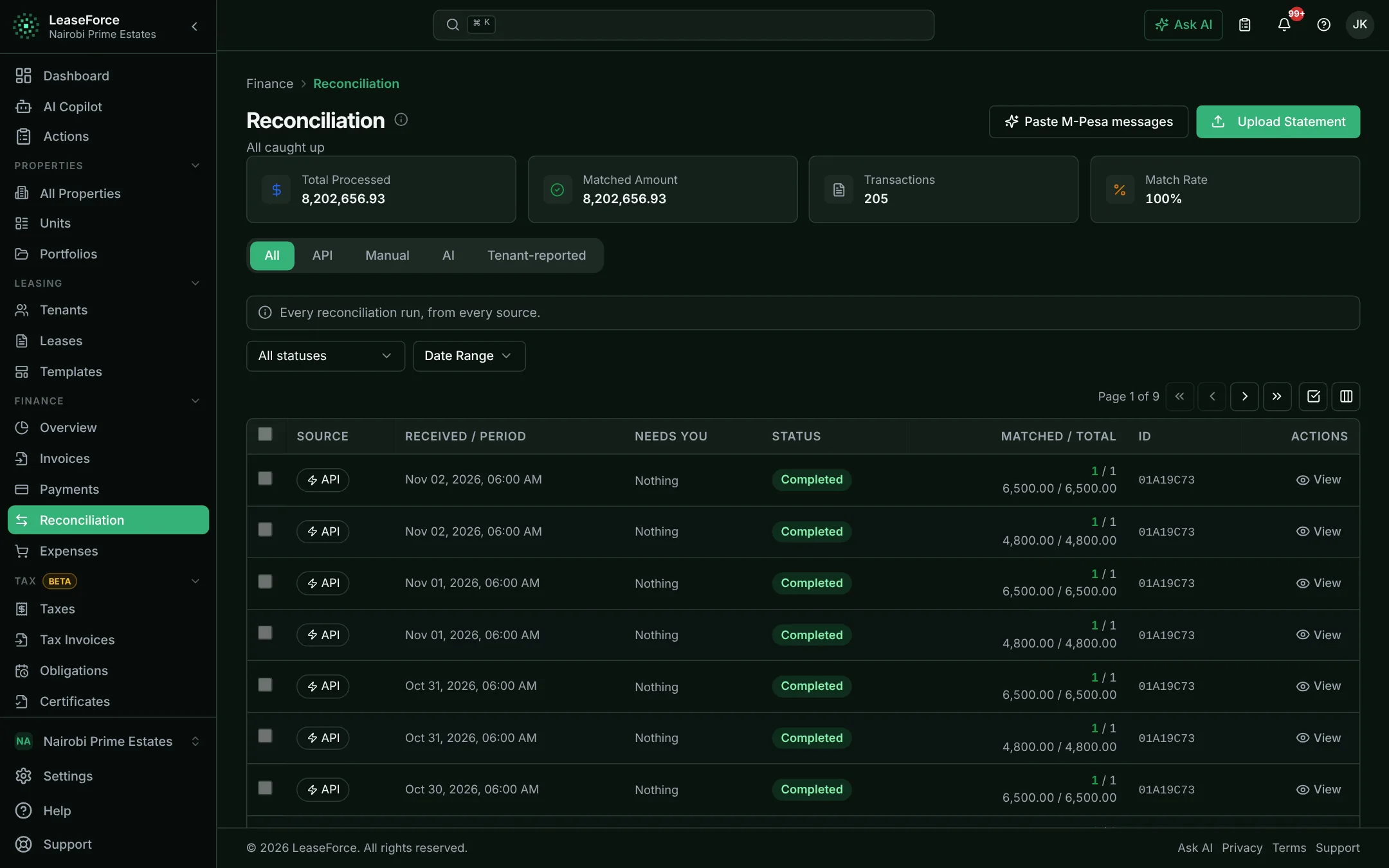
Automatic payment reconciliation

Every payment matched to the right tenant and invoice, as it arrives.

Each payment is recognised by the tenant’s payment code or the invoice number, applied to their invoices and receipted. Only payments that cannot be placed wait for someone to decide.
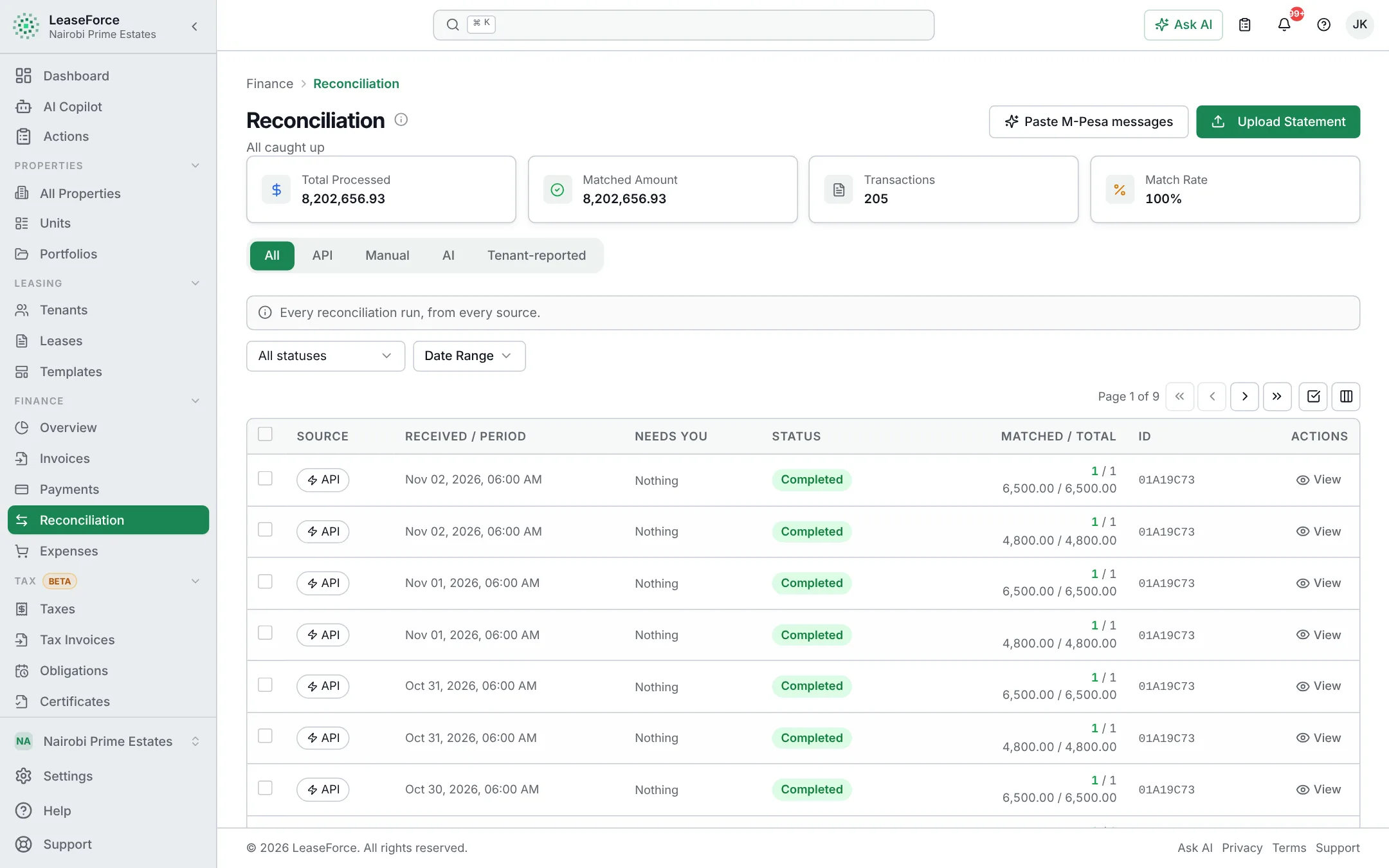
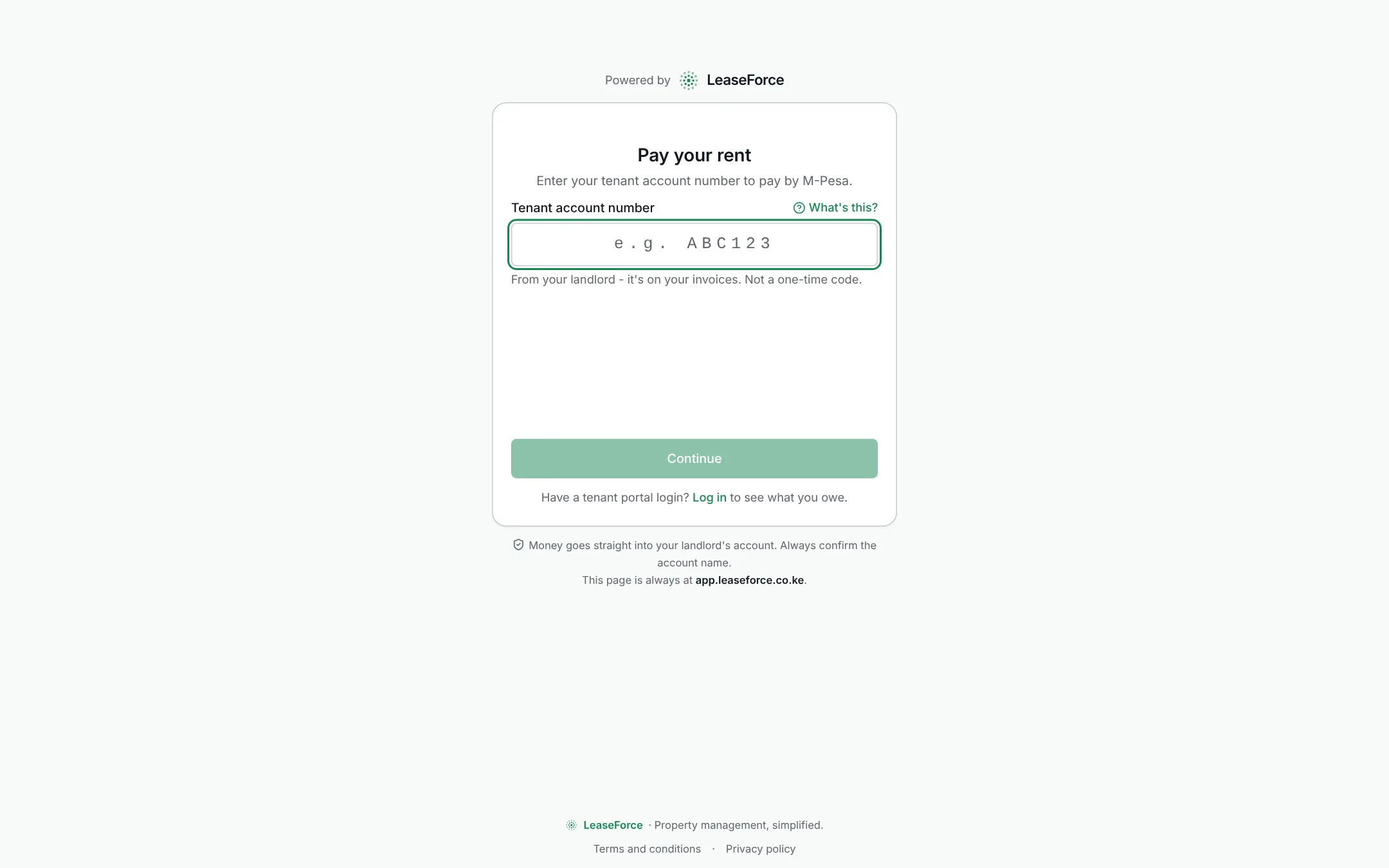
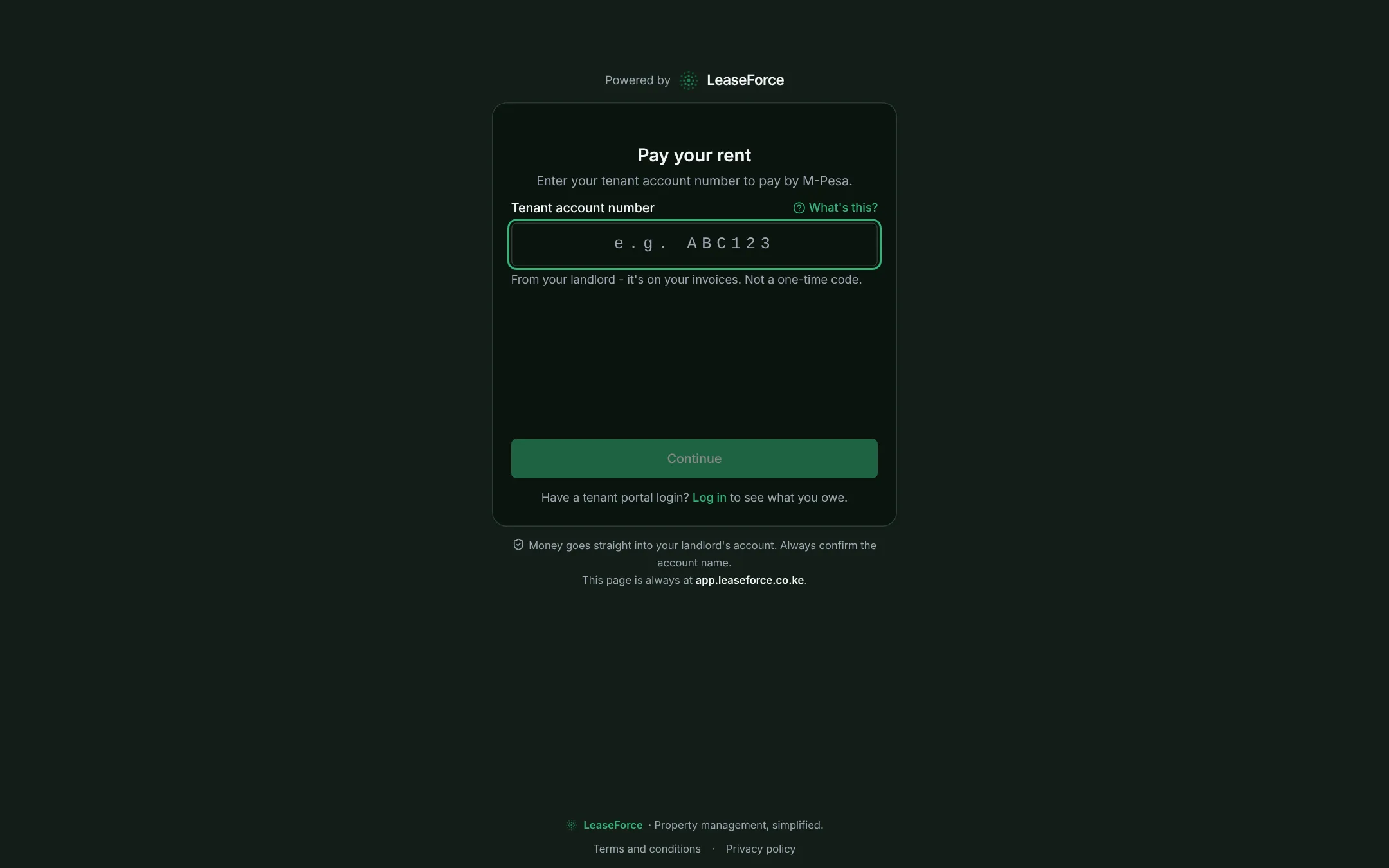
Automatic payment reconciliation: payments matched to tenantsAutomatic payment reconciliation: payments matched to tenants

Bank API reconciliation, for any bank

Bank transfers matched the moment they land.

Any bank or payment gateway that sends a notification for each payment can be connected in settings. Each transfer is then matched within seconds instead of at month end.

M-Pesa Paybill reconciliation

M-Pesa payments matched and receipted in seconds.

  • Your own Paybill or your bank’s
  • M-Pesa prompt from the tenant portal or a payment link
  • Receipts within seconds
M-Pesa Paybill reconciliation: a payment matched and receiptedM-Pesa Paybill reconciliation: a payment matched and receipted

AI

An assistant that does the work

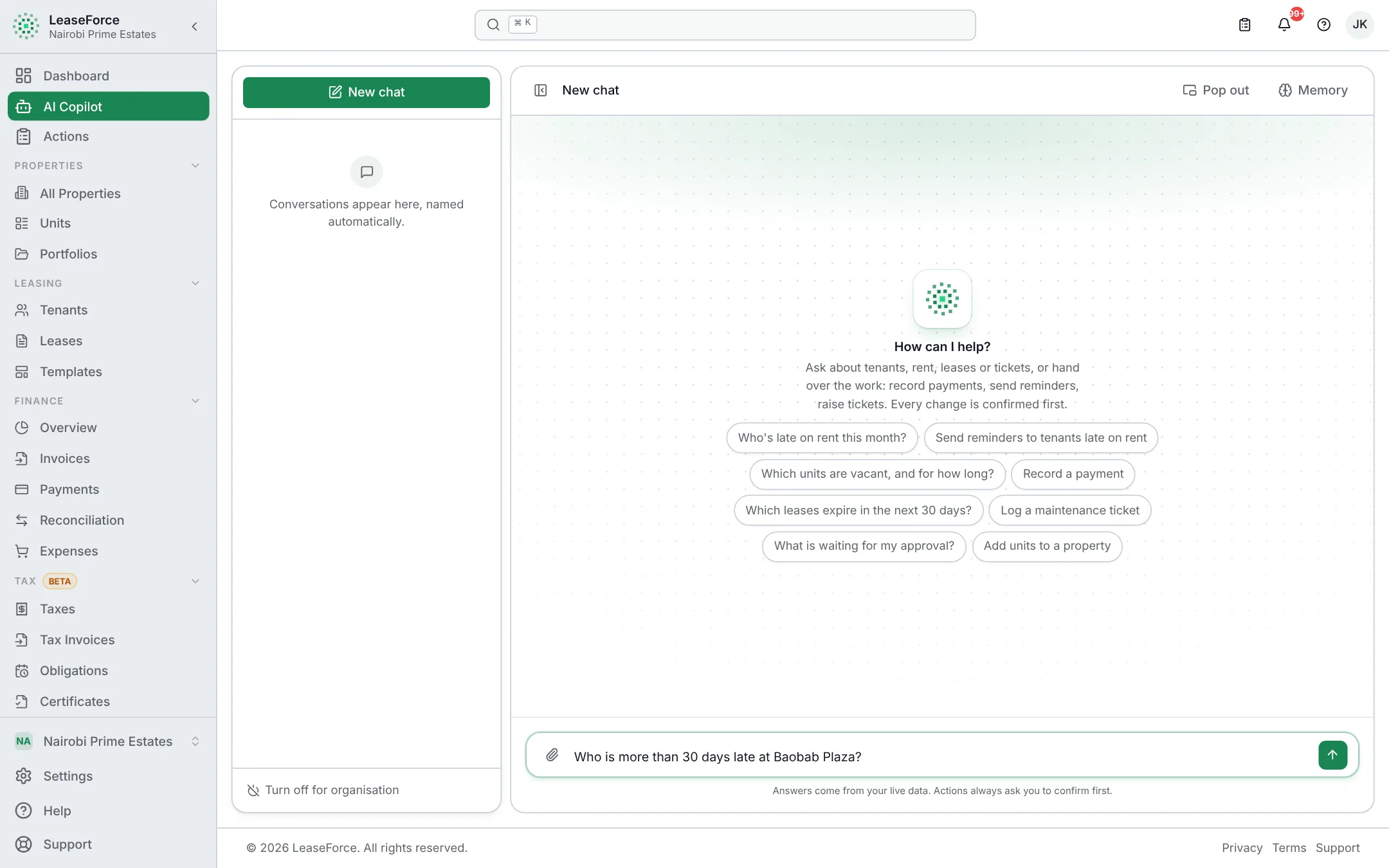
Ask in plain words. It works on your live records, and nothing changes until you confirm.

  • Reads statements

    Drop in a bank or M-Pesa PDF. Every payment line is read and matched.

  • Answers from live data

    “Who is 30+ days late at Block B?” Answered from your records, with links.

  • Prepares the work

    Adds tenants, drafts leases, logs expenses and chases late payers. You approve.

  • Keeps details private

    Tenant names and contacts never leave. It sees only what you can see.

app.leaseforce.co.ke
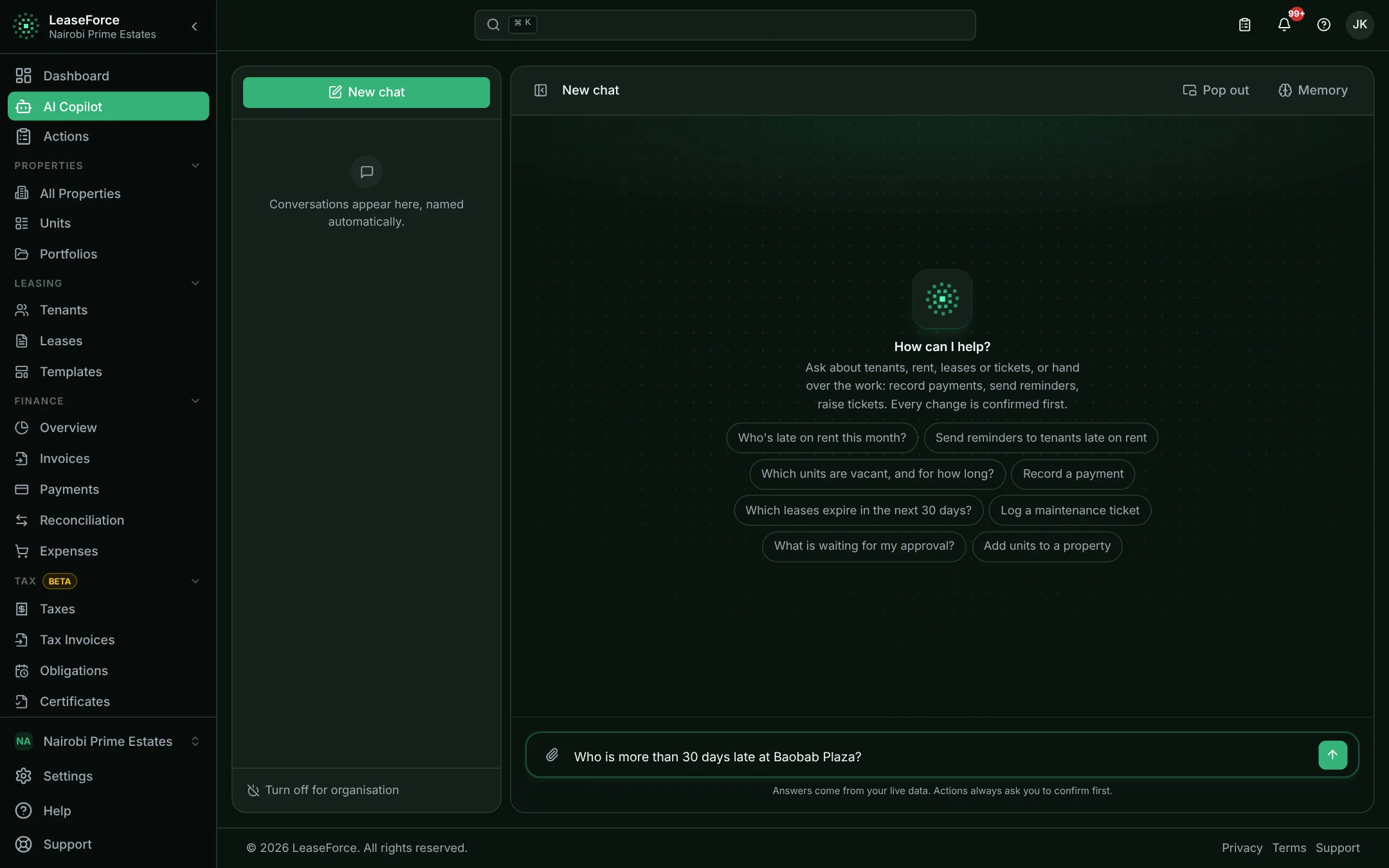
The assistant, answering from live recordsThe assistant, answering from live records

Install on any device

An app on every device you use

LeaseForce installs straight from your browser, with no app store. It opens in its own window from your home screen or dock, works on any screen size and updates itself.

  • No app store needed
  • One account on every device
  • Updates arrive automatically
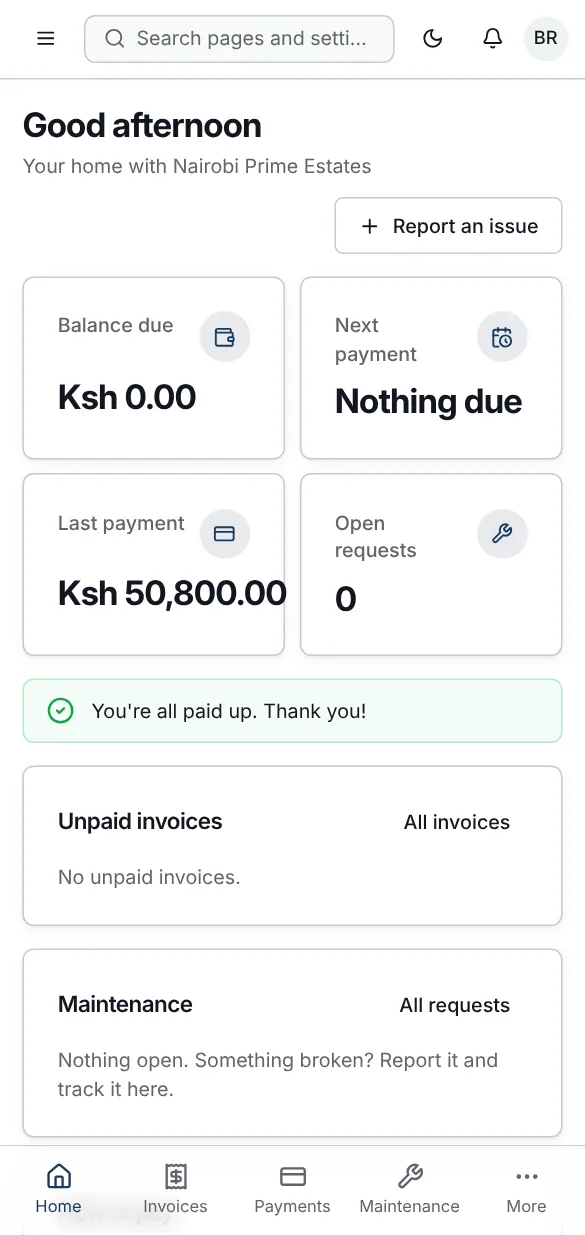
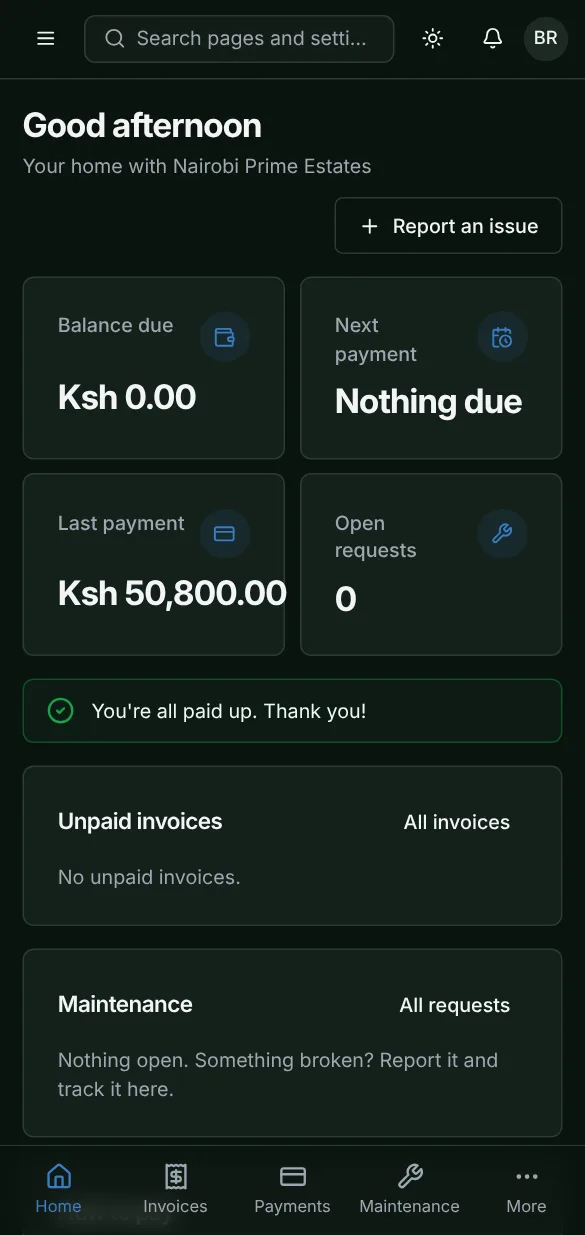
  • Designed for phones first
LeaseForce installed on a phoneLeaseForce installed on a phone

Get going in three taps

  • Android
  • iPhone & iPad
  • Windows
  • Mac
  • Chromebook
  1. Android

    Phones and tablets · Chrome

    1. 1Open app.leaseforce.co.ke in Chrome.
    2. 2Tap the ⋮ menu, then “Install app” or “Add to Home screen”.
    3. 3Tap Install. It appears on your home screen.
  2. iPhone & iPad

    iOS and iPadOS · Safari

    1. 1Open app.leaseforce.co.ke in Safari.
    2. 2Tap the Share button.
    3. 3Choose “Add to Home Screen”, then Add.
  3. Windows

    Laptops and desktops · Chrome or Edge

    1. 1Open app.leaseforce.co.ke in Chrome or Edge.
    2. 2Click the install icon at the right of the address bar.
    3. 3Click Install, then pin it to Start or the taskbar.
  4. Mac

    MacBook and iMac · Safari, Chrome or Edge

    1. 1Open app.leaseforce.co.ke in Safari, Chrome or Edge.
    2. 2Safari: File, then “Add to Dock”. Chrome or Edge: click the install icon in the address bar.
    3. 3Open it from the Dock or Launchpad.
  5. Chromebook

    ChromeOS · Chrome

    1. 1Open app.leaseforce.co.ke in Chrome.
    2. 2Click the install icon in the address bar.
    3. 3Click Install. Find it in your launcher.

Pricing

Every feature, every plan. Pay per unit.

Slide to your portfolio size and see what you would pay. Starter is free for up to 5 units.

20units

Best plan for you

Growth

KES 2,000US$15/mo

About KES 100US$0.75 per unit

Every feature is included on every plan, including Starter.

  • Starter

    Free

    Up to 5 units

  • Growth

    KES 2,000US$15/ month

    Up to 20 units

  • Landlord

    KES 7,000US$54/ month

    Up to 100 units

  • Agency

    KES 25,000US$192/ month

    Up to 500 units

  • Portfolio

    KES 45,000US$346/ month

    Up to 1,000 units

  • Enterprise

    From

    KES 150,000US$1,154/ month

    Over 1,000 units

Save 15% when you pay yearly · KES prices include VAT

Compare every limit
  • Every feature, every plan

    Plans differ in units, team size, messaging and support, not in what the software can do.

  • Cheaper per unit as you grow

    Add units and staff seats to any paid plan. The price of each extra unit falls on bigger plans.

  • Save 15% yearly

    Every paid plan can be billed yearly at 15% off. Change or cancel from inside the app.

Switching

Move over in an afternoon

Upload your spreadsheet or old system export. Every row is checked before it is saved.

  1. 01

    Create your account

    Two minutes. Name and currency.

  2. 02

    Bring your data

    Upload a spreadsheet or old-system export. Every row is checked first.

  3. 03

    Connect your payments

    Link M-Pesa and your bank. Payments start matching straight away.

  4. 04

    Invite your team and tenants

    Each person gets the right role. Tenants get their portal.

Help when you need it

Step-by-step help docs for everyone, and hands-on help on larger plans.

Compare support by plan

Contact & FAQ

Questions, answered

Can't find yours? Talk to us.

Is there a mobile app?

Yes. LeaseForce installs straight from your browser on Android, iPhone and iPad, and on Windows, Mac and Chromebook computers, with no app store needed. It opens from your home screen or dock like any other app, or you can simply use it in the browser.

How long does setup take?

Most people add their first property, units and tenants in an afternoon. With a spreadsheet to import, it can take minutes.

Is there a free plan?

Yes. Starter is free for up to 5 units, with every core feature included.

Which banks and payment providers work?

M-Pesa is built in. Any bank, gateway or aggregator that sends payment notifications by API can be connected, and its notifications are mapped whatever their format. If a bank does not offer API notifications, upload its statement PDF instead.

Can another company see my data?

No. Each organisation’s data is kept apart by the database itself, not only by the app, so one account can never read another’s.

Can I import from Excel or my current system?

Yes. Import properties, units, tenants, leases, vendors and assets from Excel or CSV. Every row is checked before it is saved.

Talk to a person

Questions about your portfolio, a walkthrough, or help moving over.

sales@leaseforce.co.keWhatsApp +254 107 180 167Contact options

Security & trust

  • Your data is walled off
  • Access denied by default
  • A permanent audit trail

See your rent reconcile itself.

Set up in an afternoon, on any device. Free for up to 5 units.

Properties managed
850+
Units managed
12,000+
Tenants served
9,000+
Countries
6