M-Pesa reconciliation
M-Pesa rent payments, matched and receipted in seconds
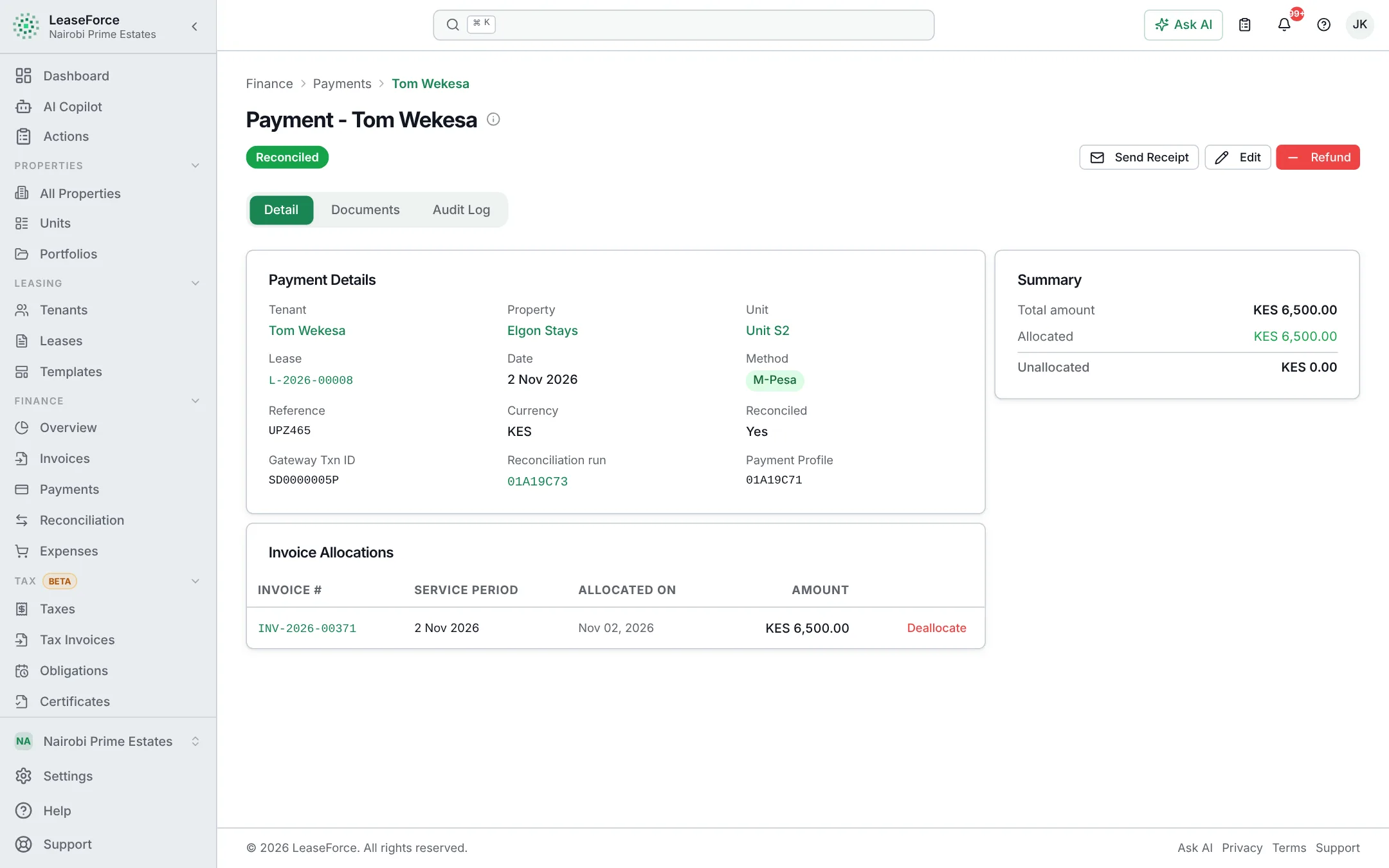
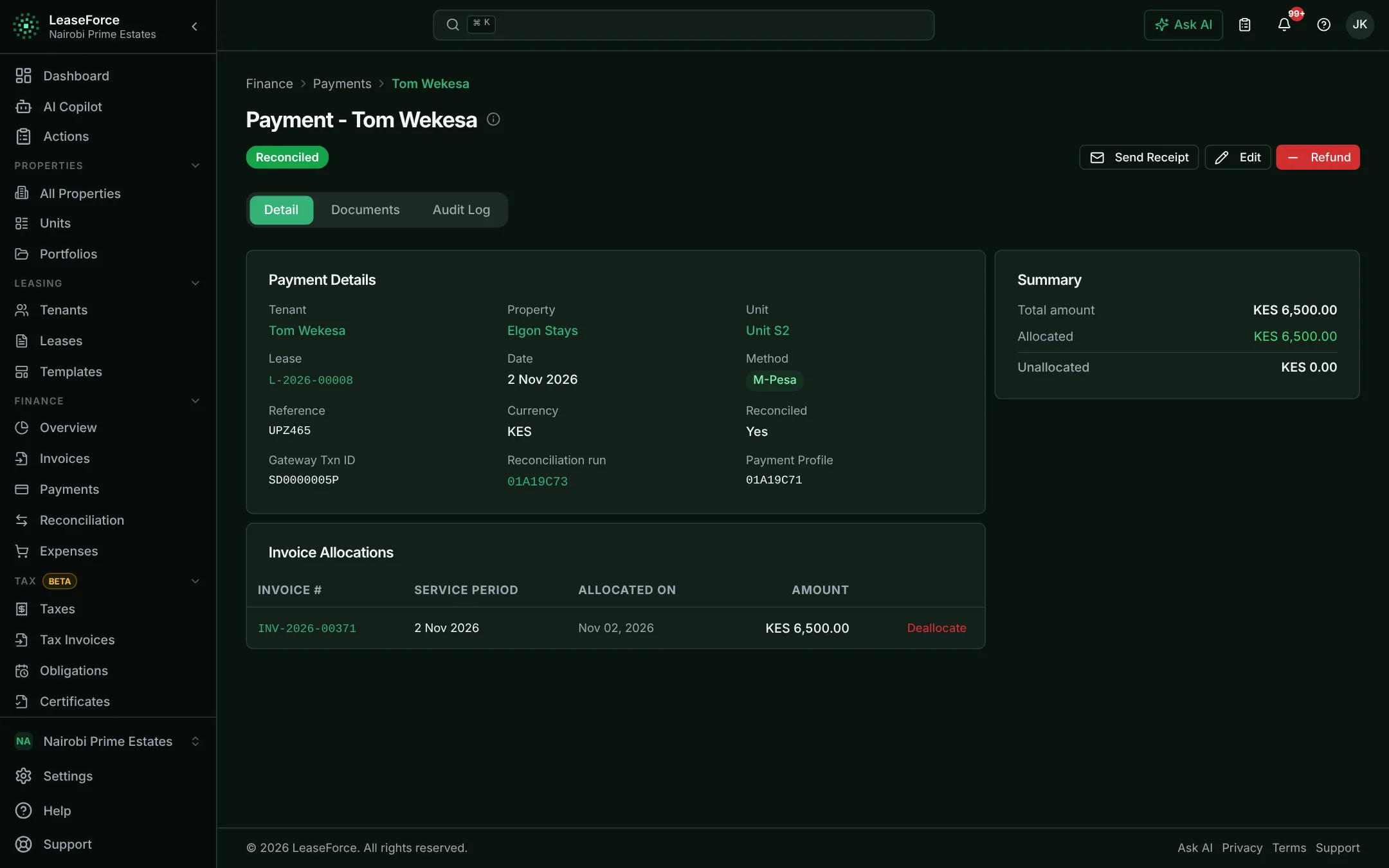
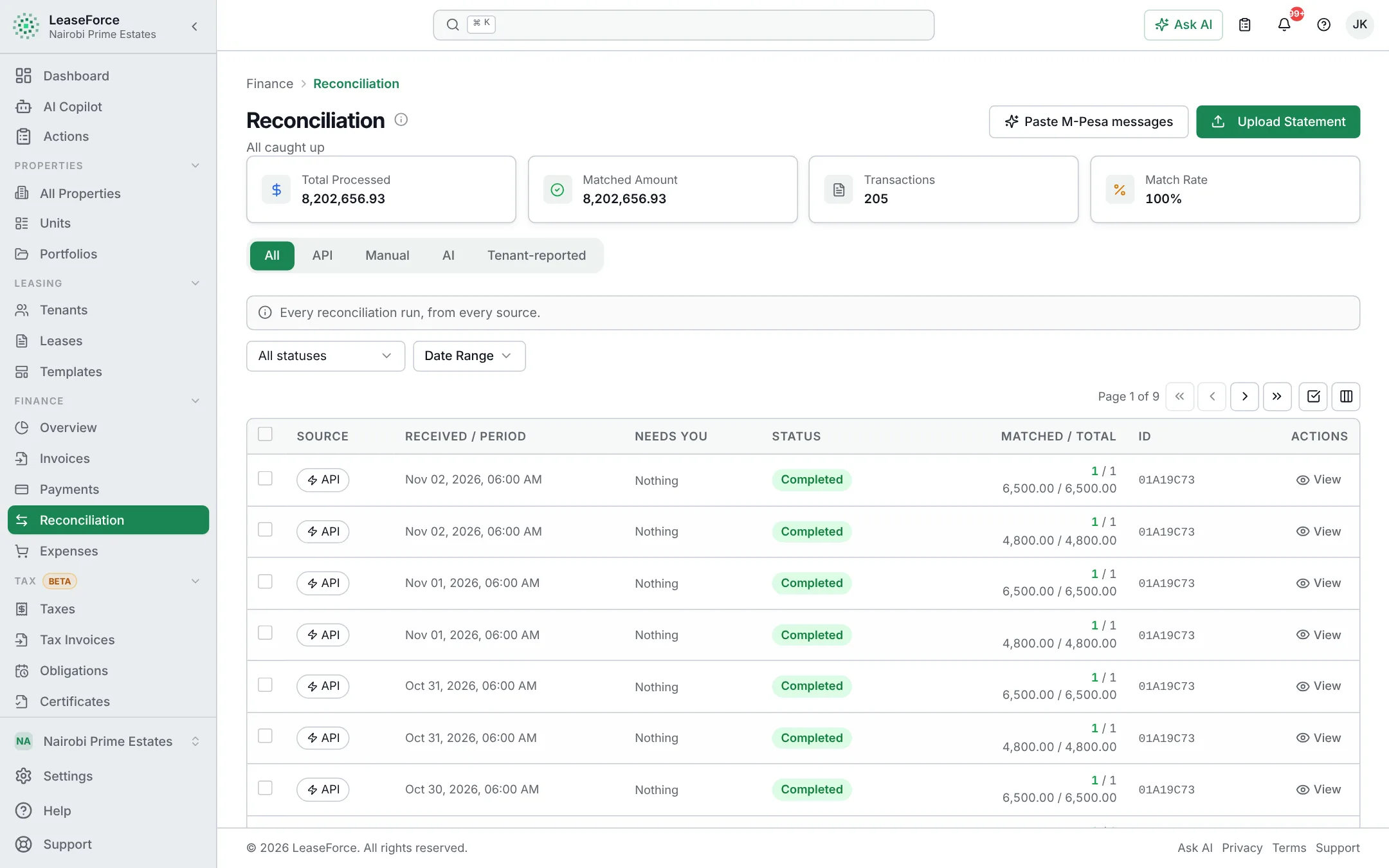
Connect your Paybill once. From then on, every M-Pesa payment is matched to the right tenant by the account number they entered, applied to their invoice and receipted. Nobody has to check the M-Pesa statement.
The problem
M-Pesa is easy for tenants and hard work for landlords
- Hundreds of M-Pesa messages or statement lines to check every month.
- Tenants enter their name, their unit or nothing at all as the account number.
- Payments from a spouse’s or an employer’s phone that nobody recognises.
- Tenants sending M-Pesa screenshots on WhatsApp as proof that they paid.
How it works
M-Pesa reconciliation in four steps
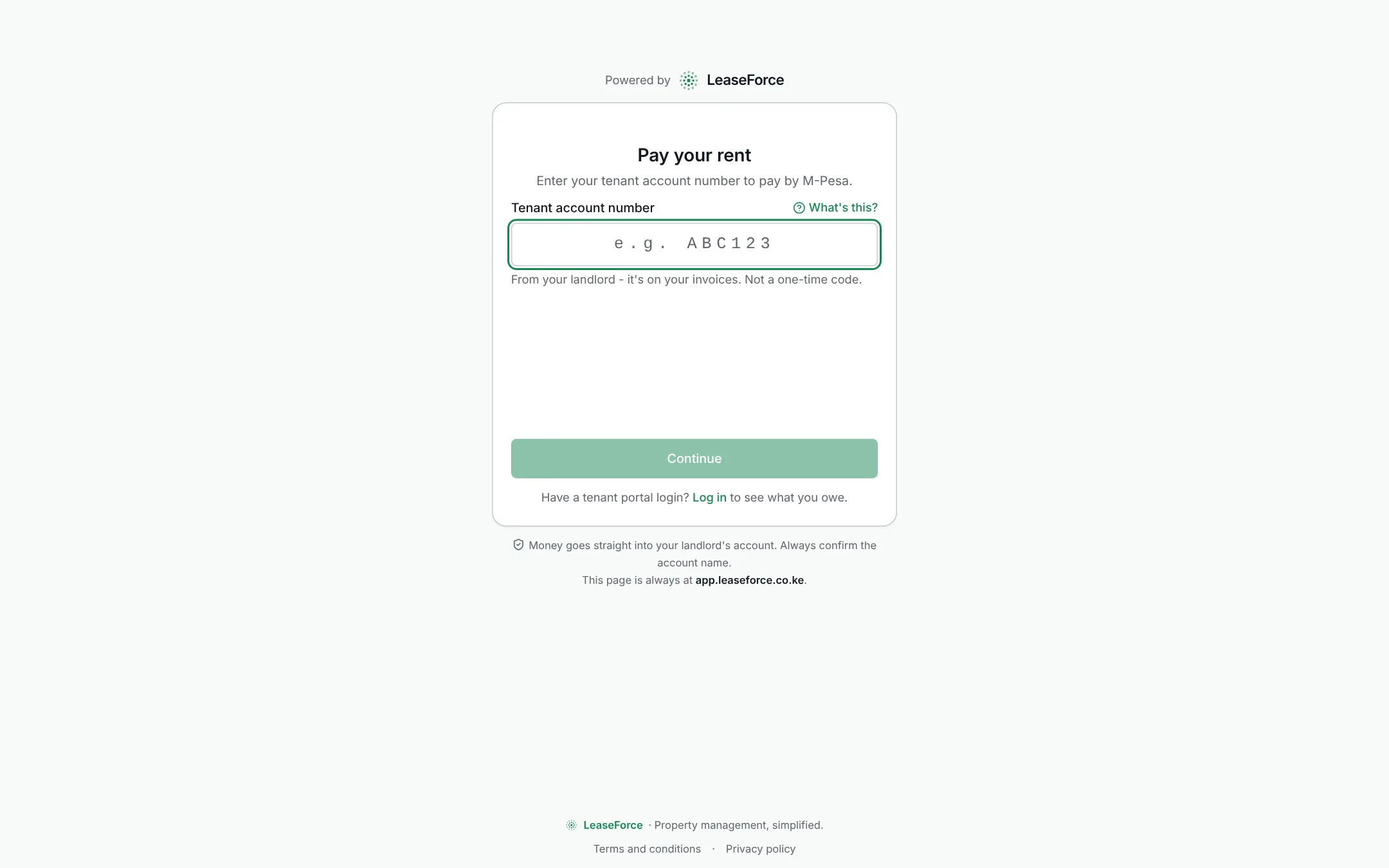
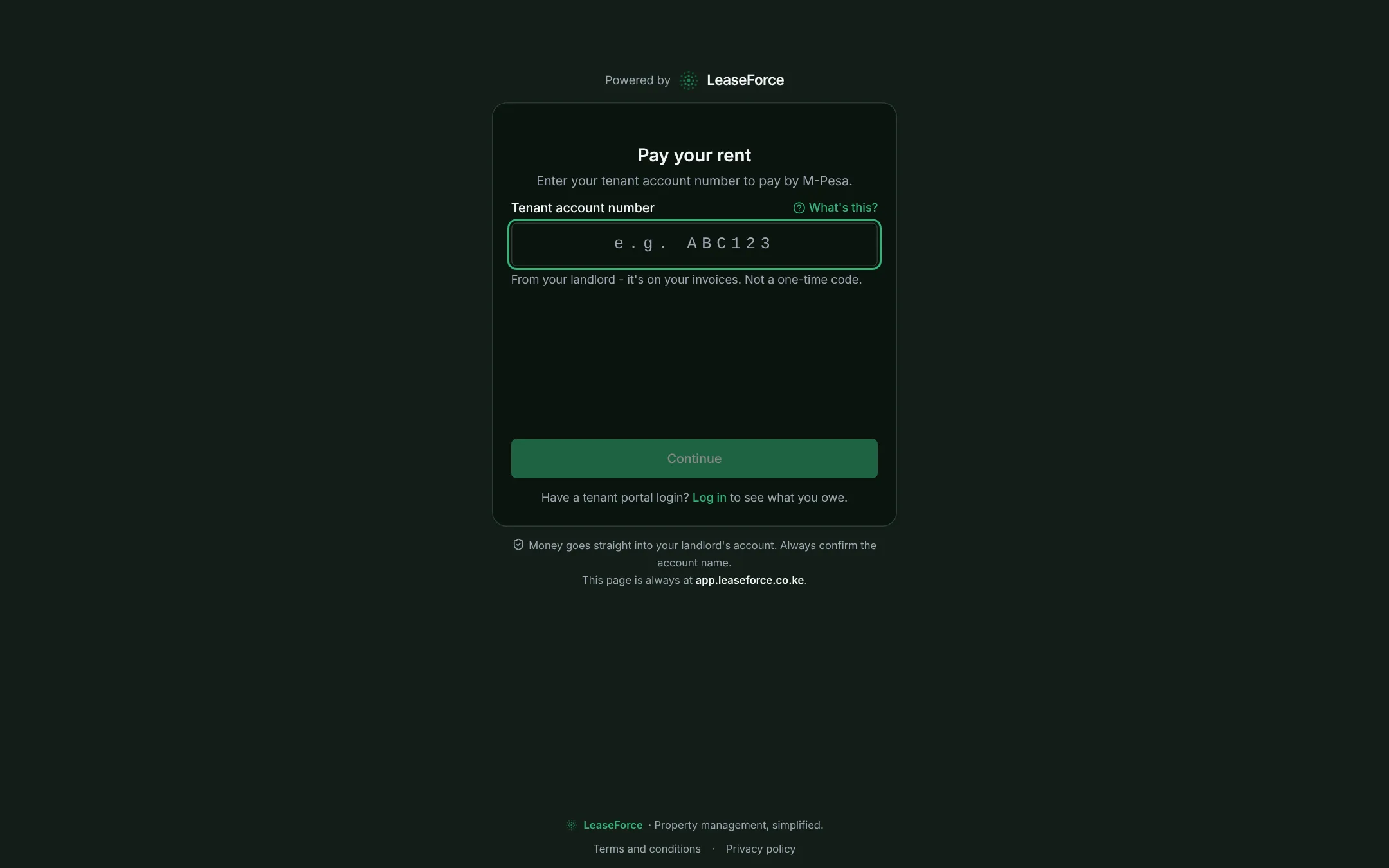
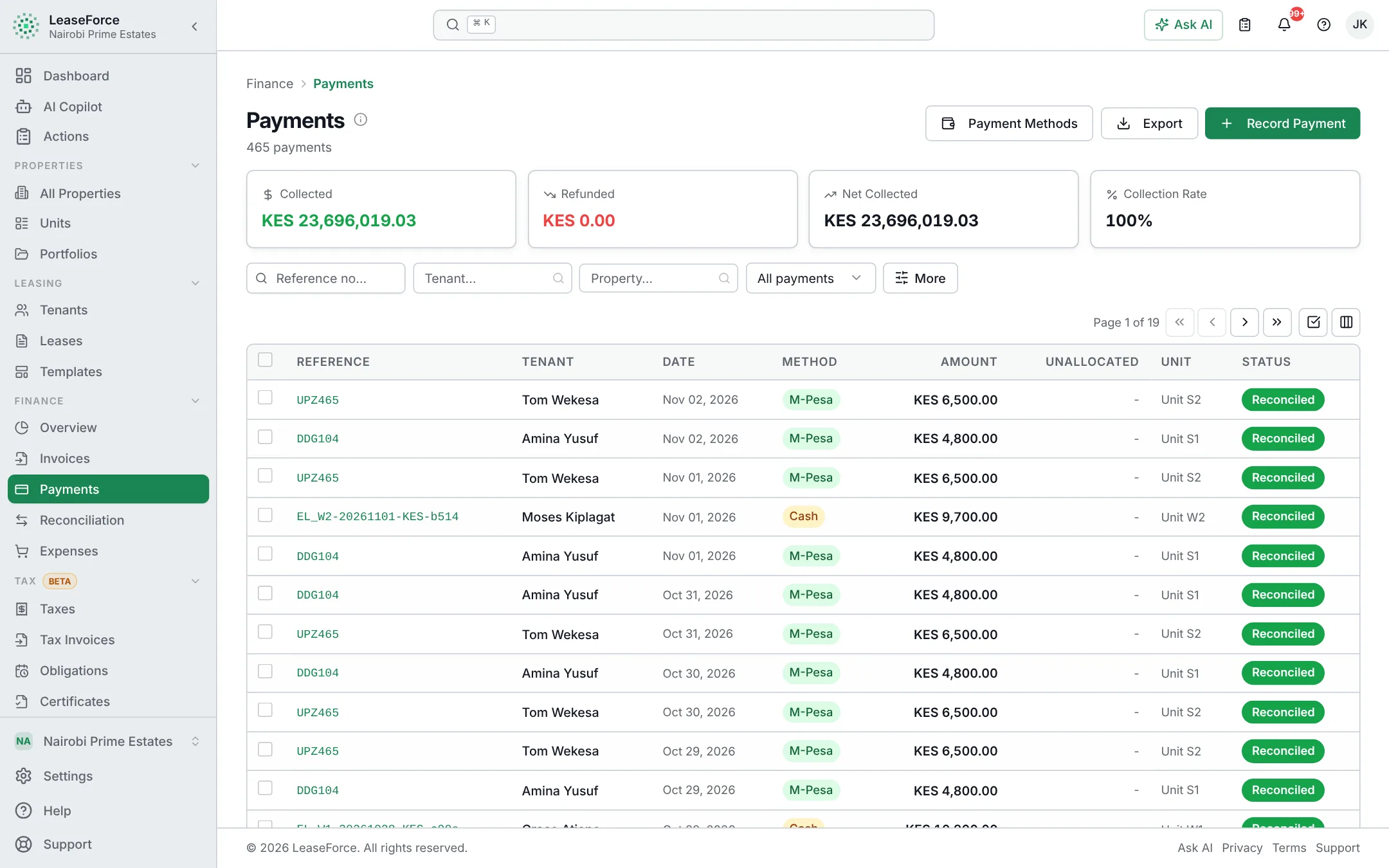
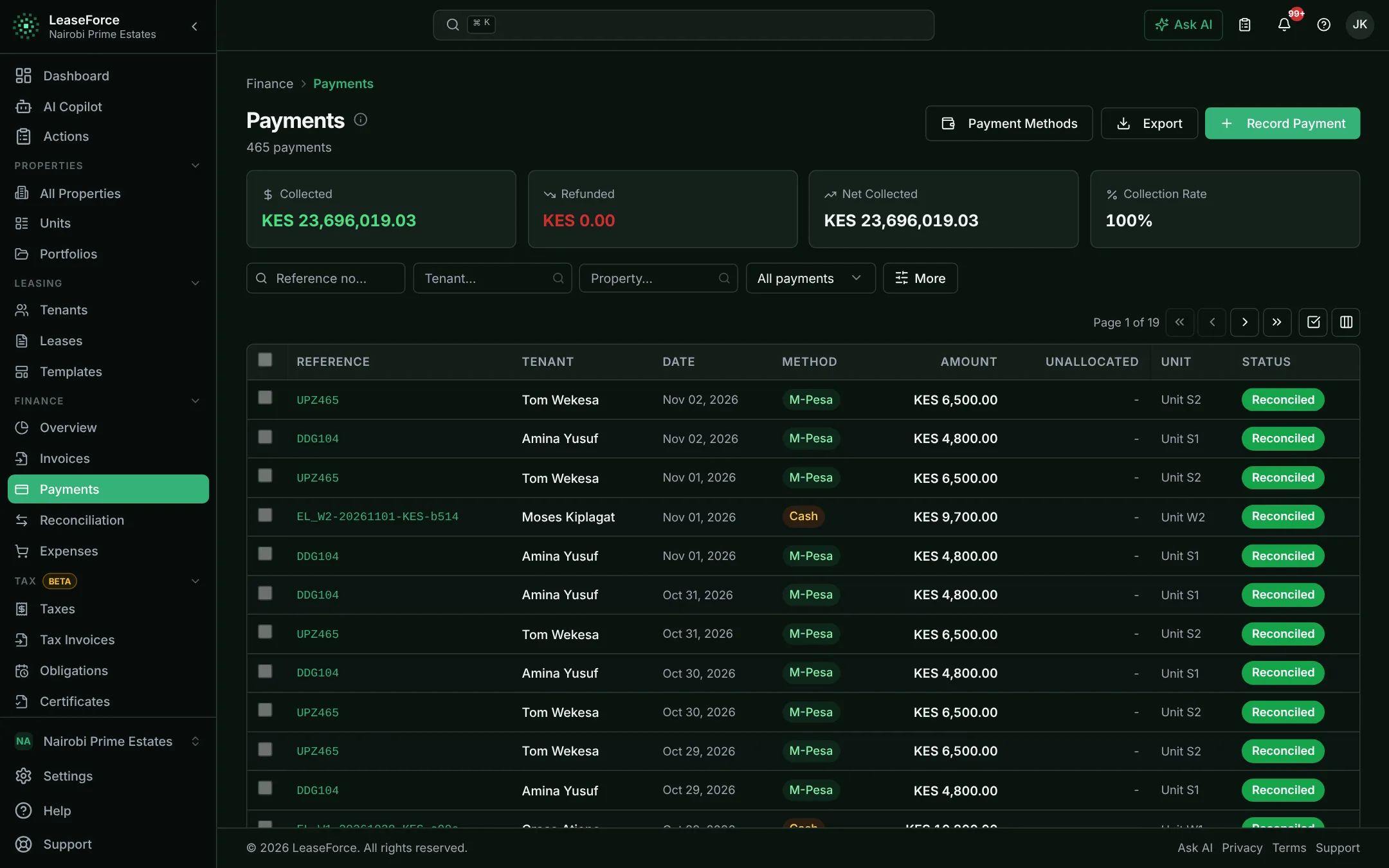
What it does
In detail
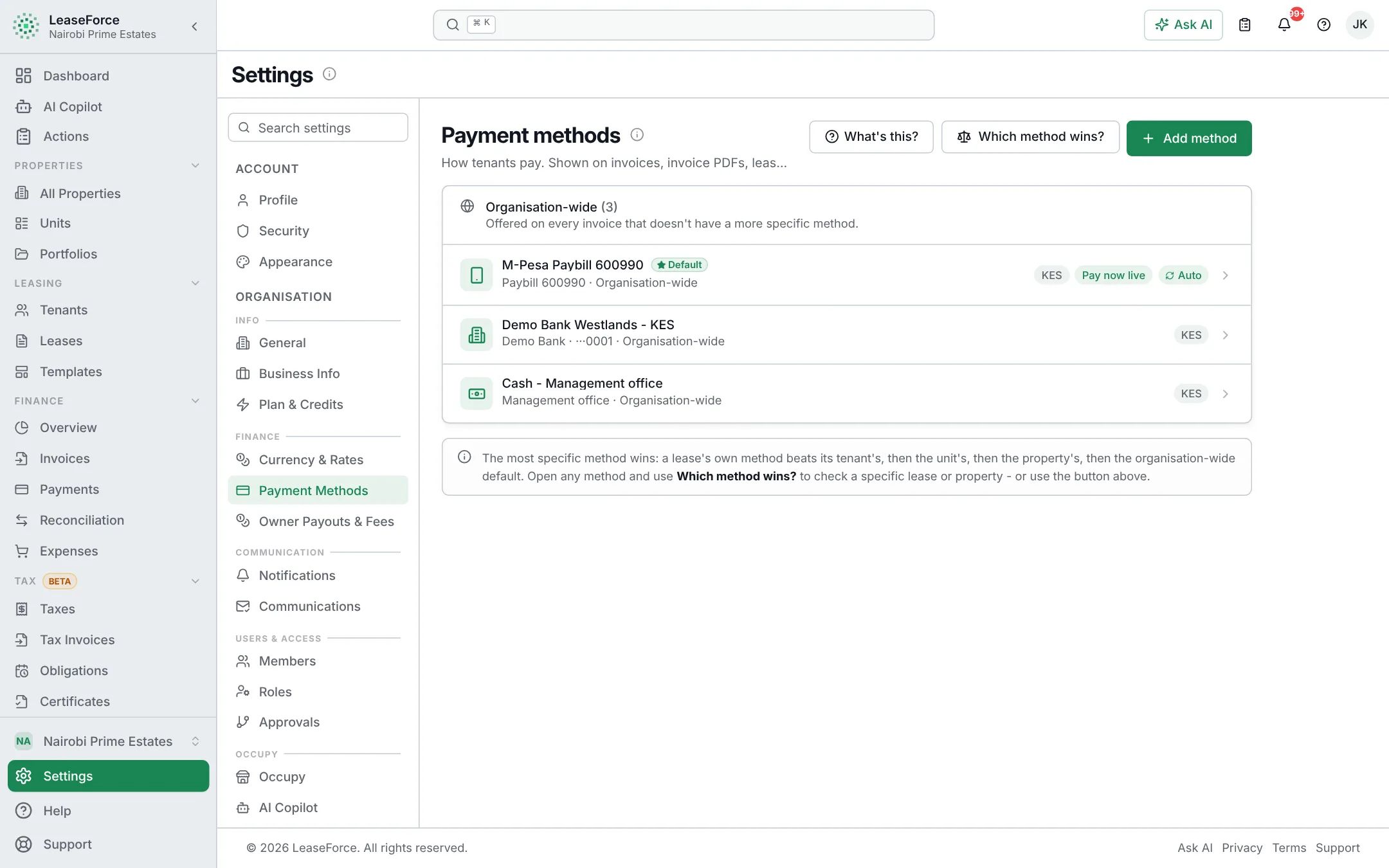
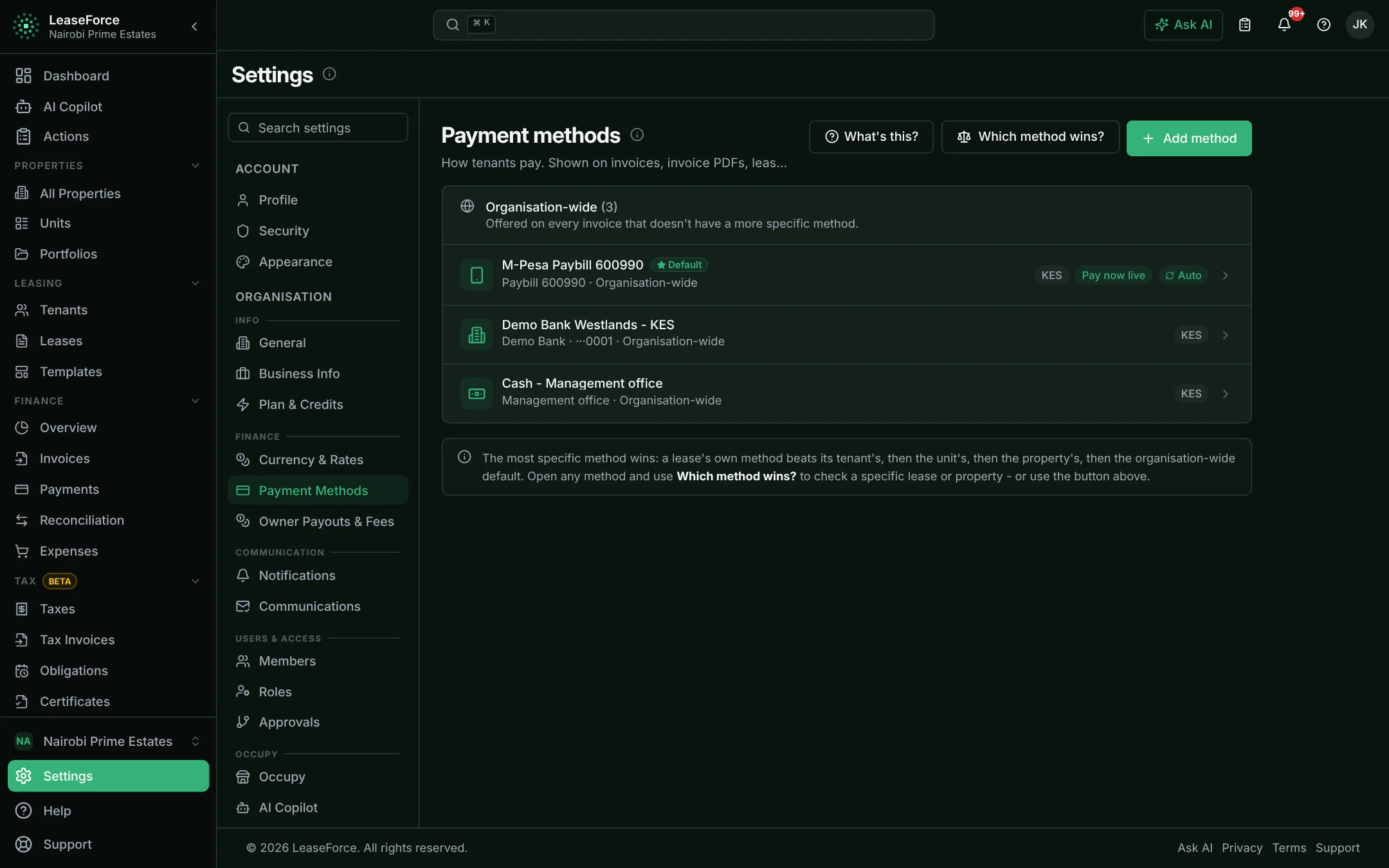
Your own Paybill or your bank’s
Use your own Paybill, or your bank’s Paybill where tenants pay into your bank account using your account number. Where the bank passes it on, tenants add their payment code after your account number, so each payment still matches.
A payment prompt on the tenant’s phone
Tenants can also pay from the tenant portal or a payment link. They enter their phone number, approve the M-Pesa prompt with their PIN, and the payment is matched to that invoice straight away.
Wrong account numbers handled
When the account number is wrong but the phone number belongs to a tenant, the payment is suggested for that tenant to confirm with one click. Anything else waits in the unmatched list with the sender’s details.
Catch up on earlier months
Upload M-Pesa statement PDFs for the months before you connected, and every money-in line is read and matched. Available on Agency plans and above.
Every payment on record
Every M-Pesa notification is kept with what it became, so you can always see what arrived and where it went.
Payouts by M-Pesa
Agencies that pay owners by M-Pesa get a ready-made bulk payment file, so payouts go out without retyping.
Questions
M-Pesa reconciliation: common questions
Do I need my own Paybill?
No. You can use your own Paybill, or your bank’s Paybill with your bank account number.
What does a tenant enter as the account number?
Their payment code, which never changes. It is printed on every invoice and shown in the tenant portal. You can choose to have tenants enter the invoice number instead.
How quickly does a payment show up?
Within seconds of M-Pesa confirming it. The receipt goes out at the same time.
What if a tenant pays from someone else’s phone?
If the account number is right, the payment is matched as normal, whoever’s phone it came from. If the account number is also wrong, it waits in the unmatched list with the sender’s name and number for someone to assign.
Does it cost extra?
No. M-Pesa reconciliation is in every plan, including the free Starter plan. Safaricom’s own Paybill charges still apply.
Related
Keep reading
Payment reconciliation
Every rent payment matched to the right tenant, automatically
Bank API reconciliation
Bank payments matched as they land, not at month end
AI
AI that does property management work, not just chat
See your rent reconcile itself.
Set up in an afternoon, on any device. Free for up to 5 units.